Bombay YMCA - Cancel Receipt , Payment Entry & Advance Payment Entry
By Aditya Das on May 29, 2023
IntermediateCancel Receipt , Payment Entry & Advance Payment Entry
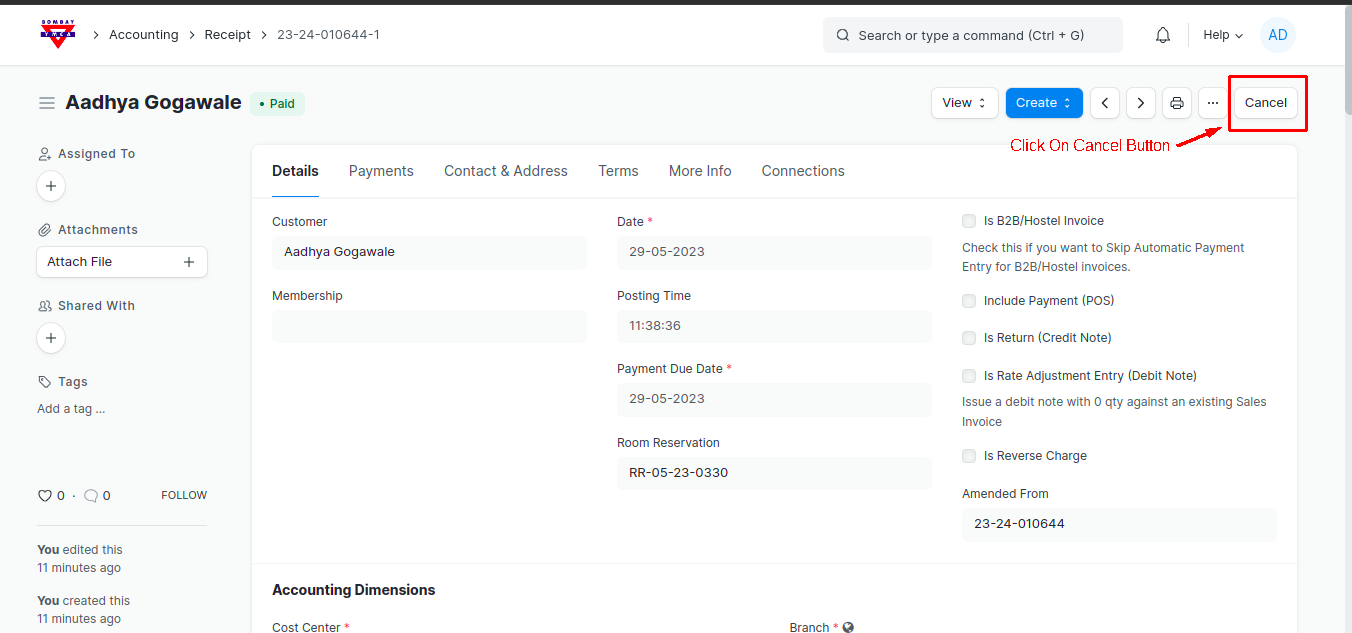
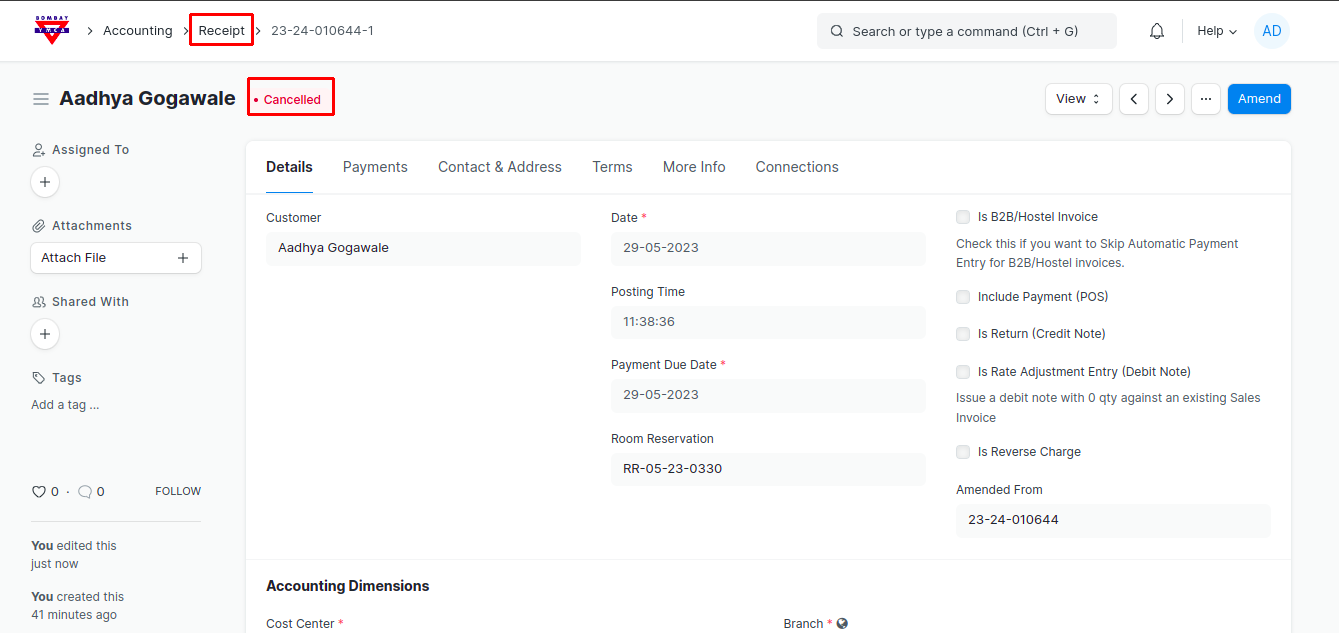
1) Go to Receipt List, select Receipt which you want to cancel then click on cancel button
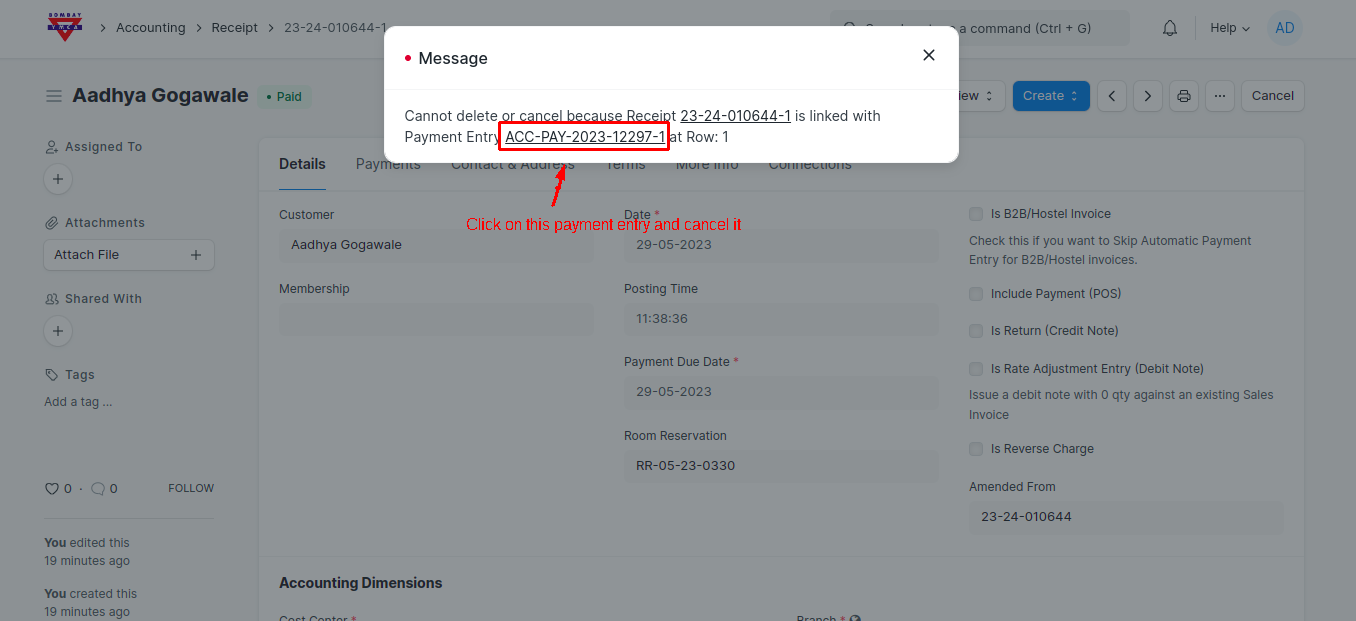
2) After Click on Receipt cancel button message will pop up. In this message click on this payment entry and first cancel this payment entry.
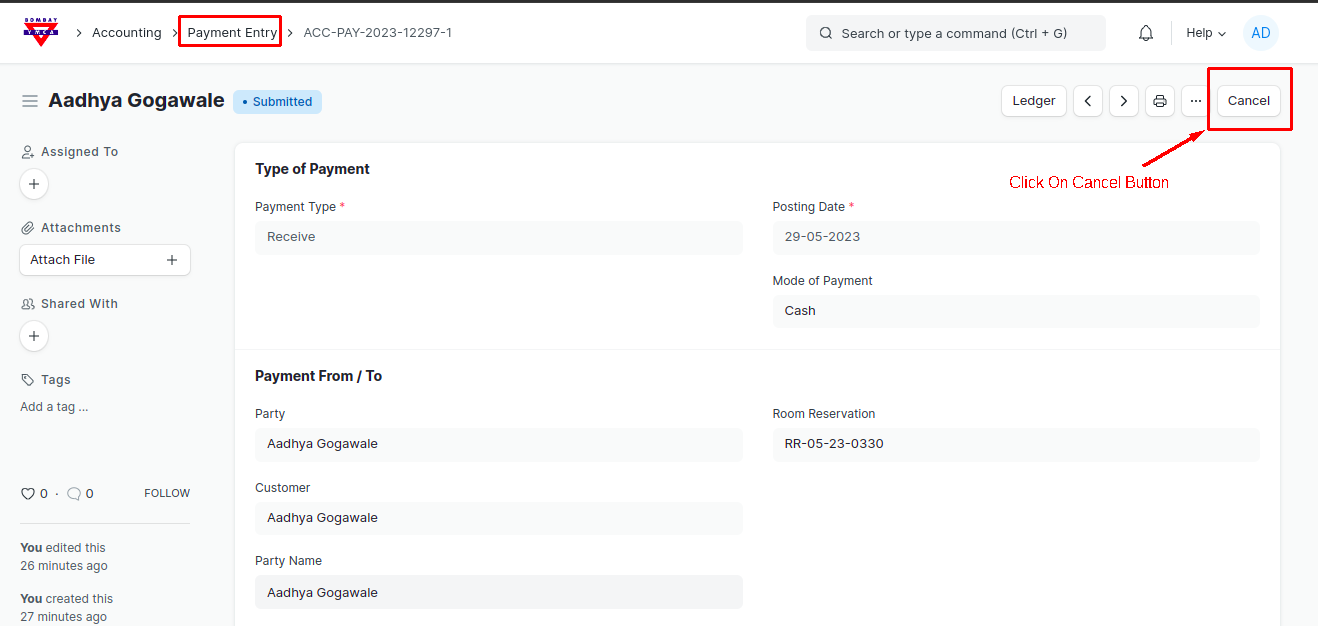
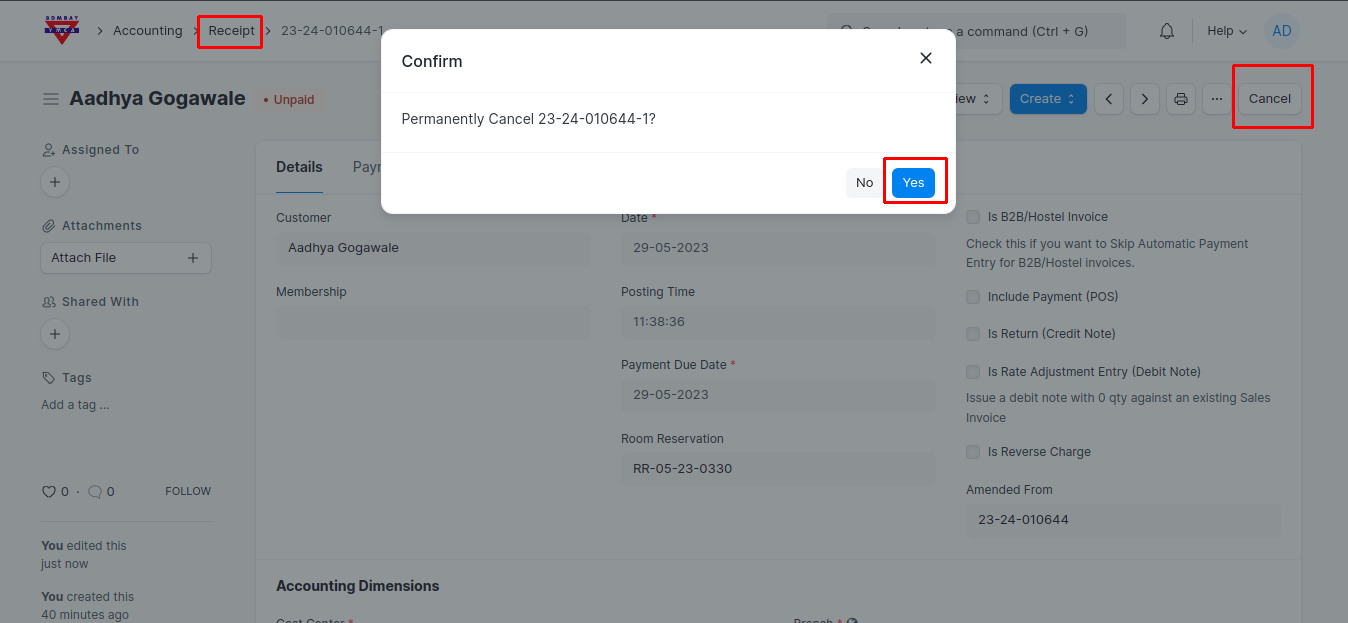
3 ) After cancel payment entry go to receipt and click on cancel button
Was this article helpful?
More articles on Room Booking