Bombay YMCA - Reminder to renew Activity Receipt
By Reshma TW on May 20, 2023
BeginnerTo access notification set up go to:
Home> setting> Notification
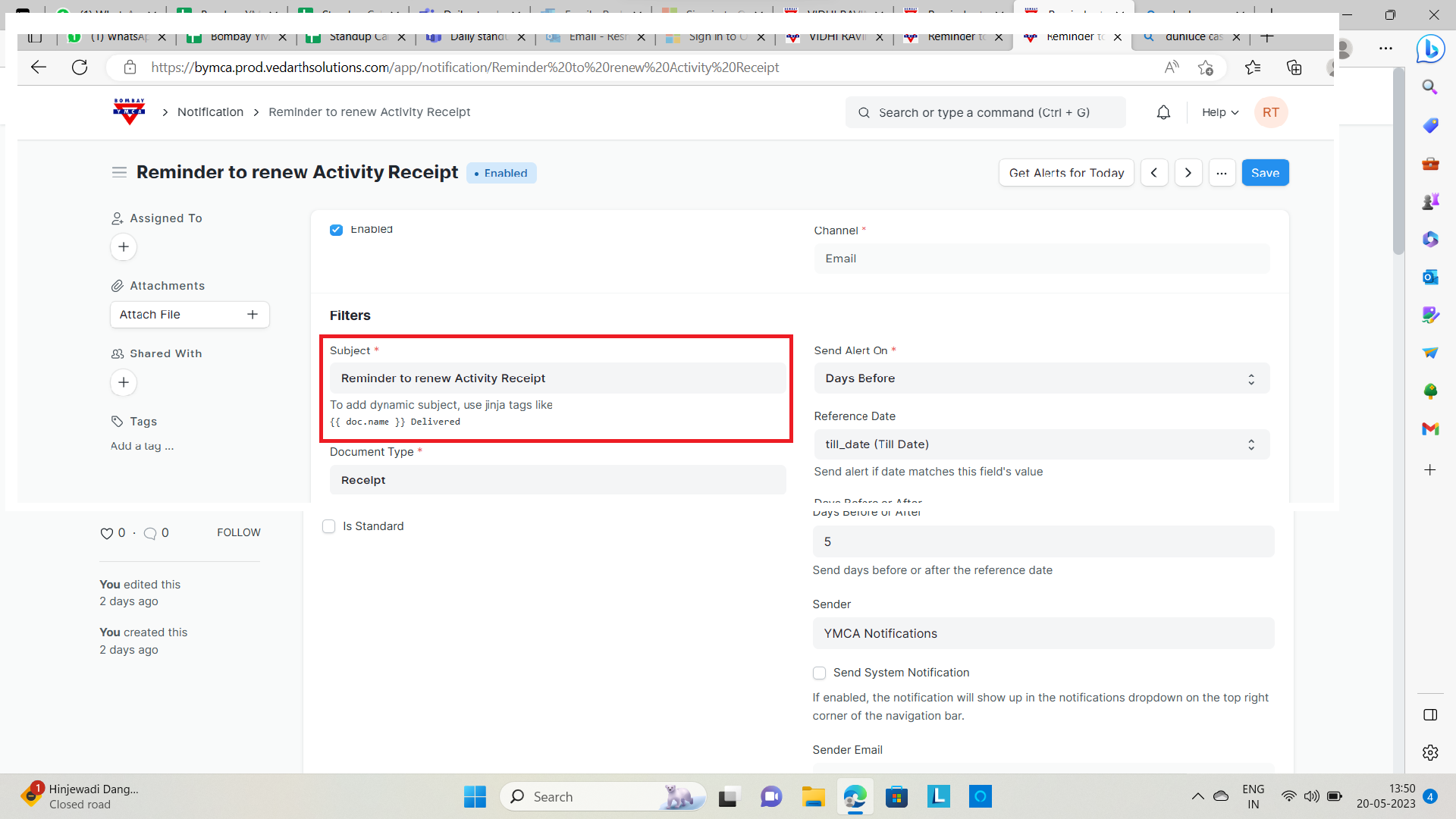
A] Setting a subject.
B] Setting Up an Alert
To set up a Notification:
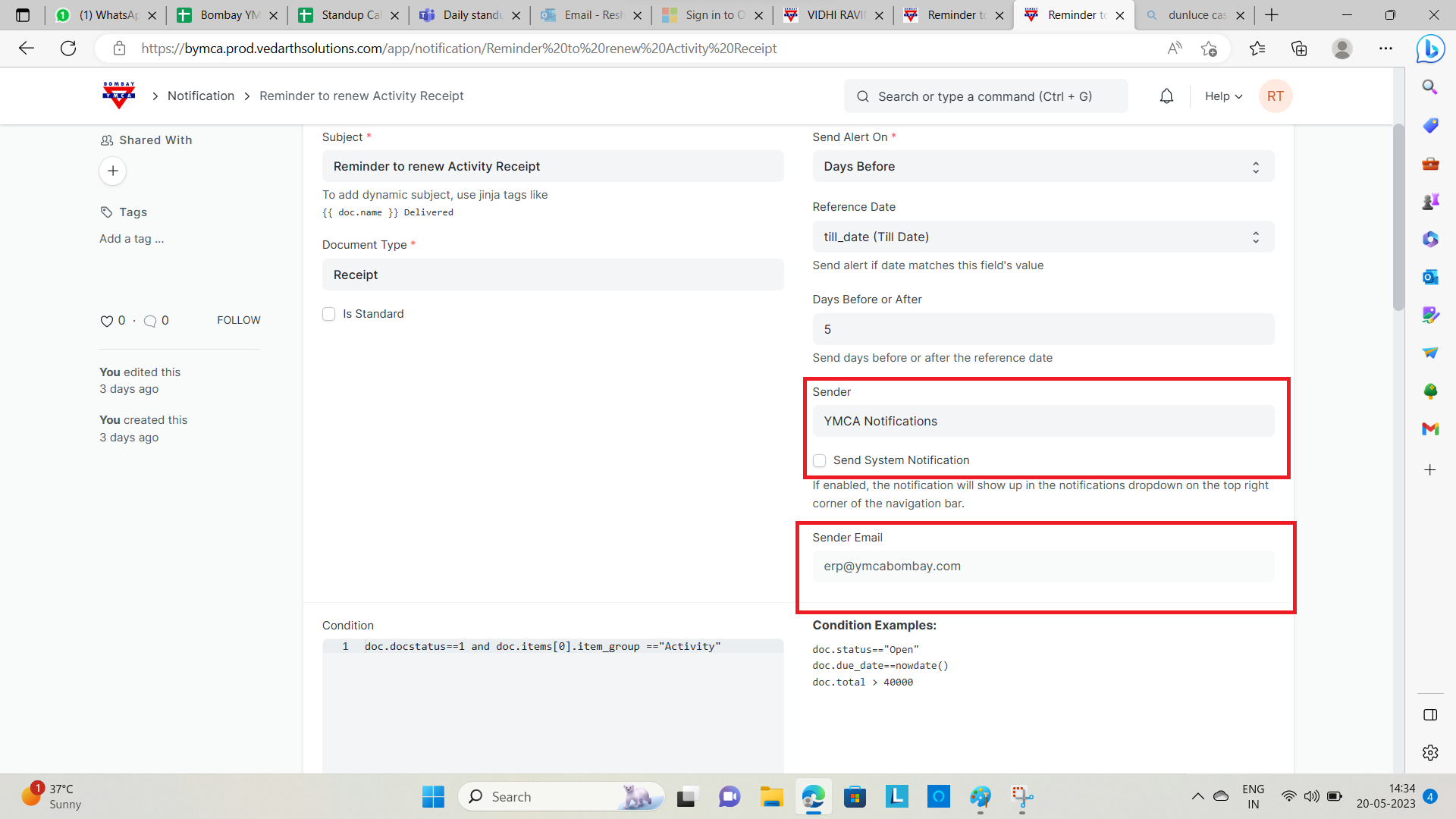
1)Select the Document Type you want to watch changes on.
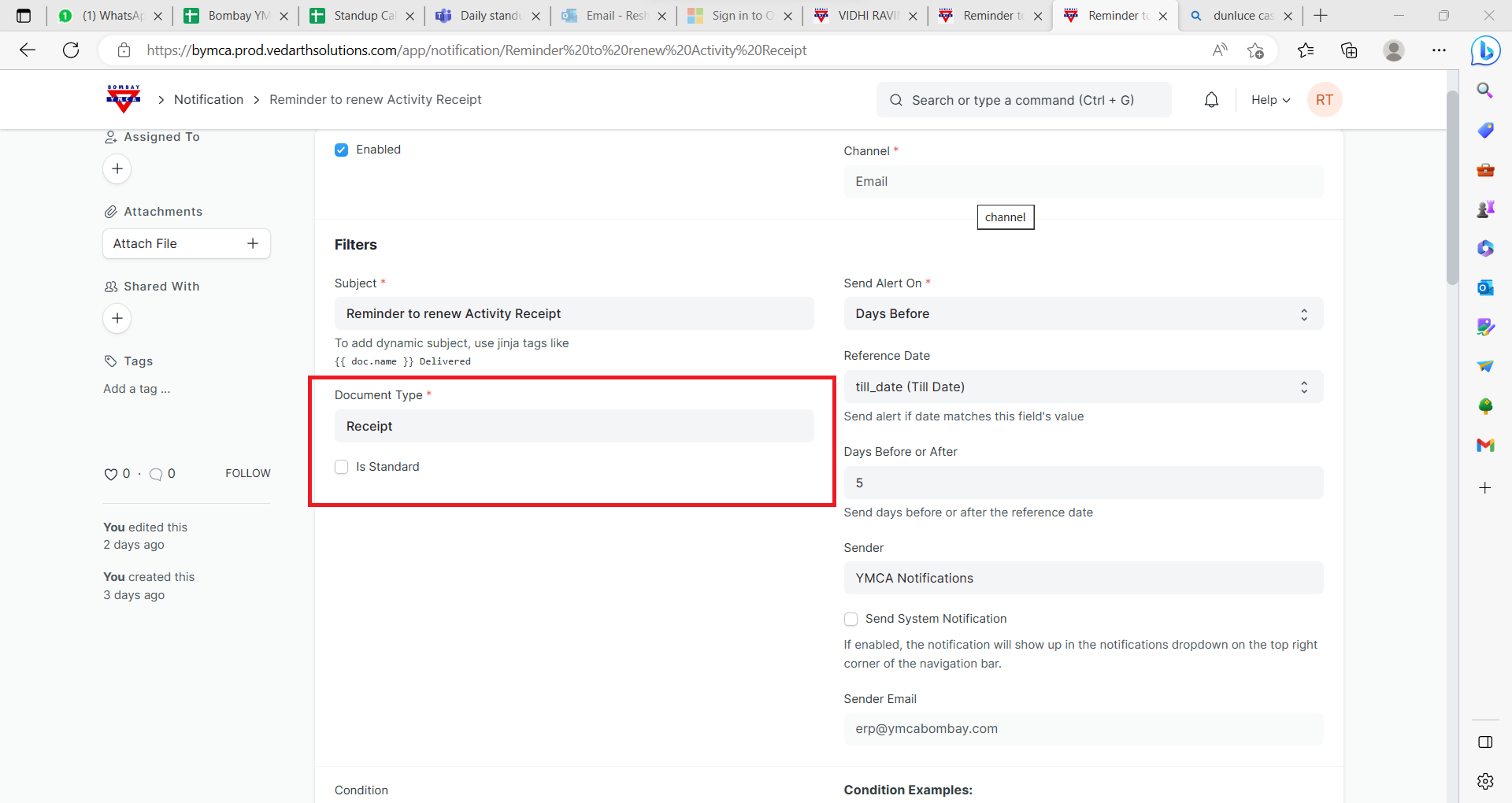
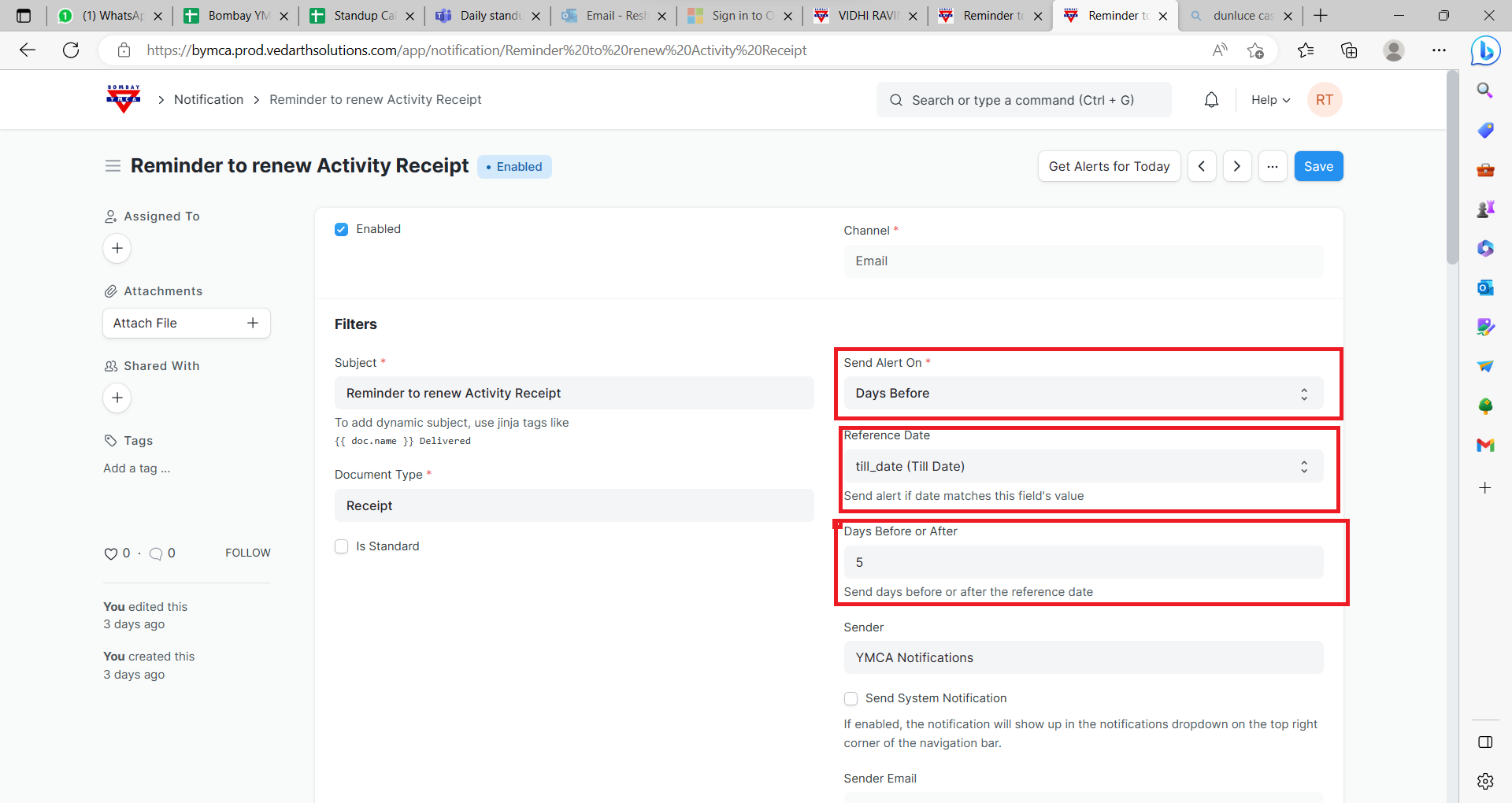
2)Days Before: Trigger this alert Days before the Reference date.
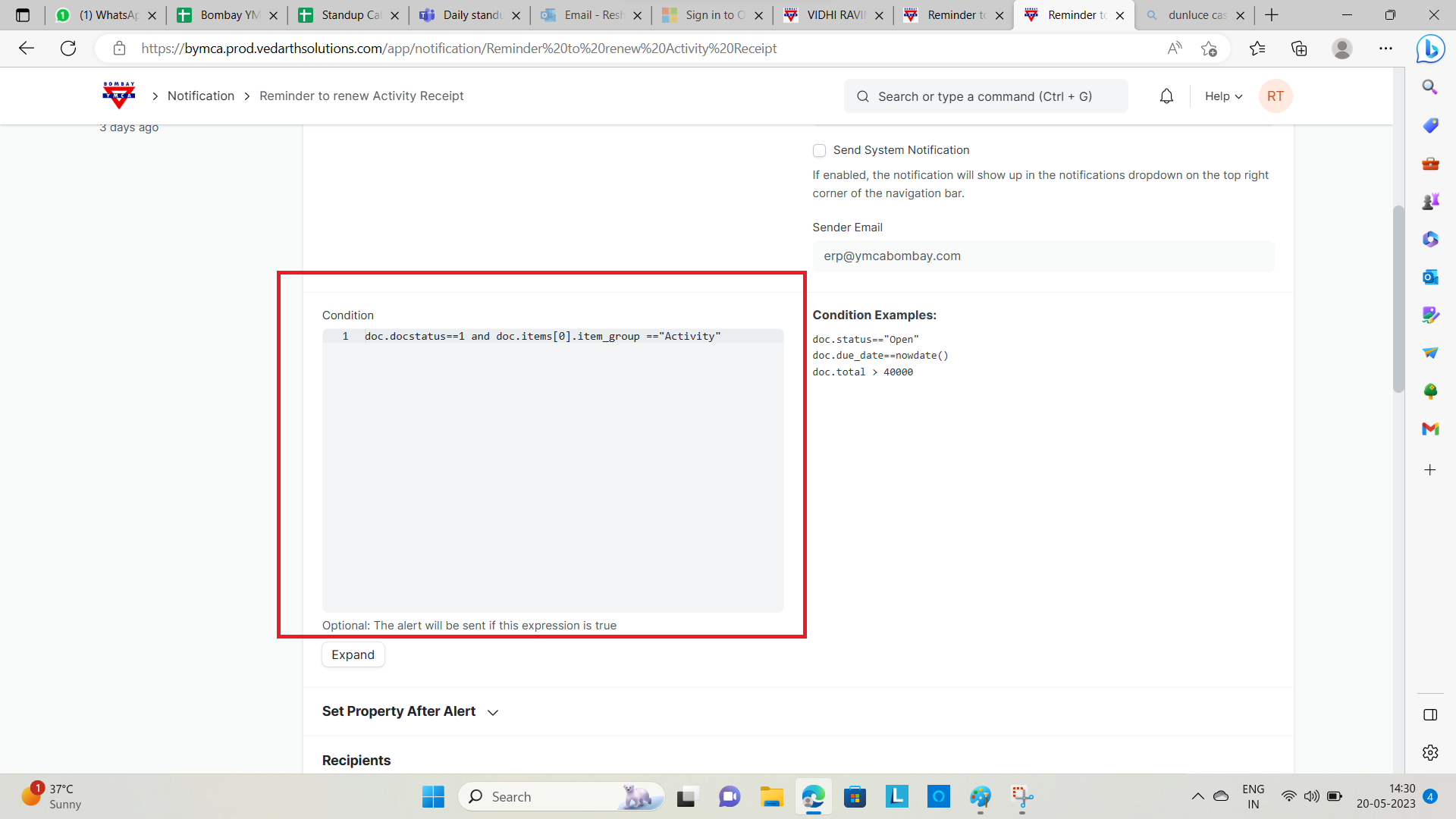
3)Set additional Conditions if required.
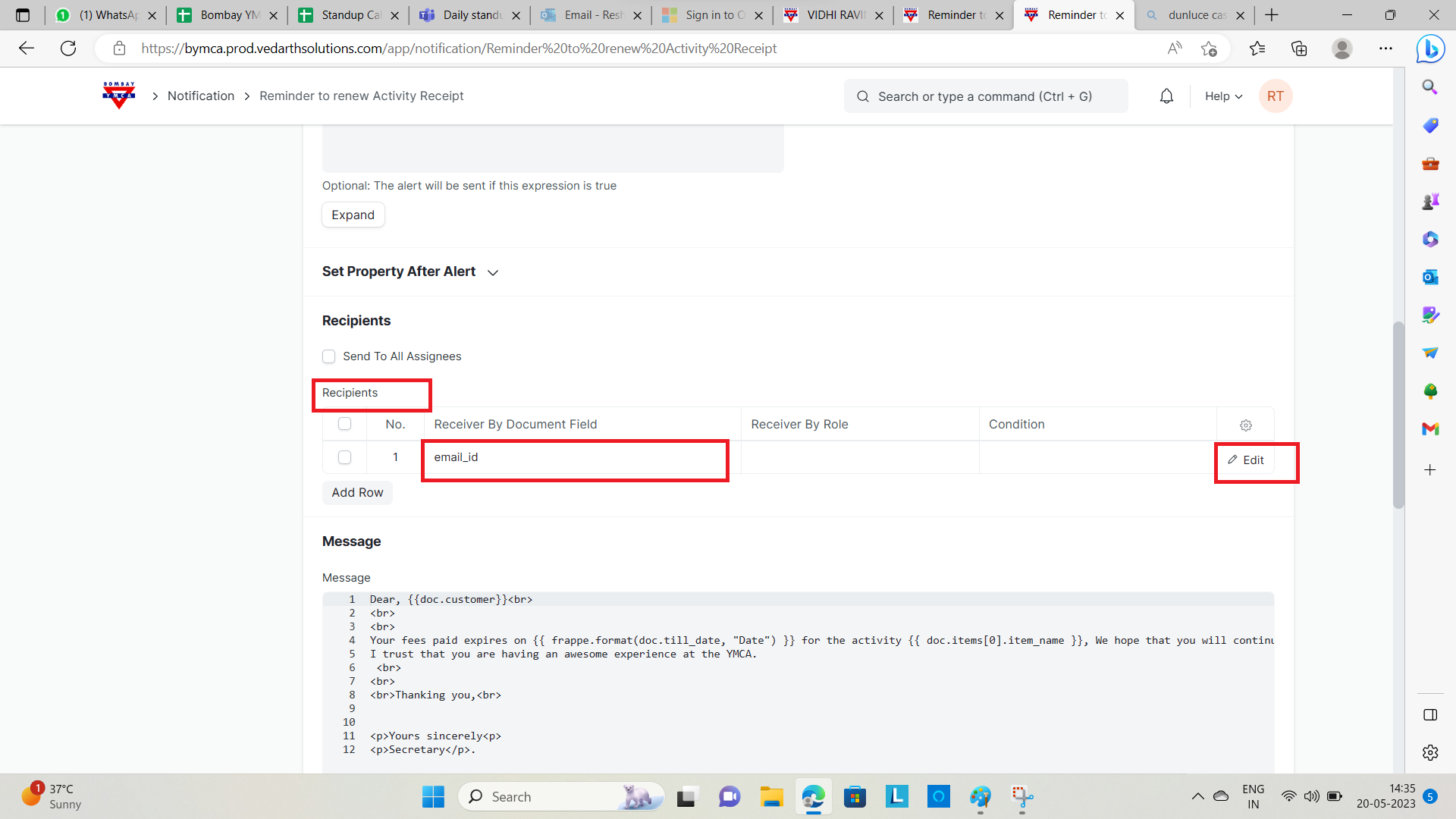
4) Set the Recipients of this alert (set the Email Addresses)
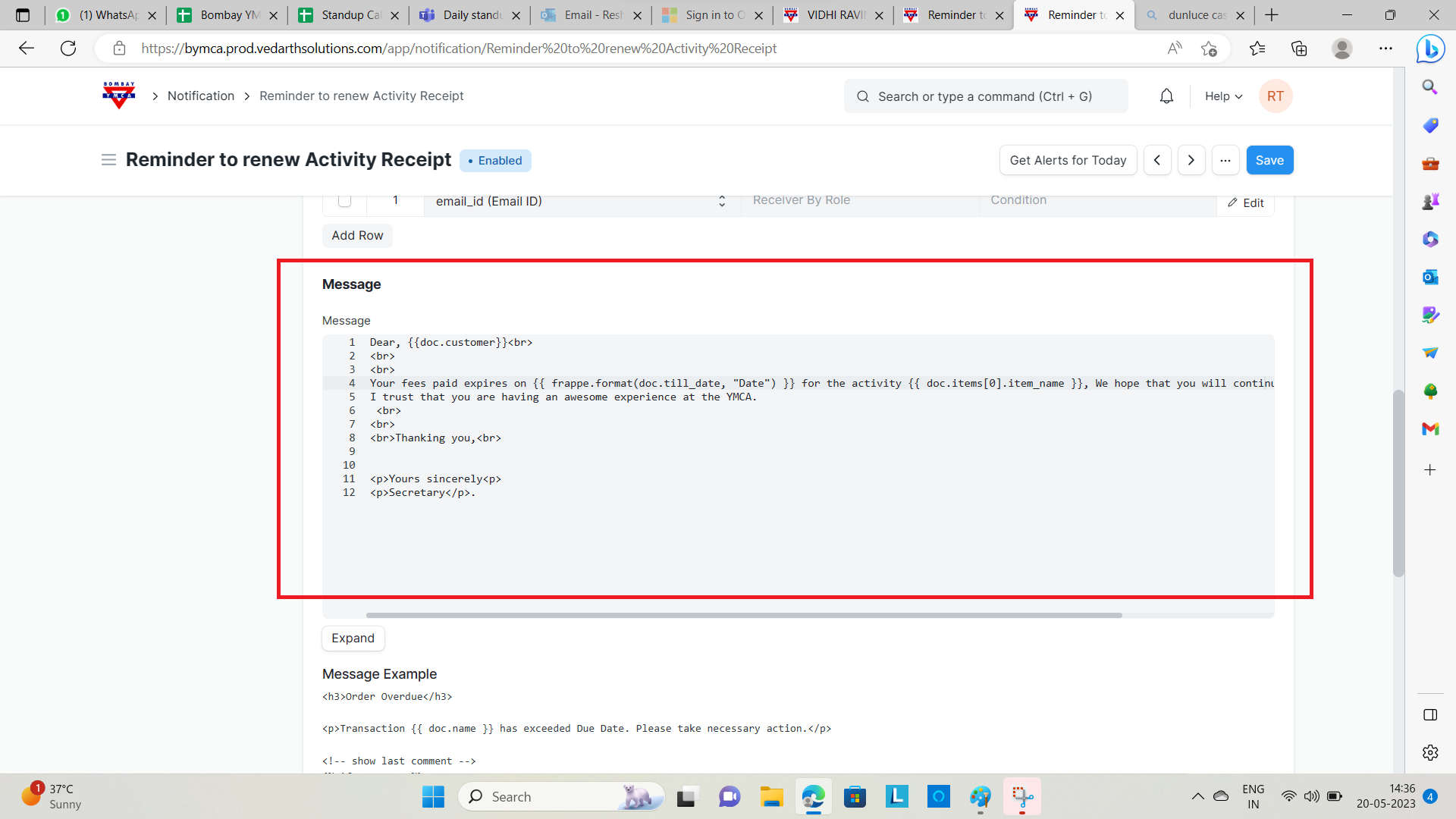
5)Compose the message.
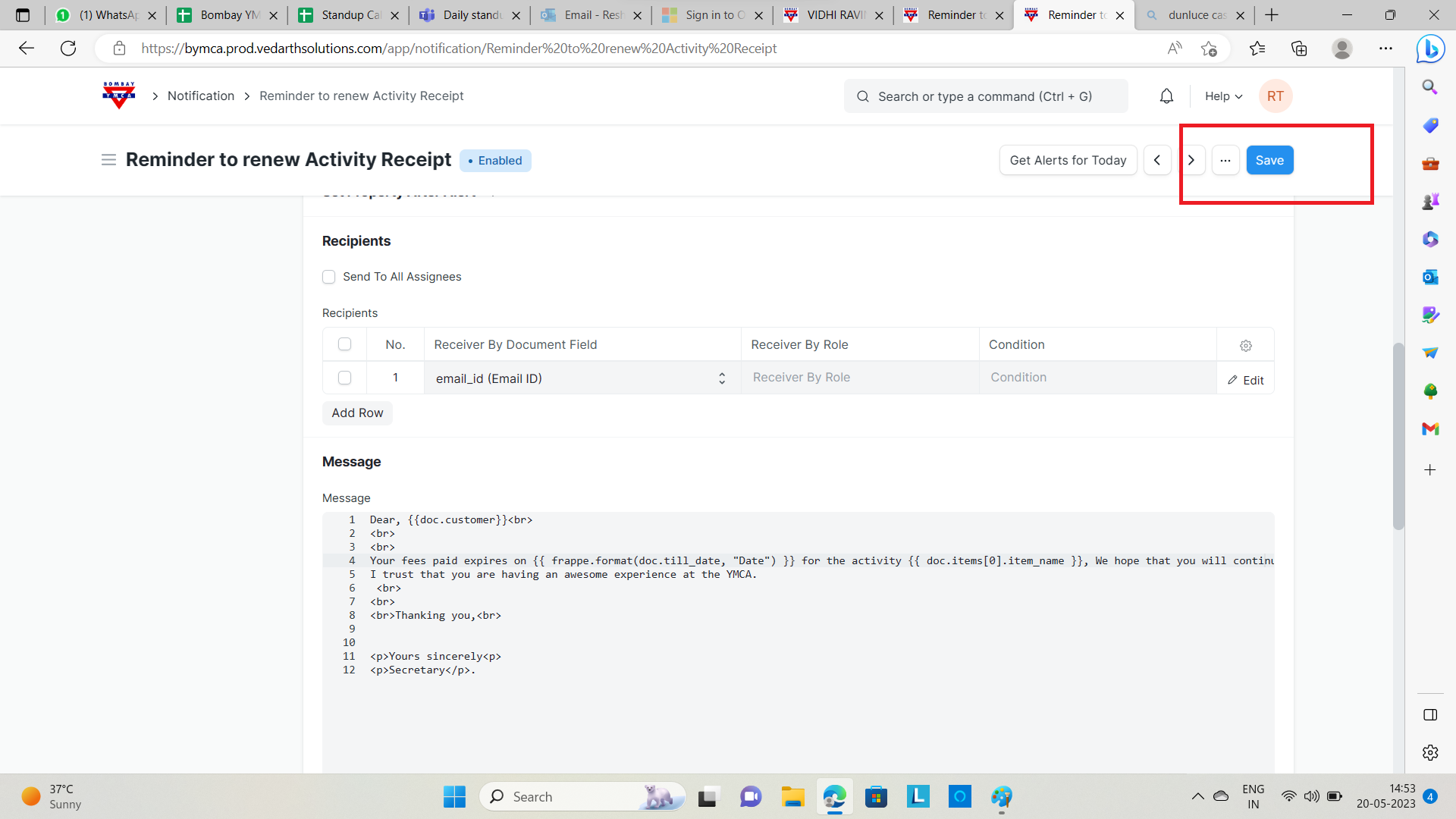
6)Save.
Was this article helpful?
More articles on Receipt