Bombay YMCA - Cash Handling Charges Receipt
By Balaji Shinde on April 26, 2023
Intermediate1) For cash payments there will be 'Cash Handling Charges' applicable.Currently 5% charges are applicable, to handle the scenario it is decided to create one more receipt for cash handling charges.
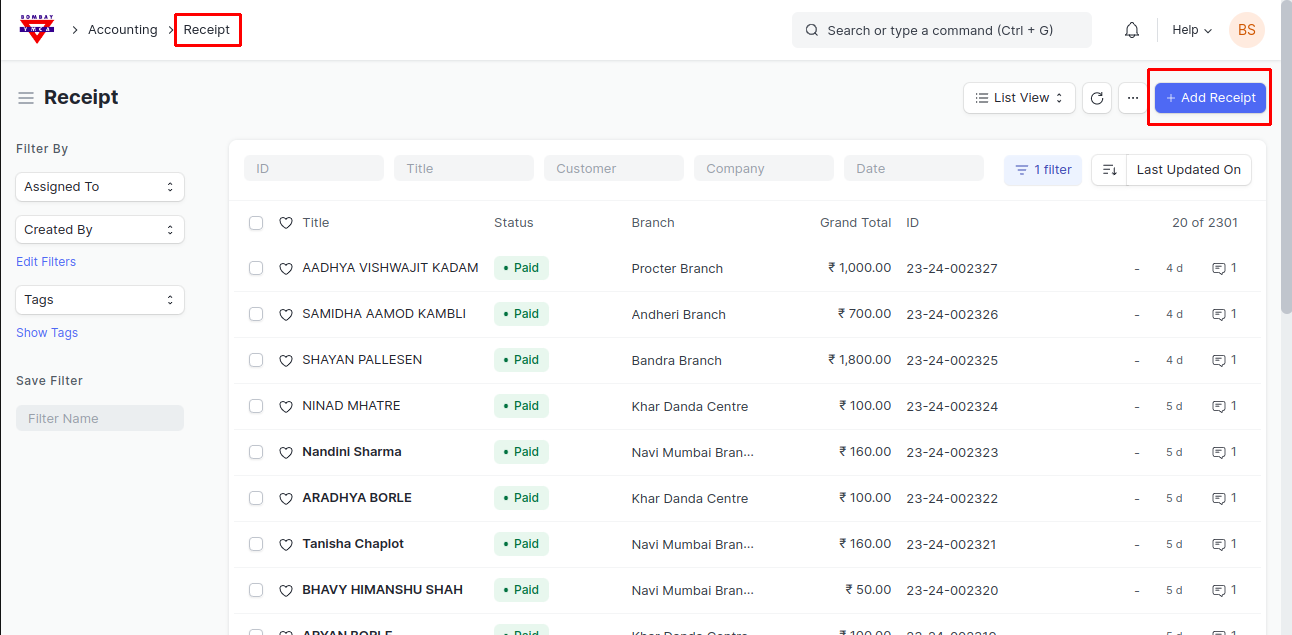
2) To make receipt of Cash Handling Charges, go to Receipt and create New Receipt
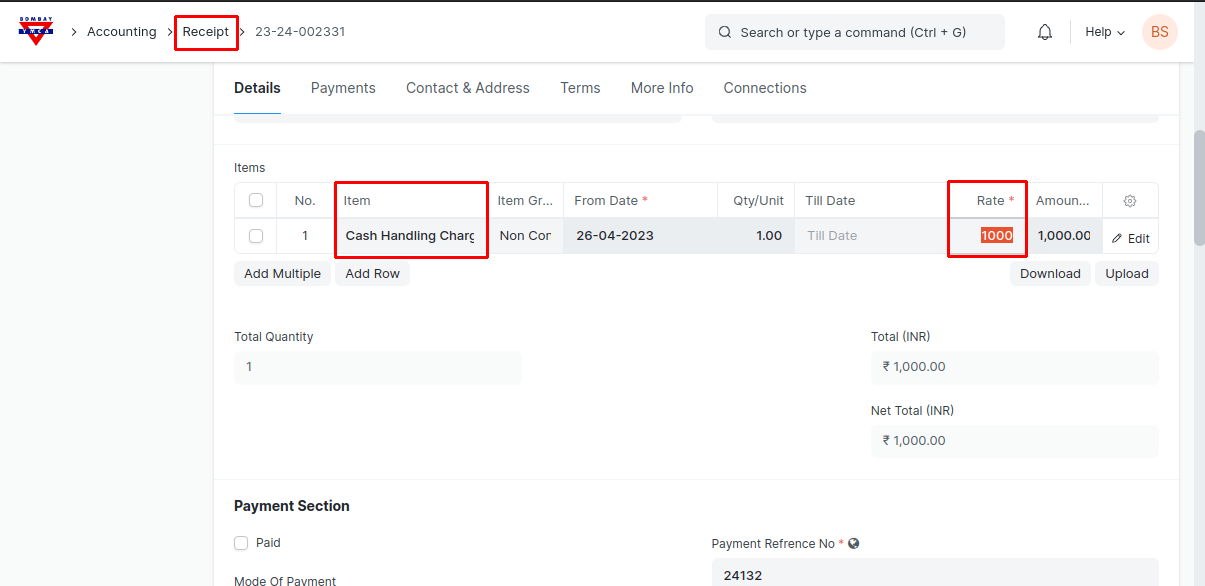
3) Fill all the required fields in the receipt form and add "Cash Handing Charges" Item to the items table in the Receipt, after save and submit, Receipt will get generated.
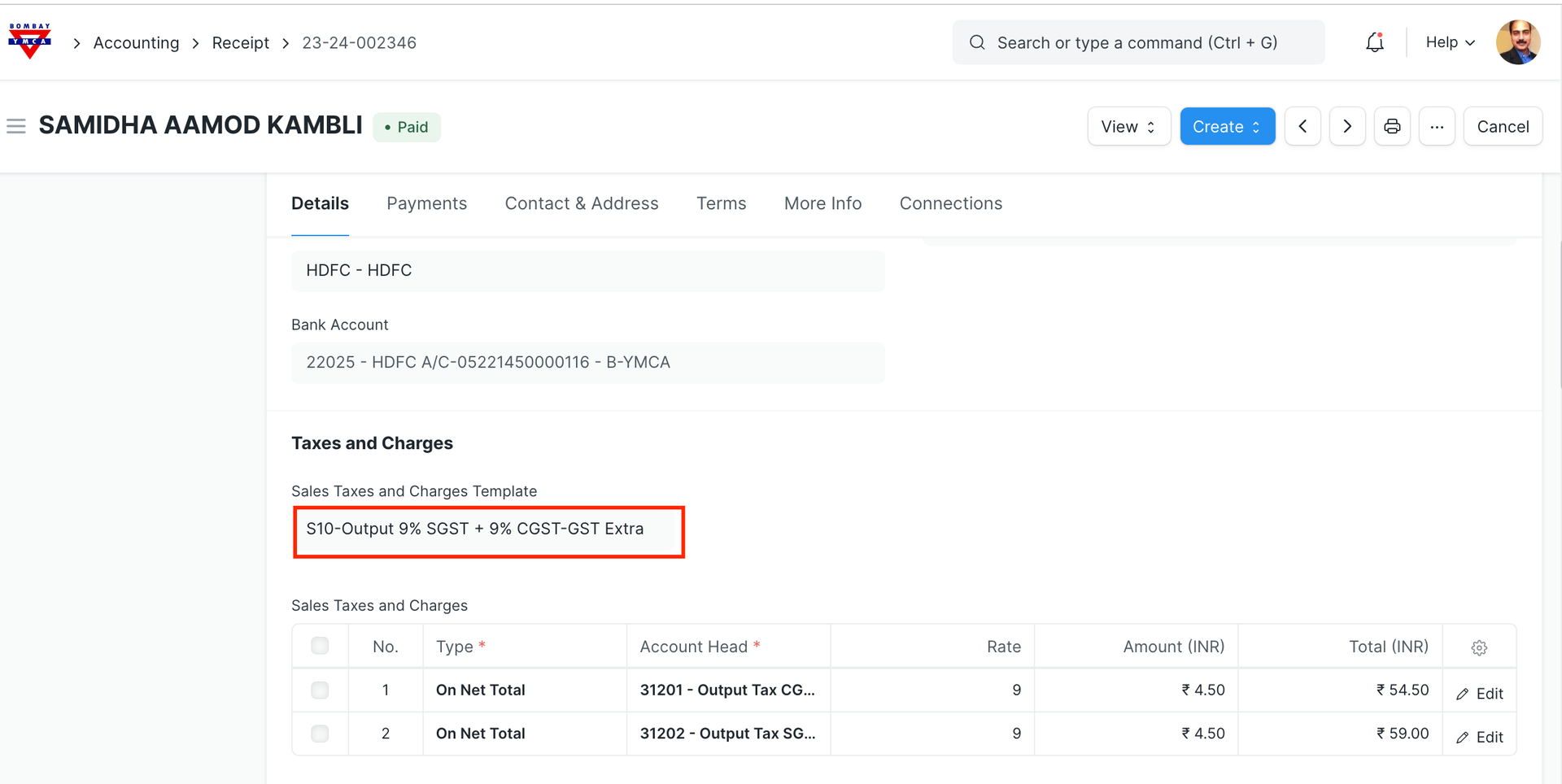
4) Now the GST charges are extra so you need to select S10 tax template to apply GST Extra on the amount.
5) So for any Cash payment, there will be two receipts generated. One is for Activity/Membership and second is for Cash Handling Charges.
***End Of the Document***
Was this article helpful?
More articles on Receipt