Bombay YMCA - Create Purchase Order
By Satish Aralkar on January 28, 2023
IntermediatePlease check if the item codes are available in ERP. If buying new items then create Item code first and then create material request.
Create a Material Request from Branch
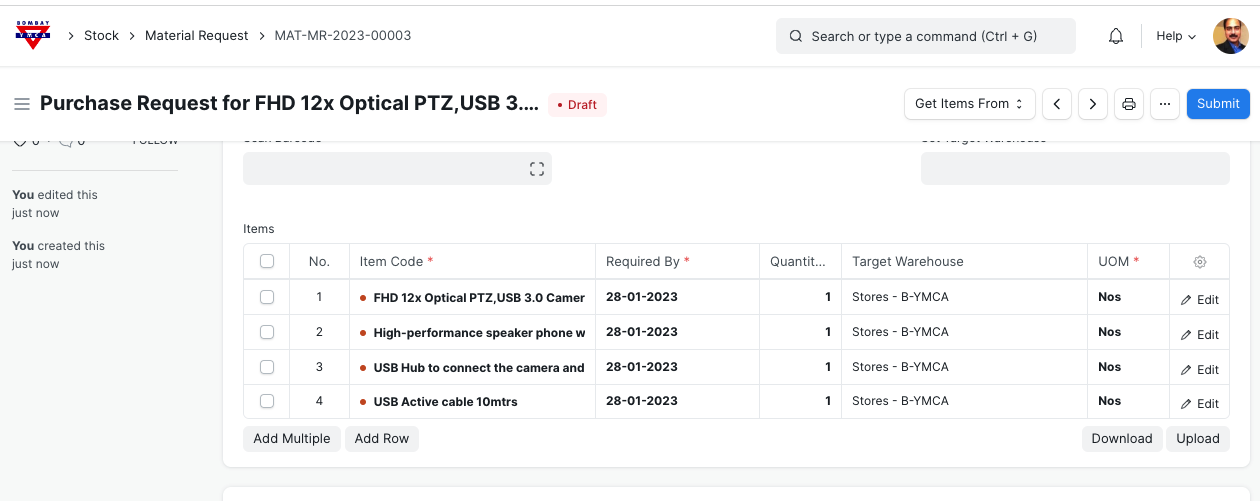
Submit
Once Material Request is approved then open material request document
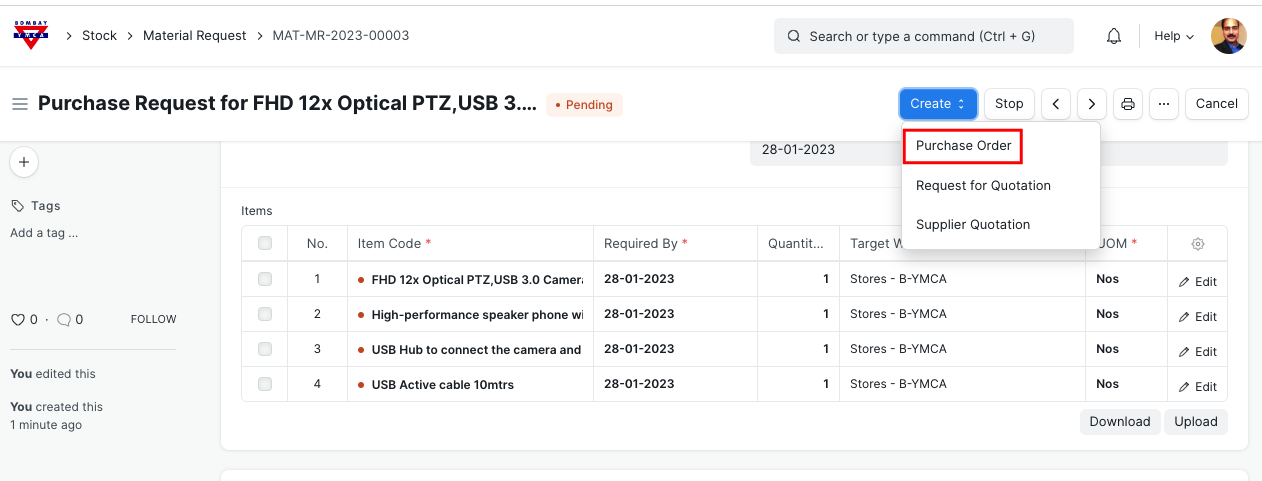
Click on Purchase Order
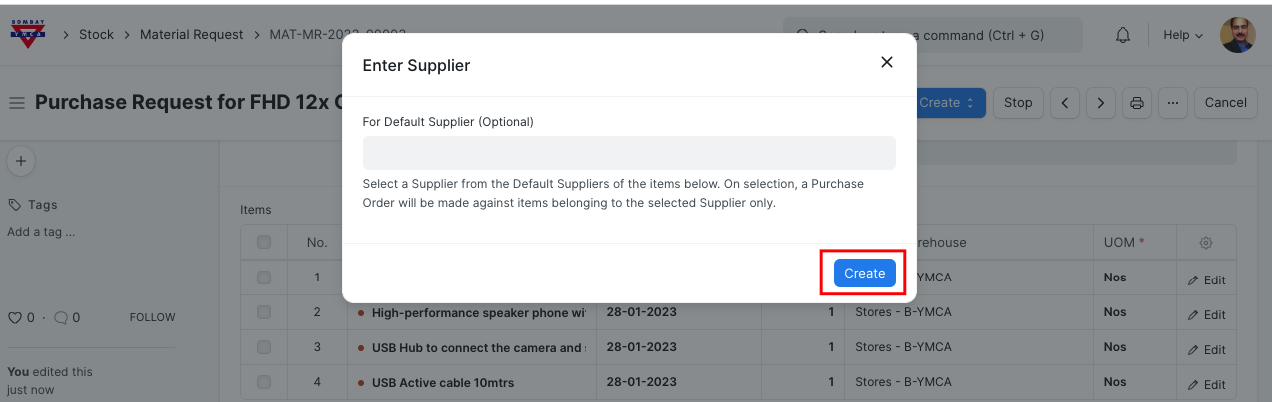
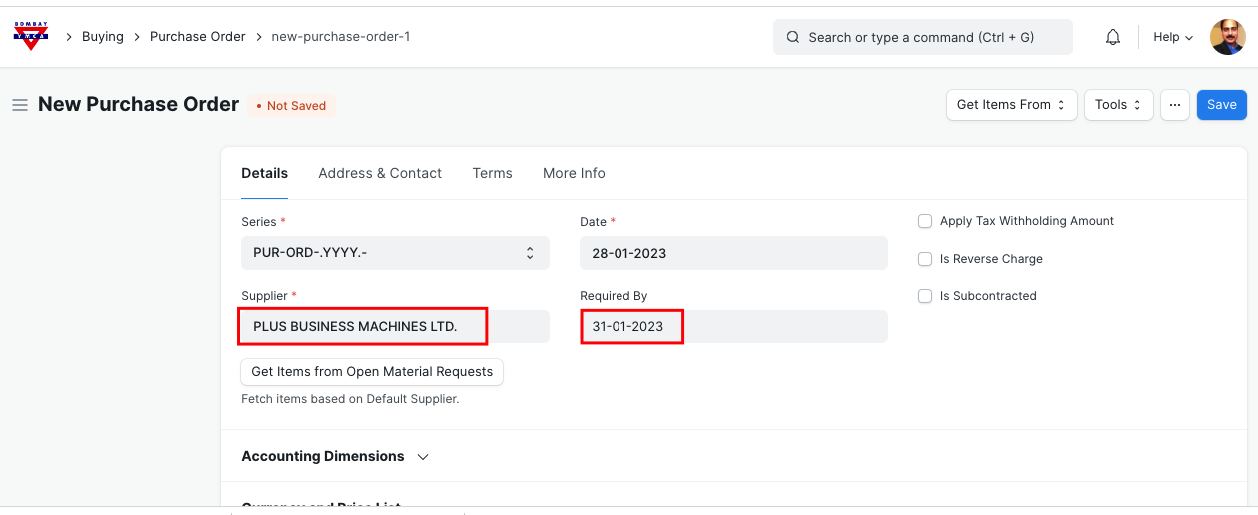
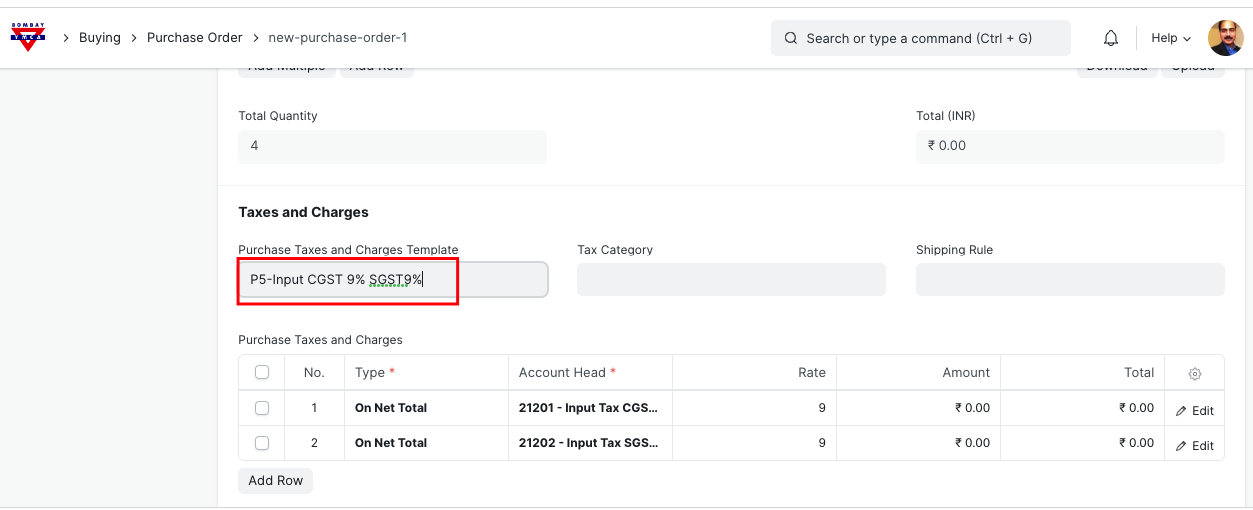
Select Tax Template from pull down list.
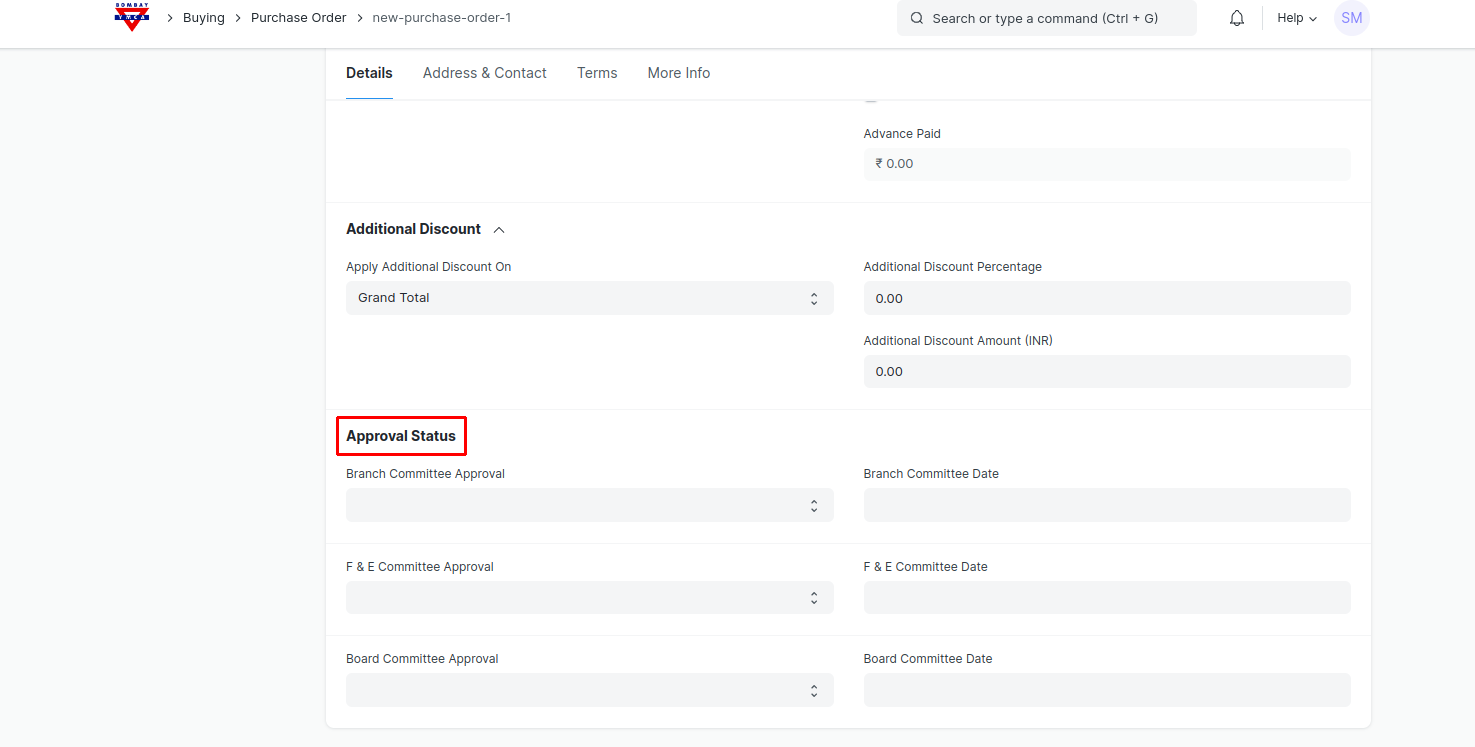
This fields are added. Enter all the fields.
Save and Submit.
*** End of Document ***
Was this article helpful?
More articles on Purchase