Bombay YMCA - How to delete the Membership
By Reshma TW on May 29, 2023
BeginnerTo delete membership set up go to:
Home> Non-Profit> Membership
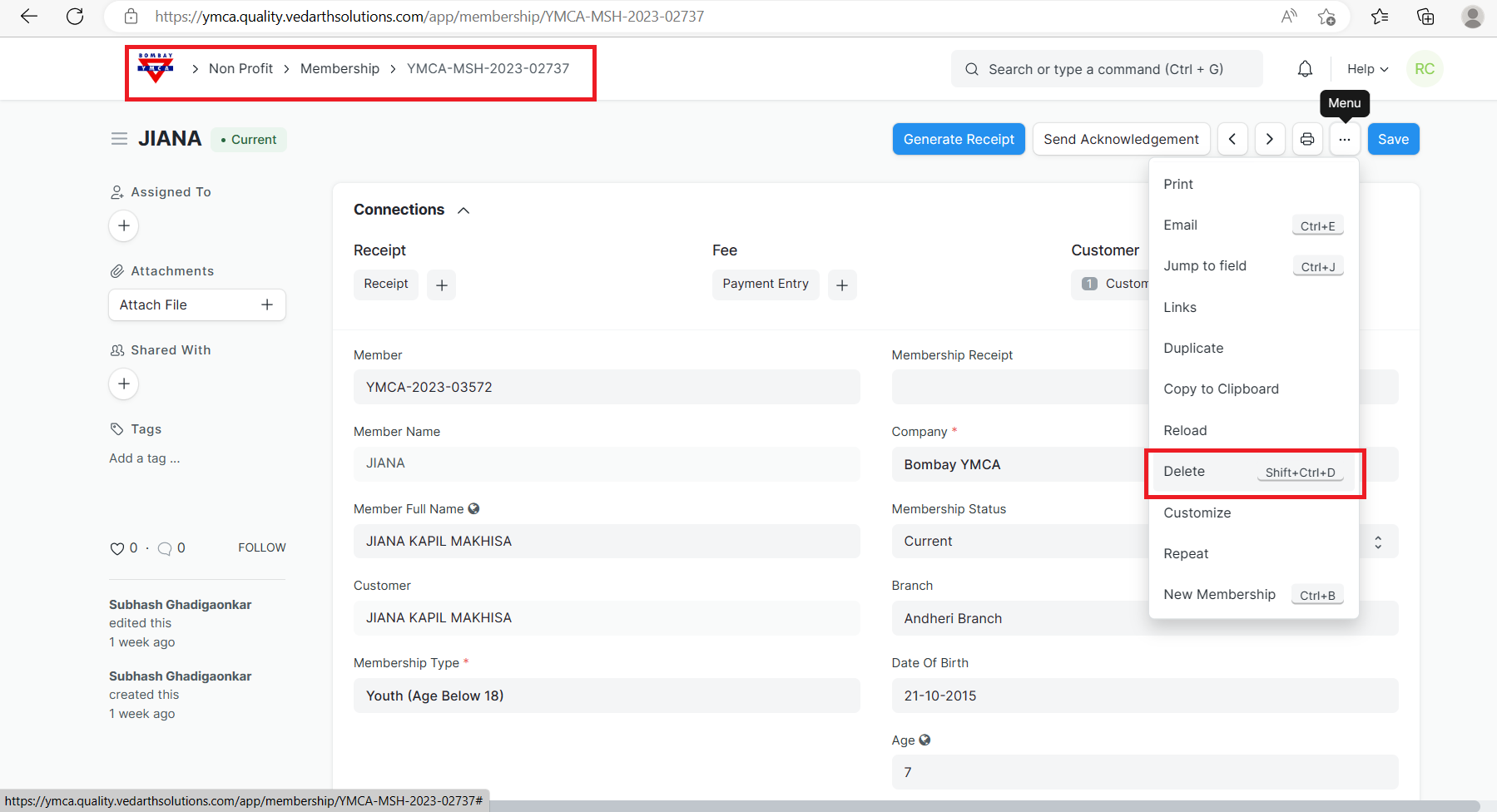
1) First removed the value of Membership receipt field then check the connection of this document.
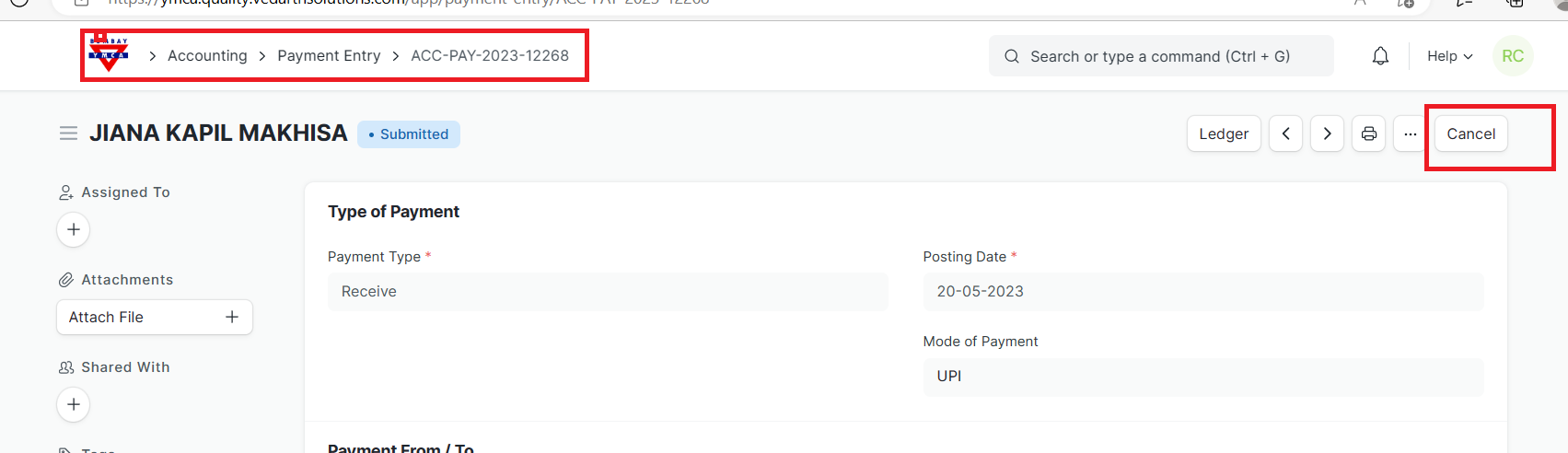
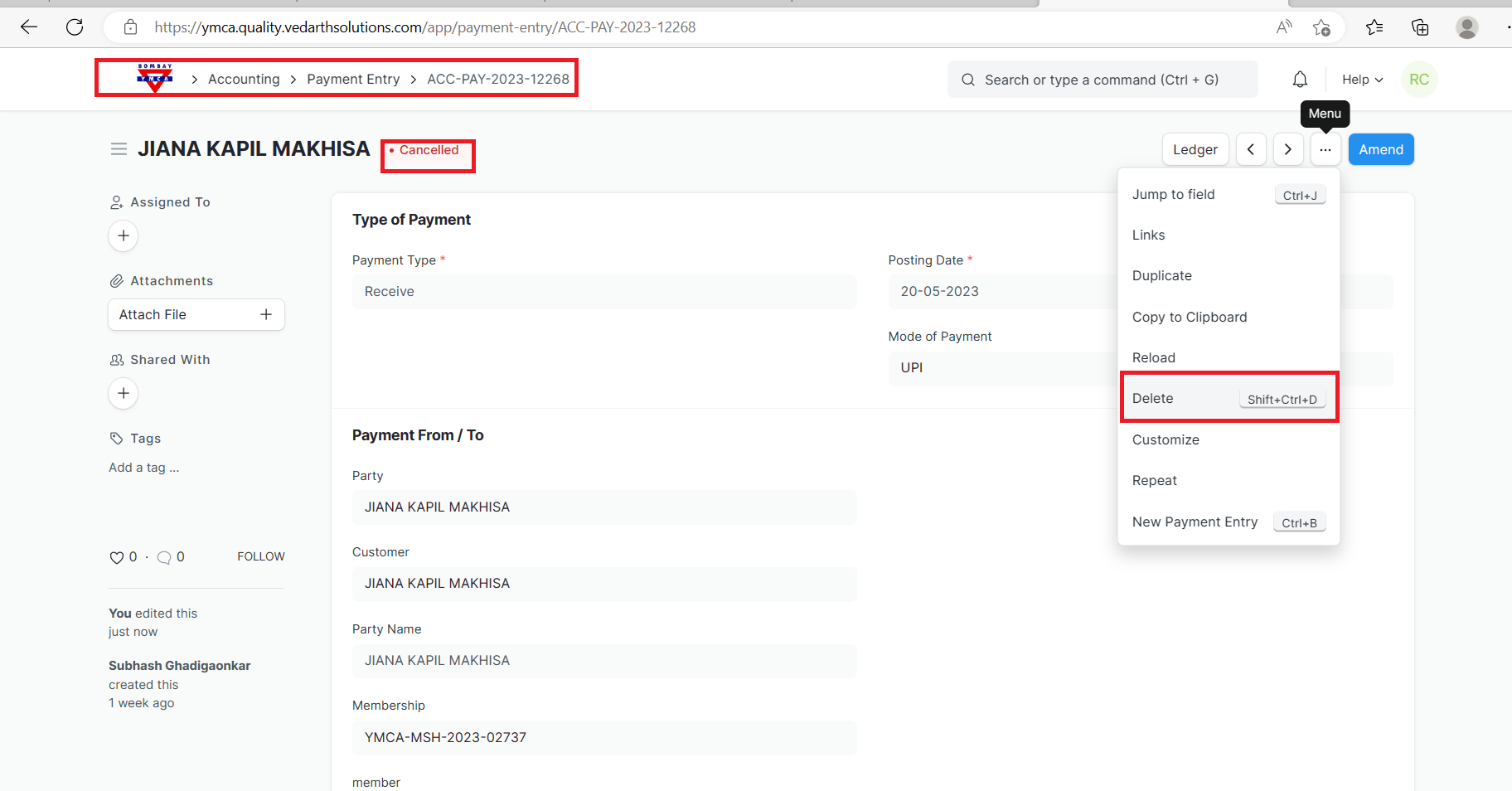
(Note: Before deleting the receipt, payment Entry and member make sure it is in cancel state)
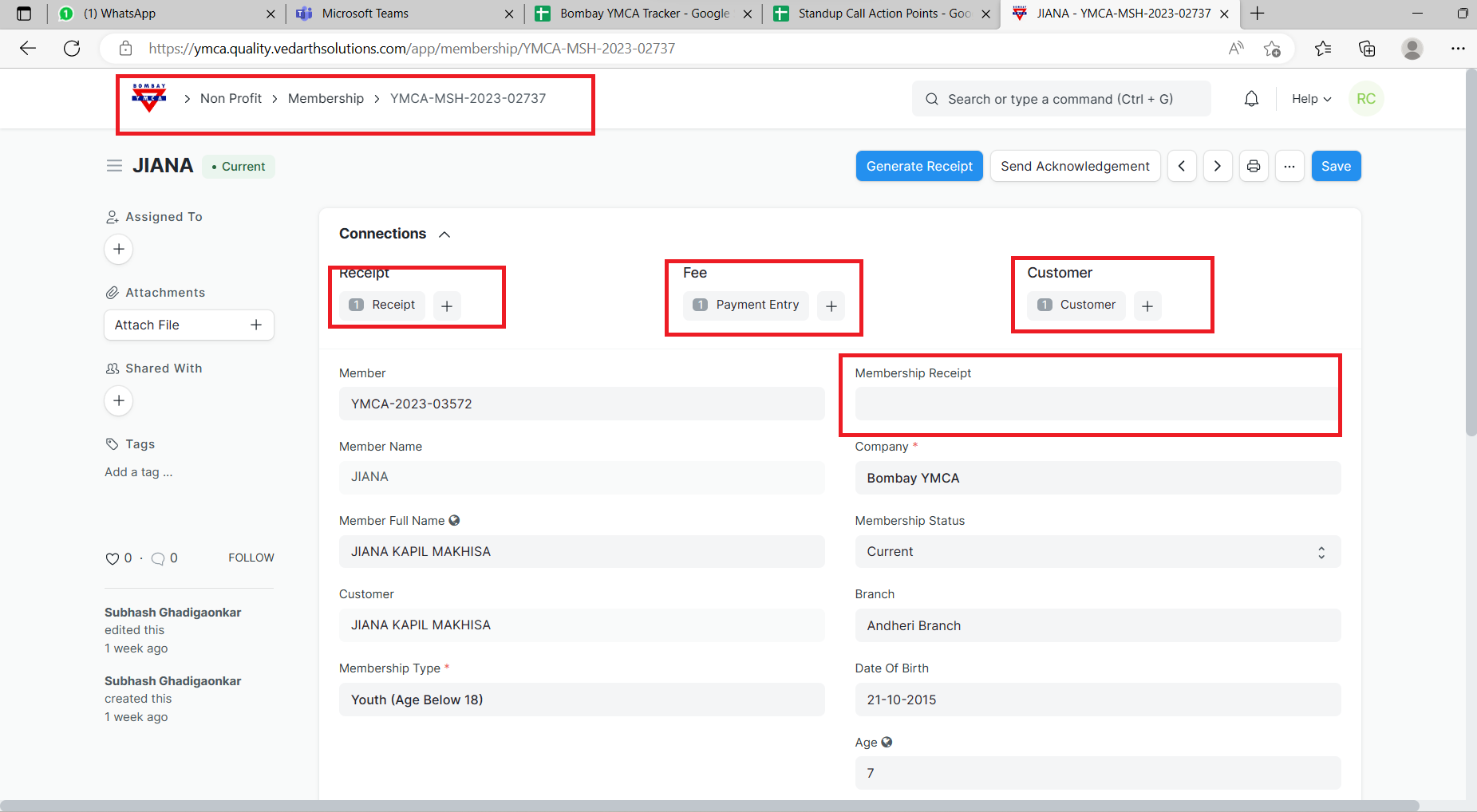
2)Go to the Receipt but it won't allow you to delete the receipt due to the connection of payment Entry so cancel the Payment Entry and delete it.
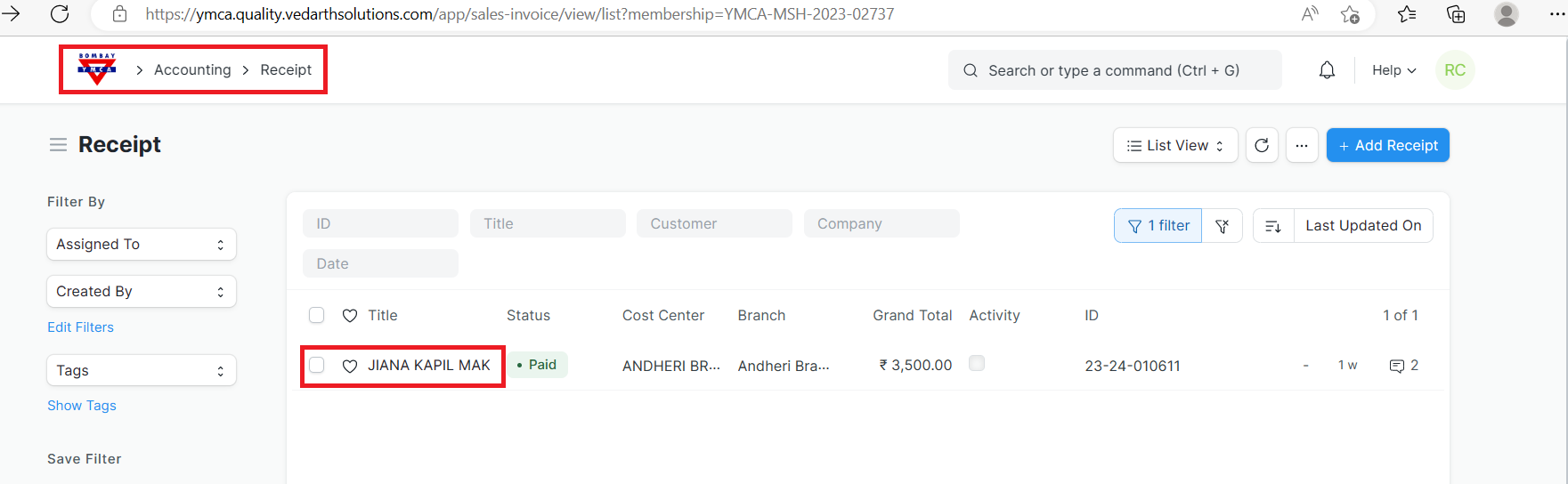
3)Now, you can see the receipt if you try to cancel it, won't allow you to cancel it so in that case try to delete the customer.
go to the customer but it is link with member and membership so go to member >cancel the member > save it>check the connection of member, it would be membership so first, delete the membership.
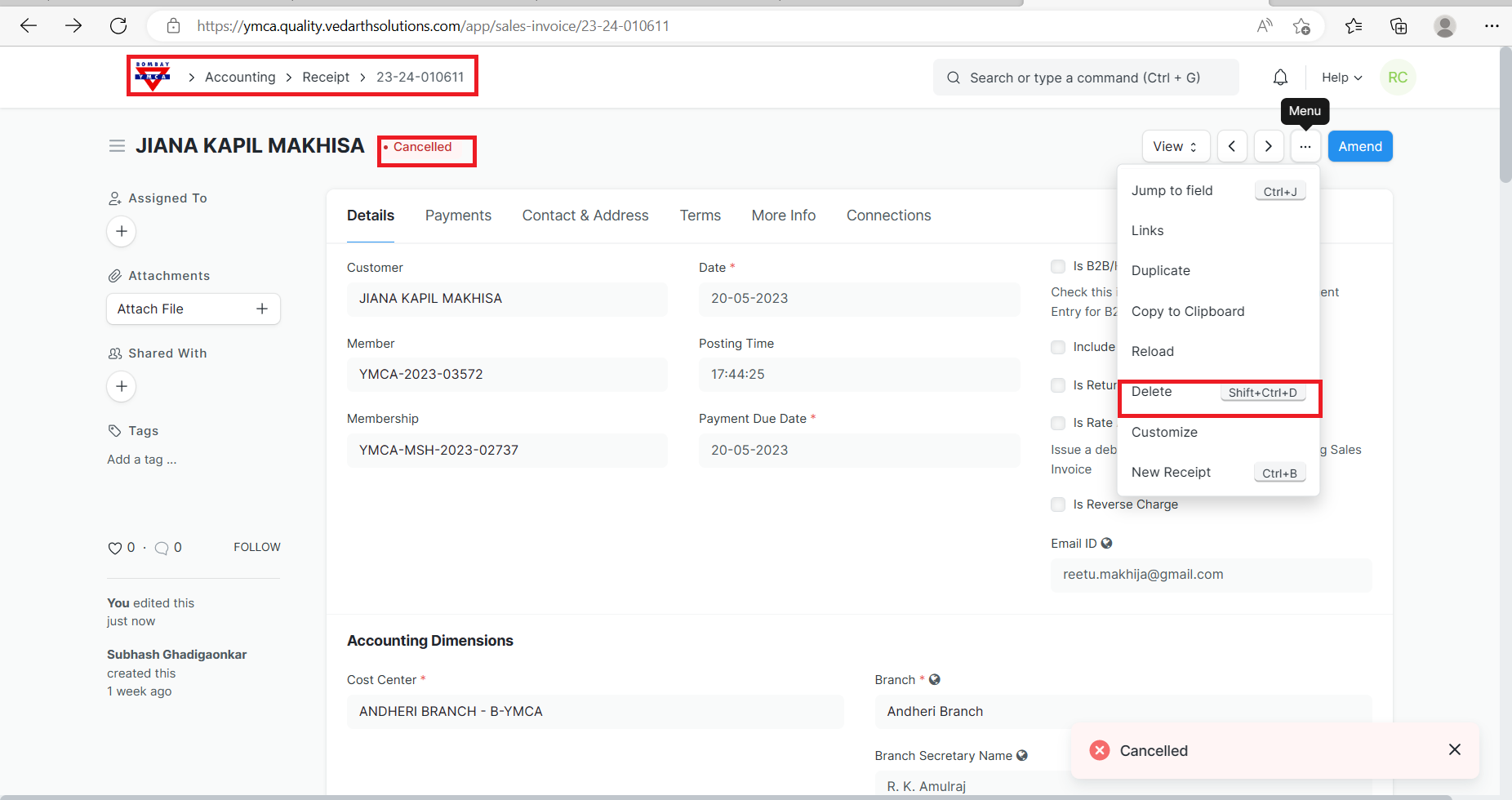
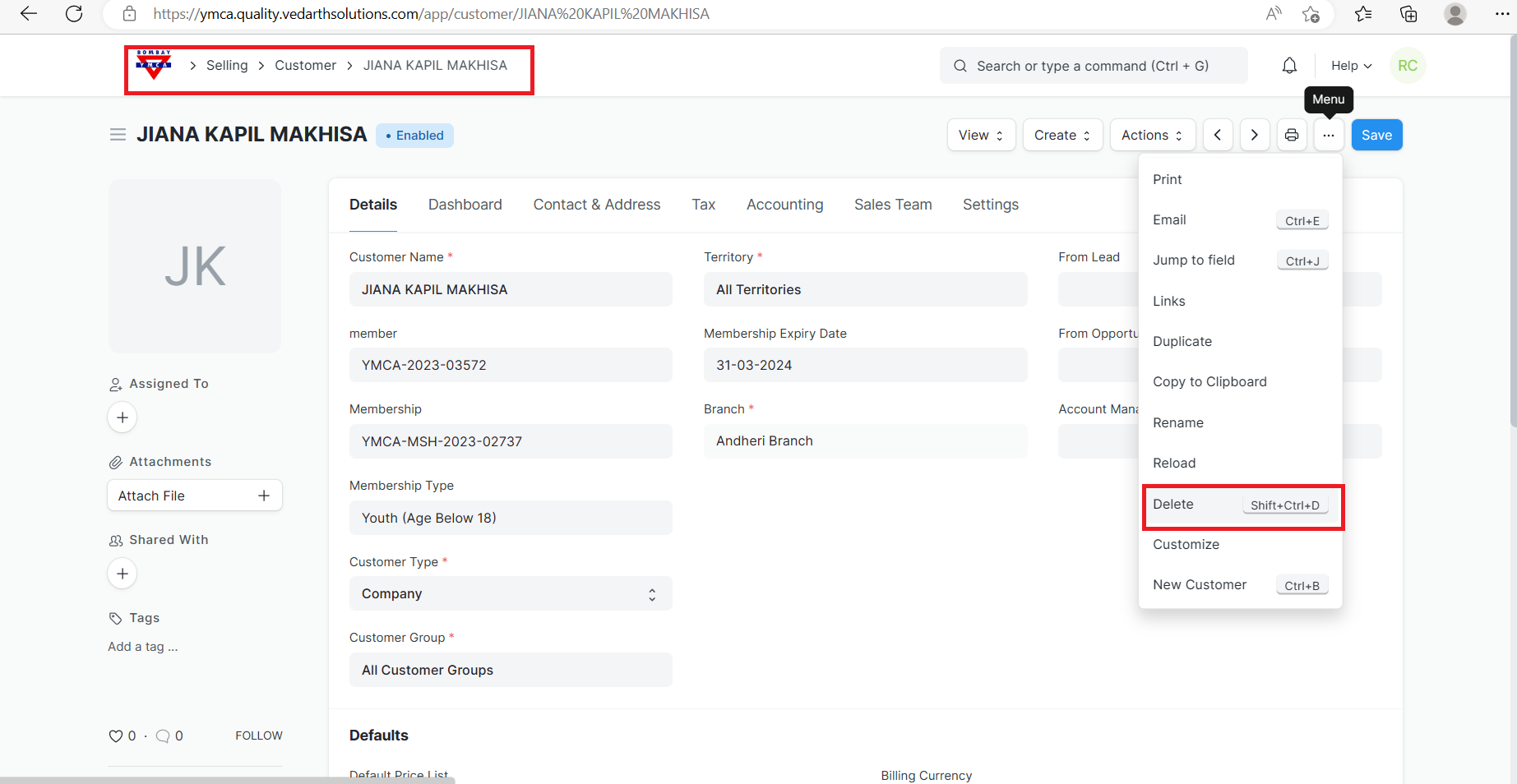
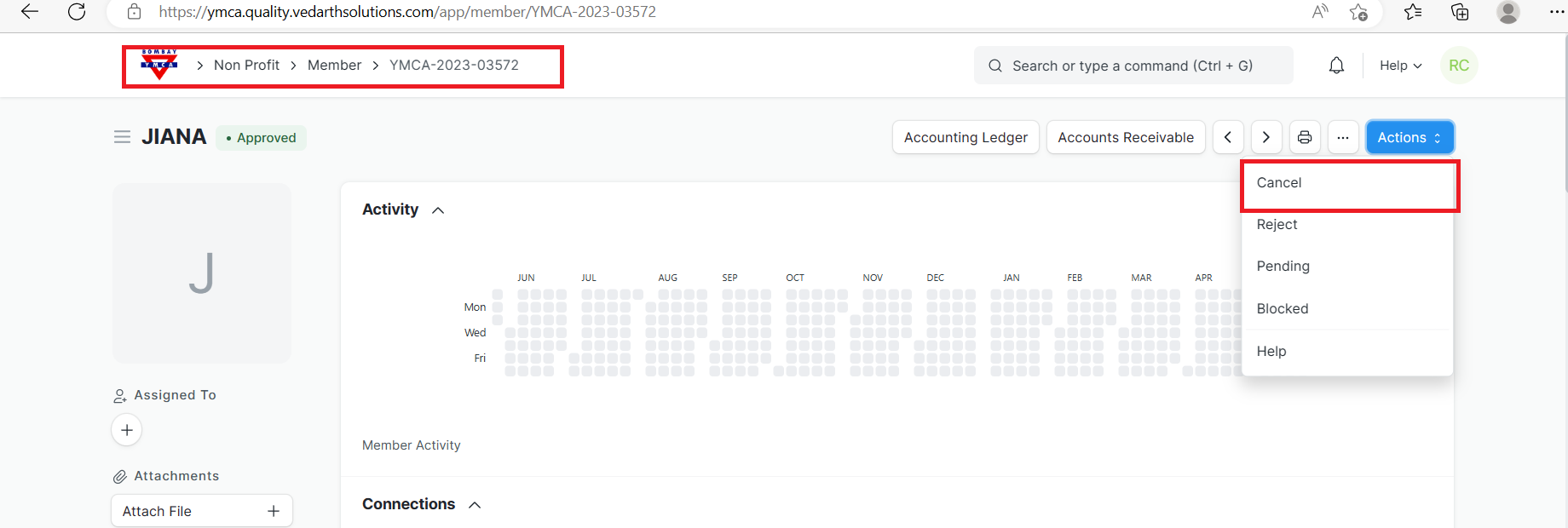
4) Delete the membership
5) Delete the member
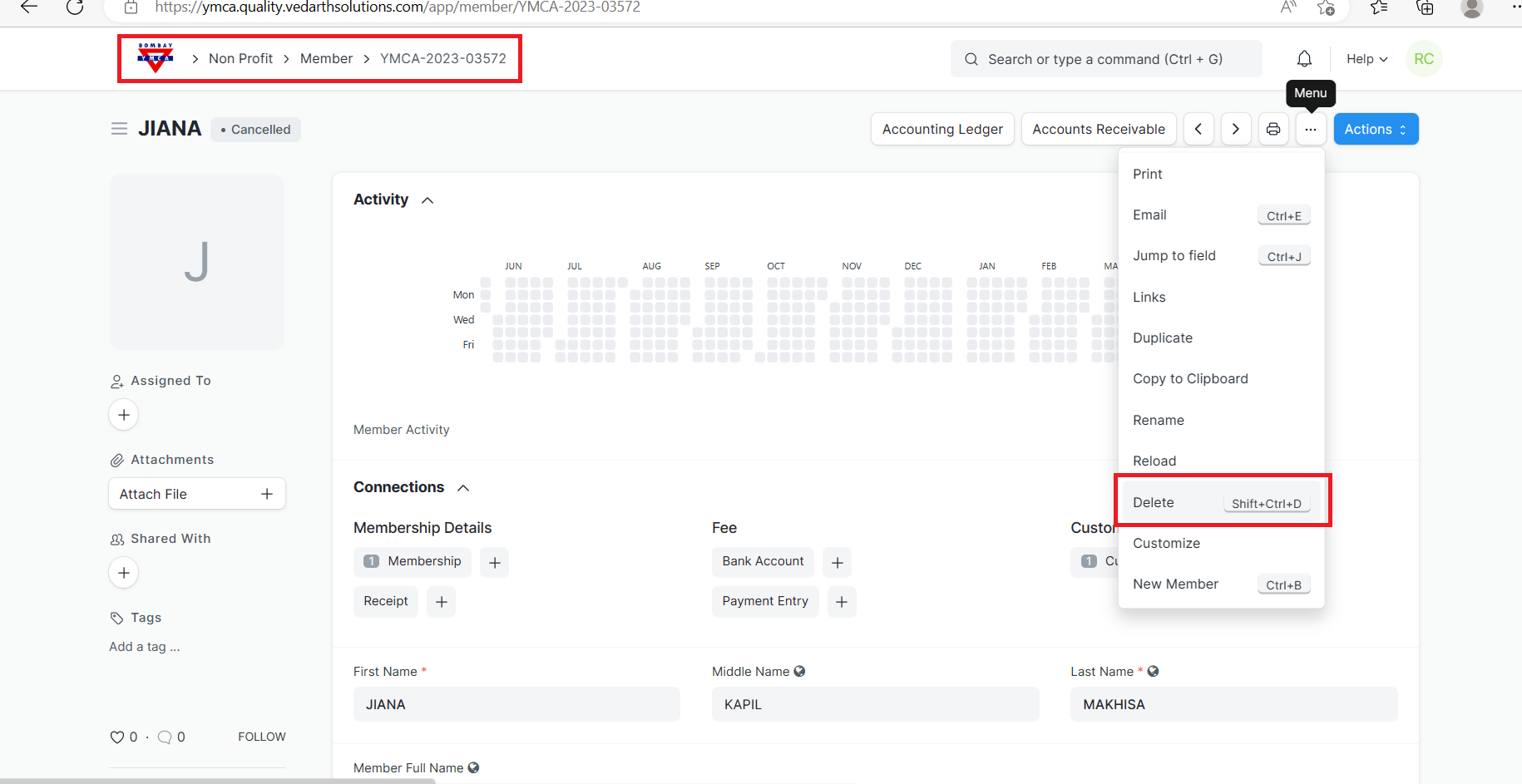
6) Afterward, Delete the customer
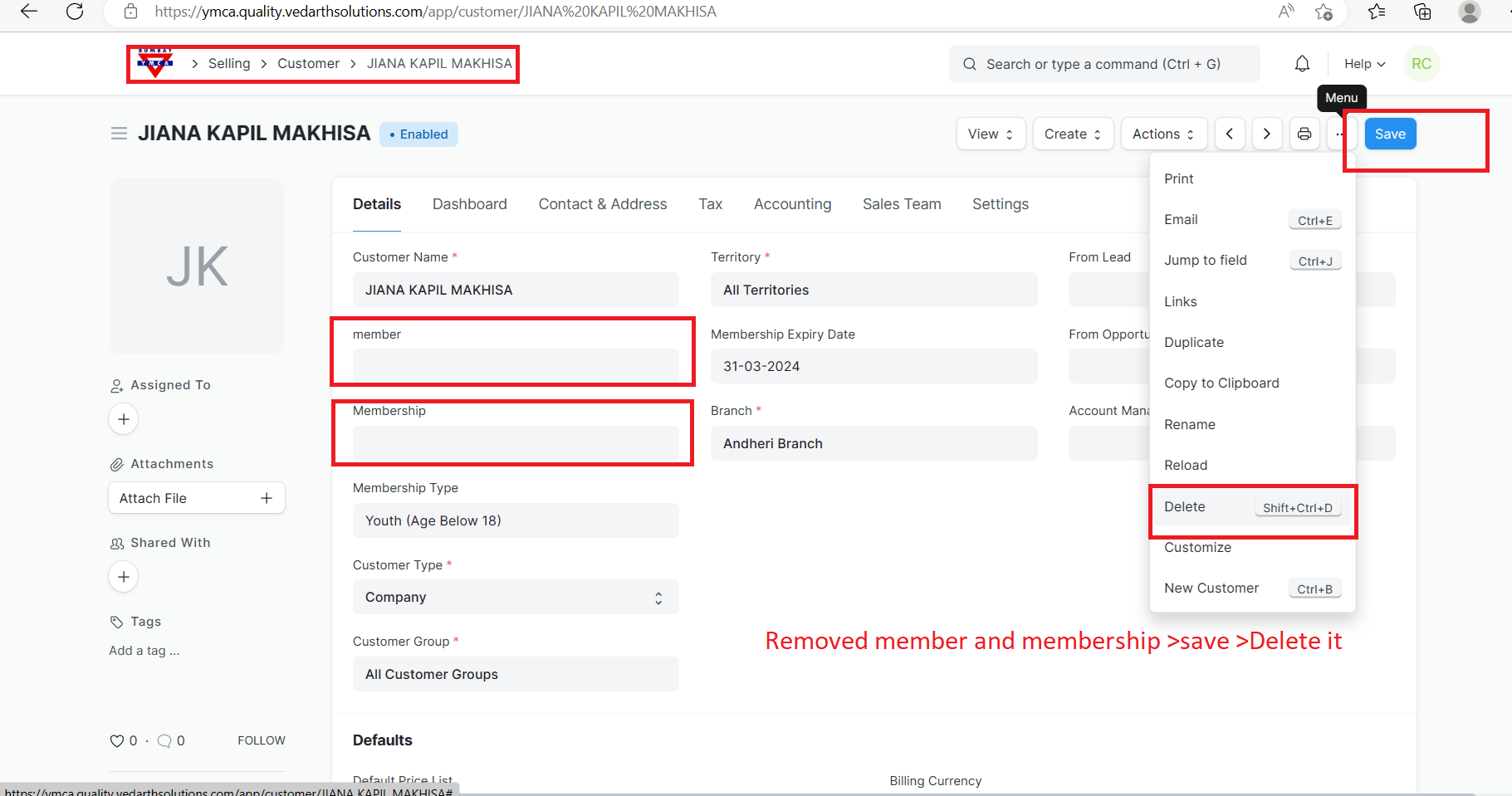
7)Delete the Receipt
----End of the document ----
More articles on Member & Membership