Bombay YMCA - Scenario-total payable amount after adjusting advance
By Saloni on October 15, 2025
IntermediateHandling Guest Advance and Checkout Payment
🧾 Scenario- Total payable amount after adjusting advance
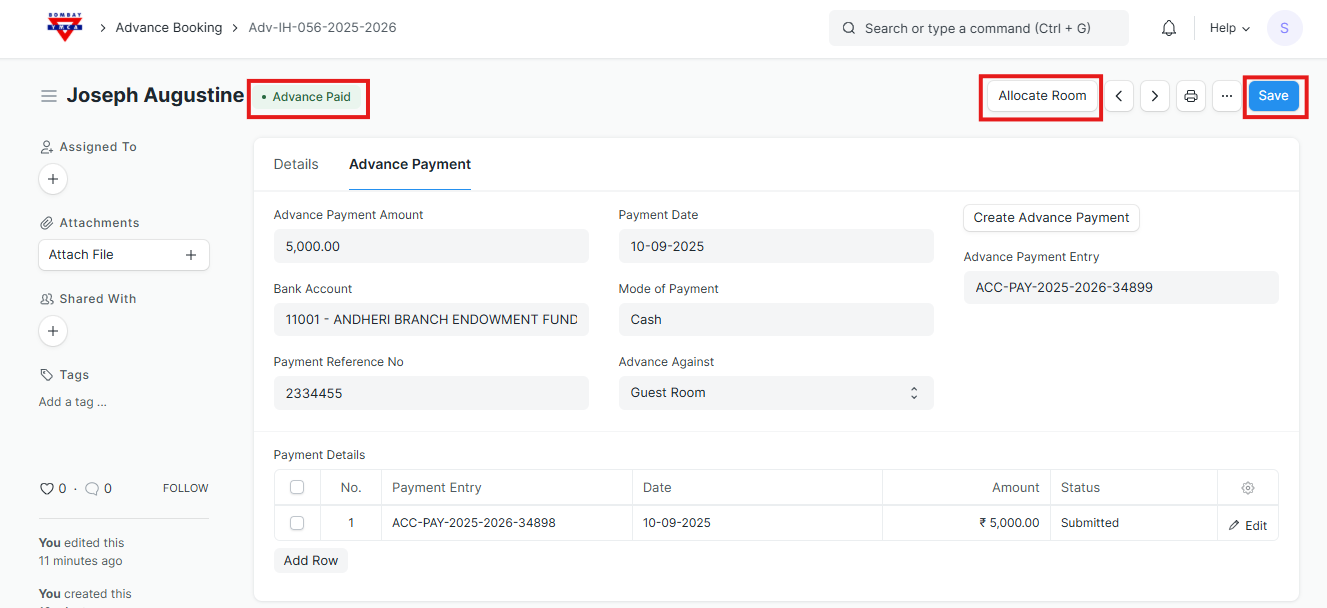
A guest has paid an advance of ₹5,000 while booking.
At the time of checkout, you need to know how much the guest still has to pay (total payable amount after adjusting advance).
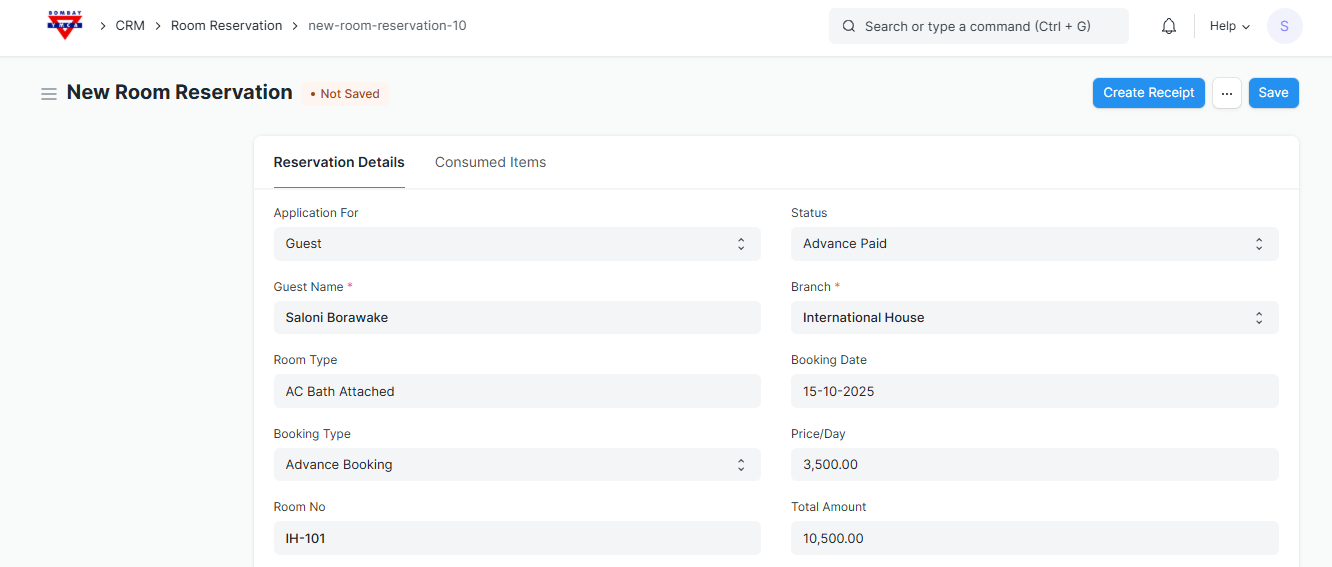
- Tick ✅ the Check Out checkbox
- The system will automatically set the Check Out Date and Time.
- Save the form.
This confirms the guest has checked out.
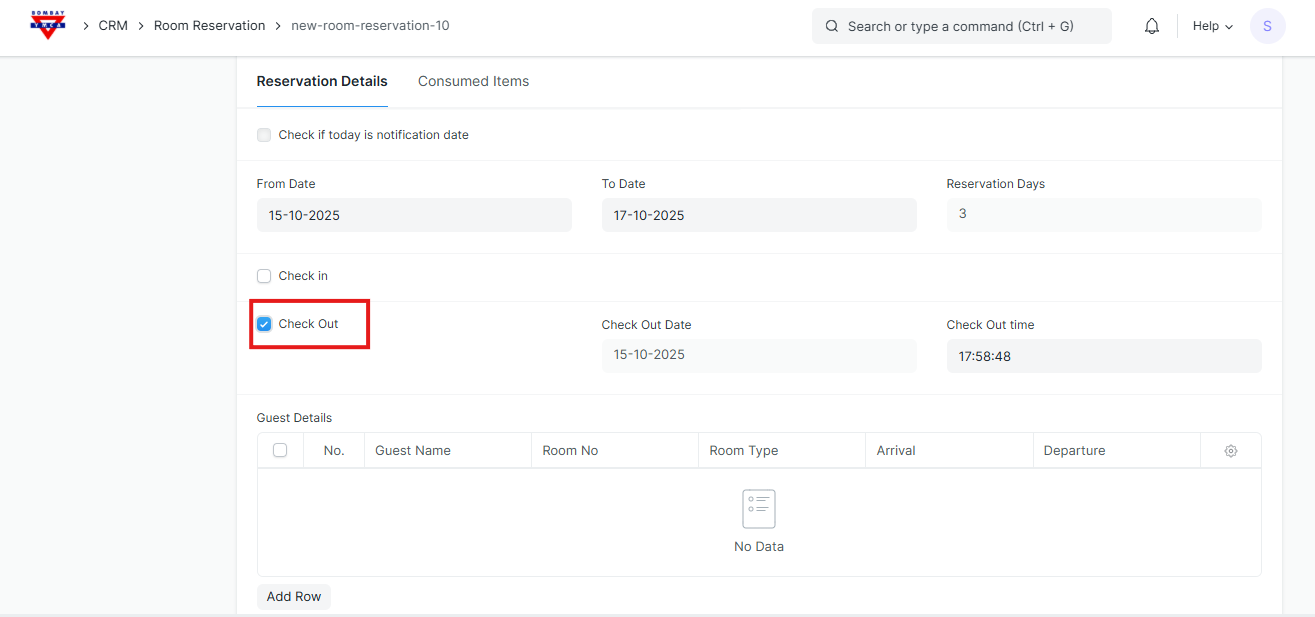
Save and Create Receipt.
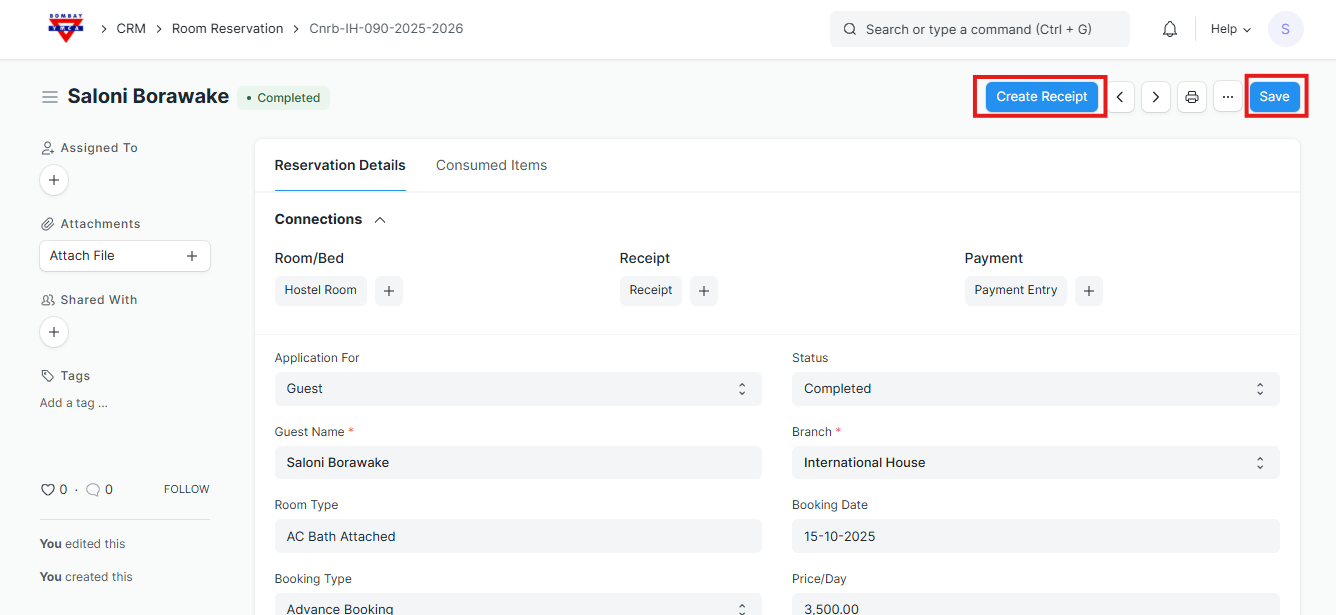
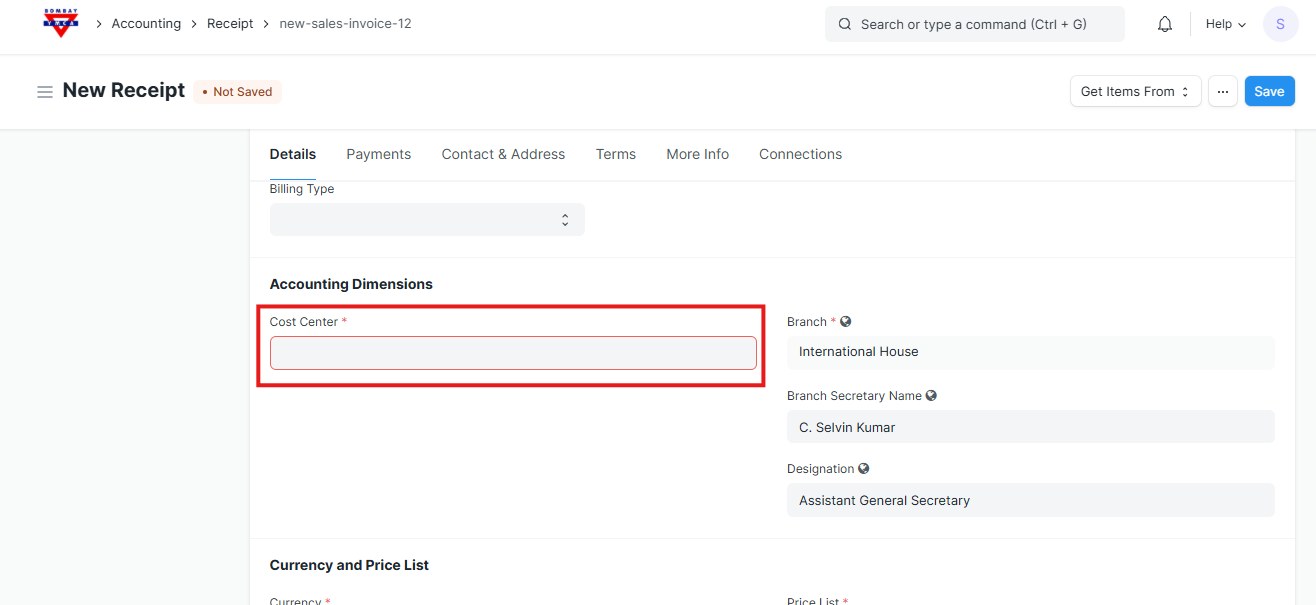
Fill Payment Details
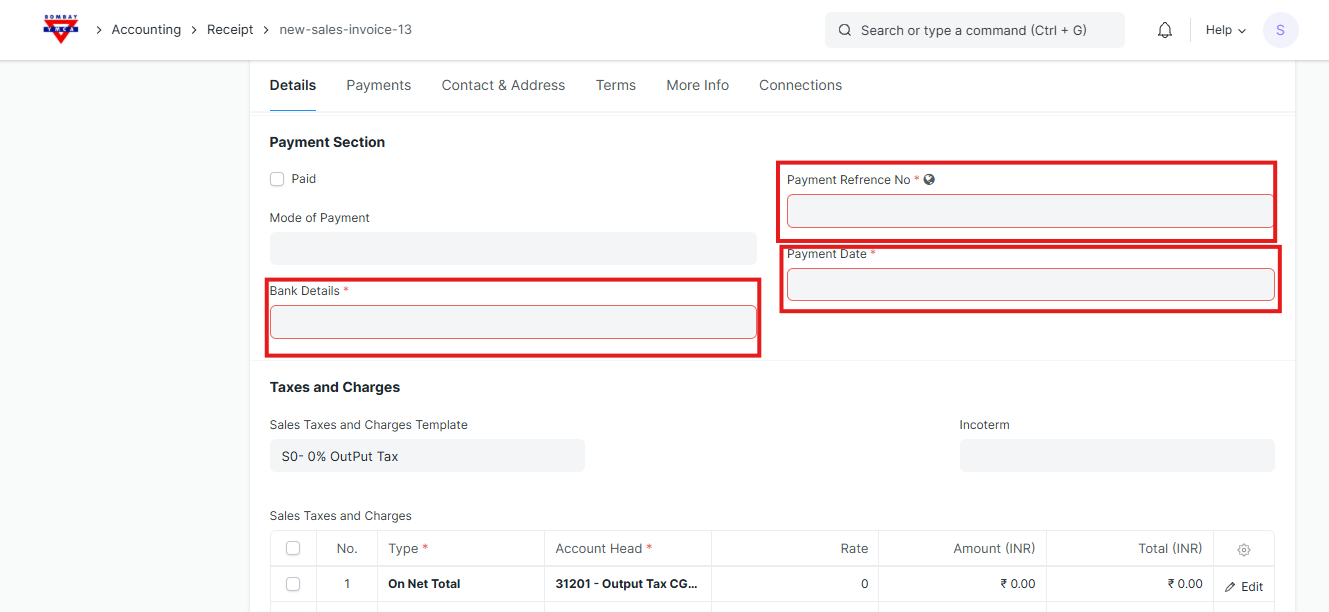
In the Payment Section, enter:
- Payment Reference No. – Example: Transaction ID or Cheque No.
- Payment Date – Add Date
- Mode of Payment – Select (Cash / Bank Transfer / UPI / Cheque).
- Bank Details – Enter bank name, branch, and account number
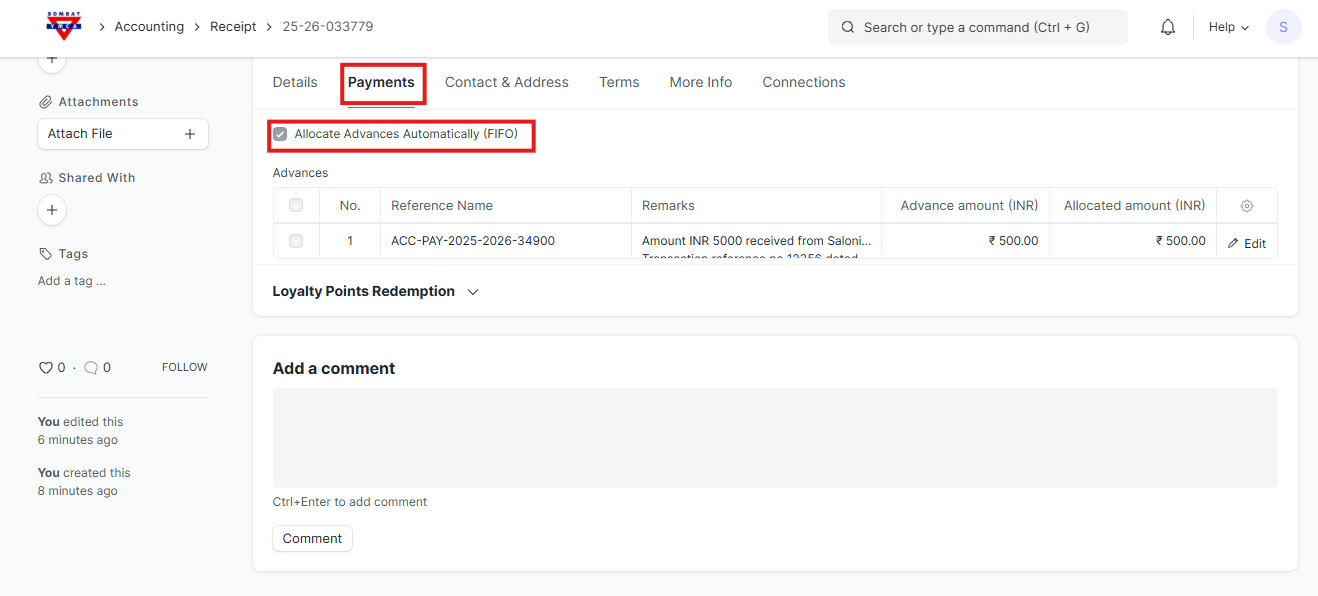
Click on the Payments tab.
Tick “Allocate Advances Automatically (FIFO)”.
- This will automatically link any existing advance payment available for that guest/customer.
You will see the linked advance entry appear below under the Advances section.
Click Save to confirm.
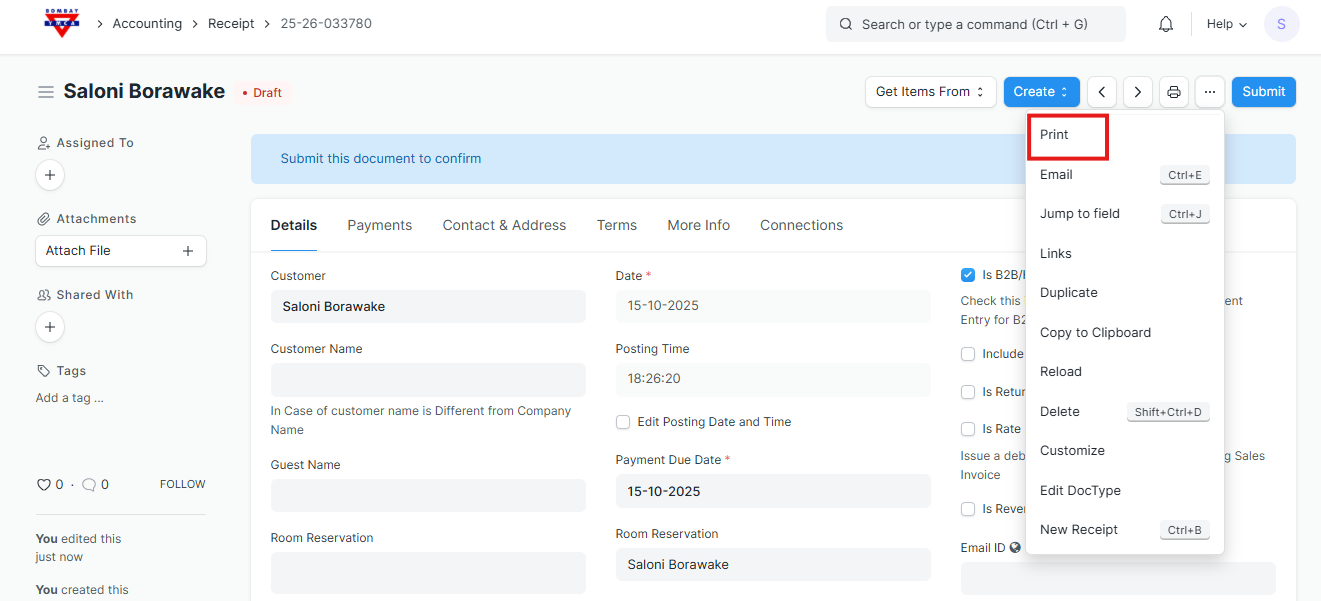
The Receipt will get generated showing all payment details, including the adjusted advance.
You can now print.
END
Was this article helpful?
More articles on IH Guest Booking