Bombay YMCA - Room Reservation
By Saloni on October 15, 2025
Intermediate🏨 Room Reservation
After completing an Advance Booking, you can allocate the booking to a Room Reservation.
Steps to Open Room Reservation
- Go to the IH Front Office workspace.
- Under the Front Office section, click on Room Reservation
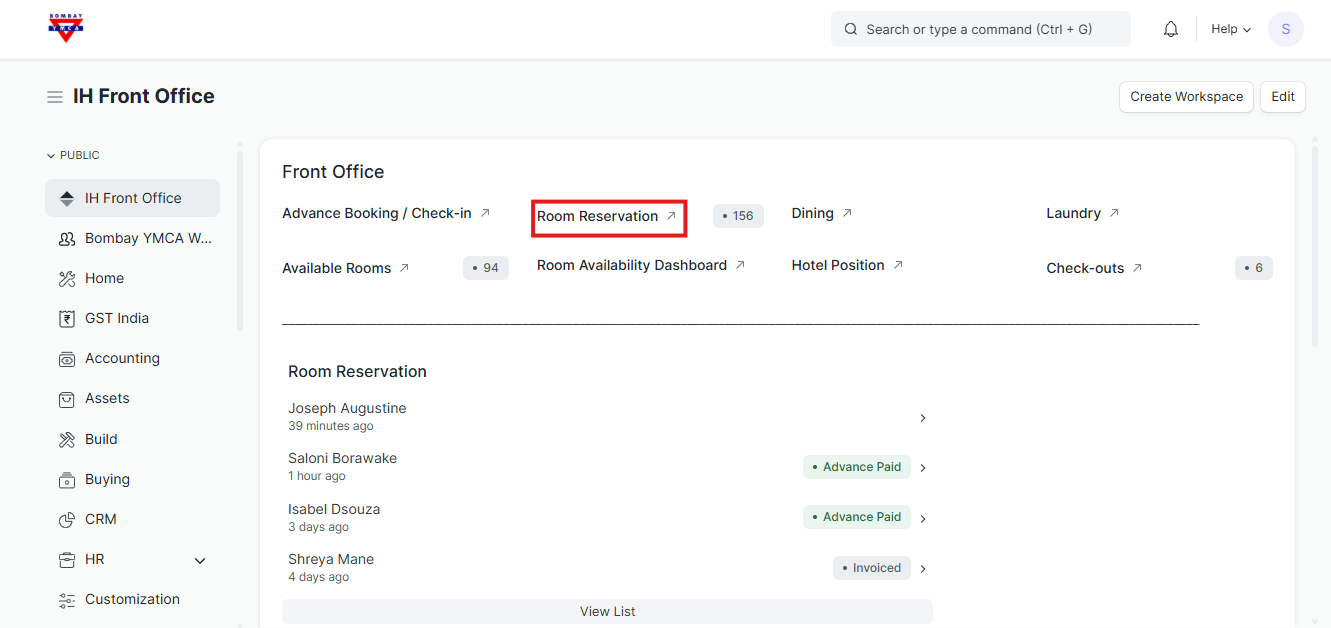
To Create a New Room Reservation
- Click on Room Reservation → then click New Room Reservation.
- In the form:
- Select the Advance Booking you want to allocate.
- Details like Guest Name, Room Type, and Branch will fill automatically.
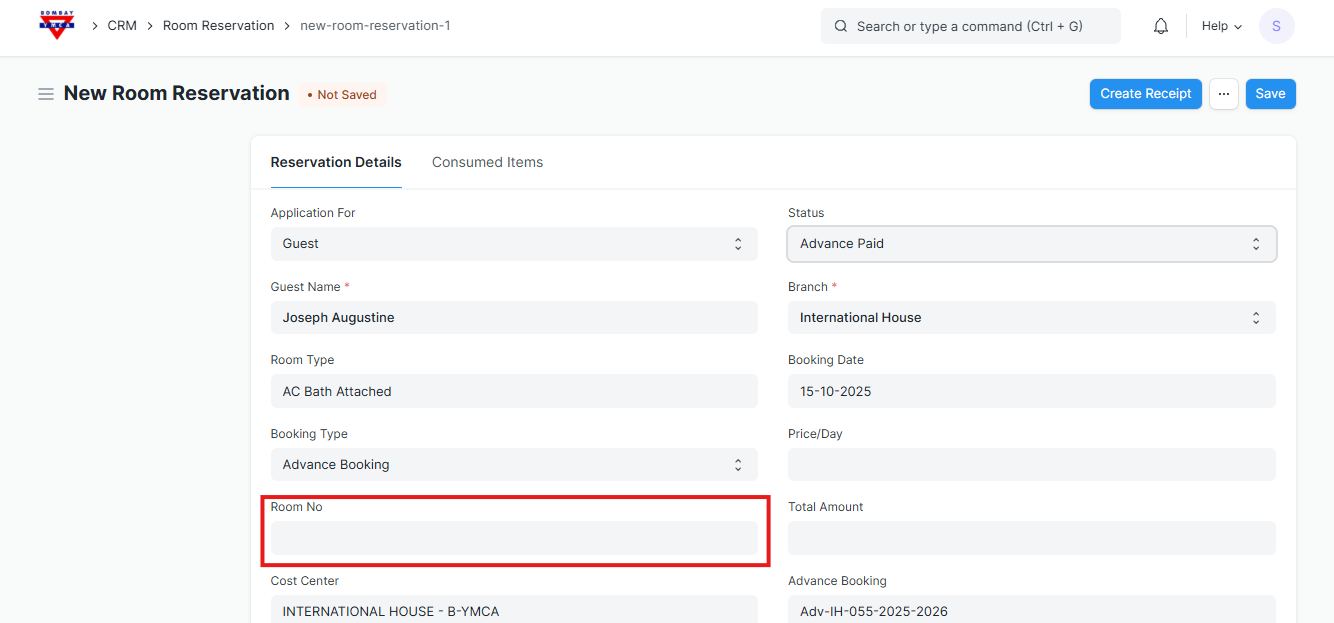
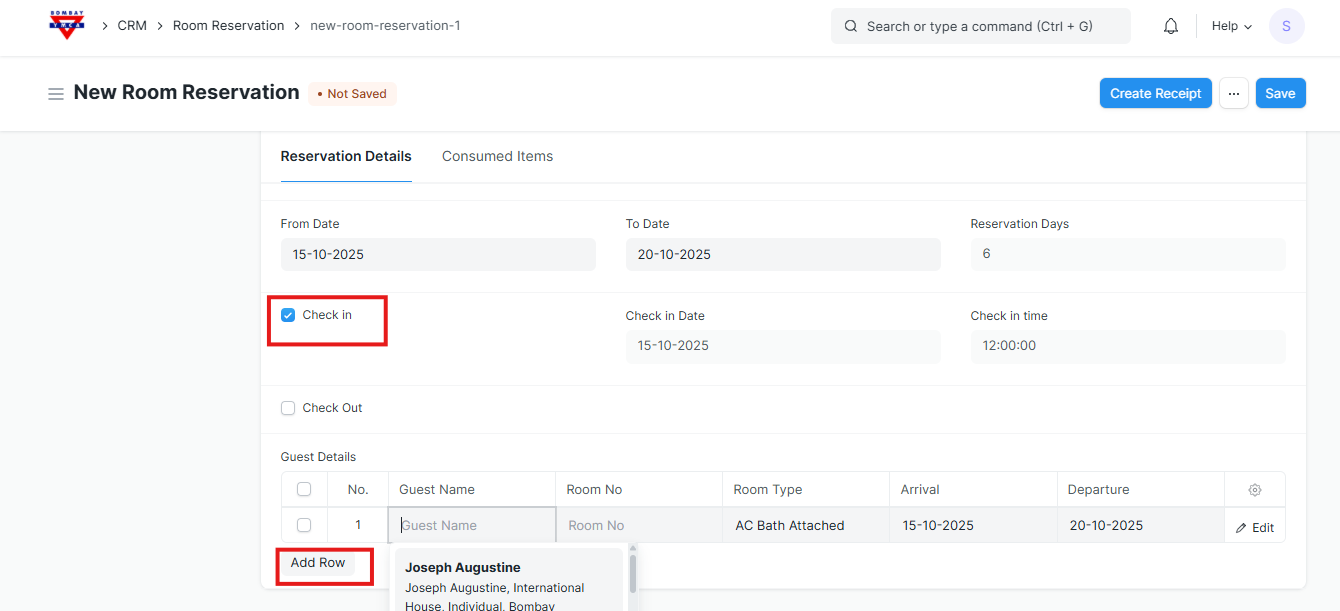
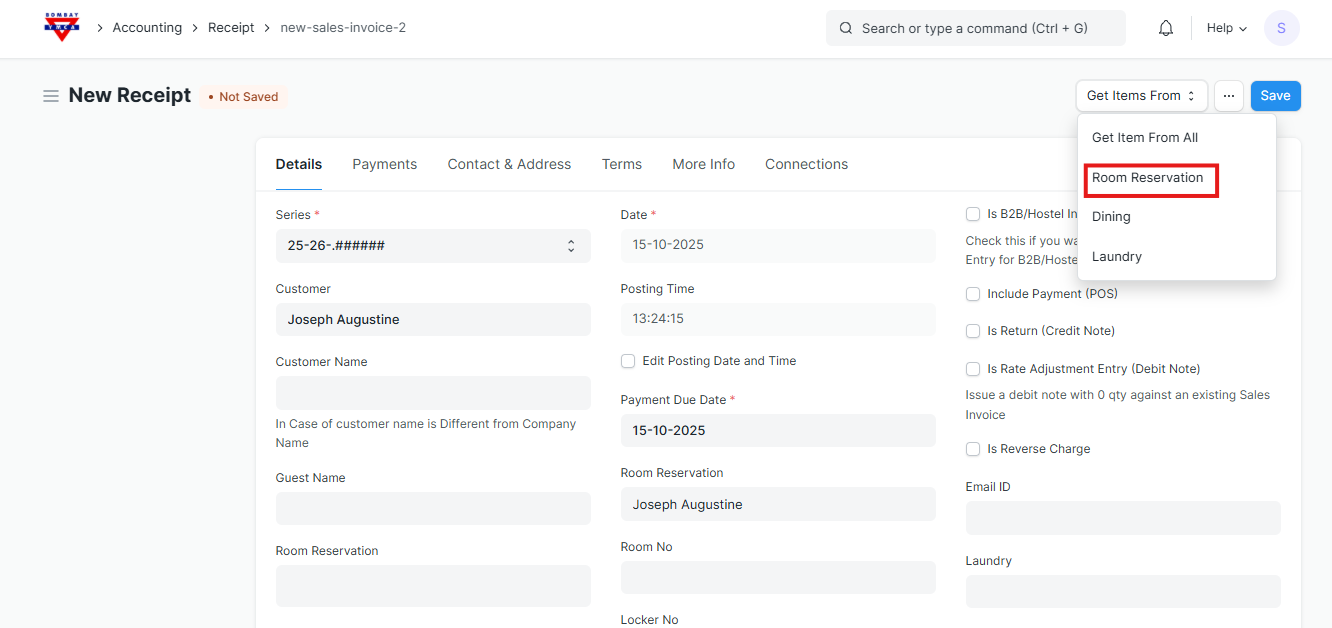
To Fill Bank Details:
Payment Reference No. – Enter the reference number from the payment (for example, UPI/NEFT/Bank Transfer/Receipt number).
Payment Date – Select the date when payment was received.
Bank Details – Type the name of the bank and branch (e.g., HDFC Bank – Fort Branch).
Mode of Payment – Choose how payment was made (e.g., Cash, Bank Transfer, UPI, Cheque).
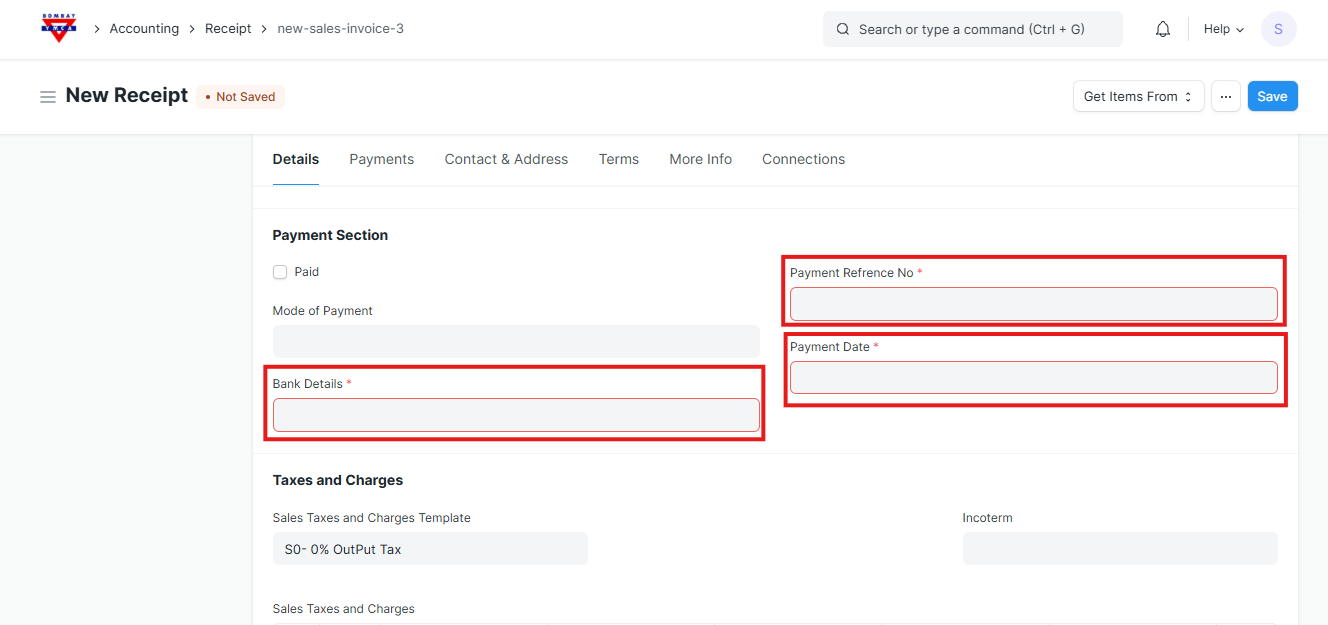
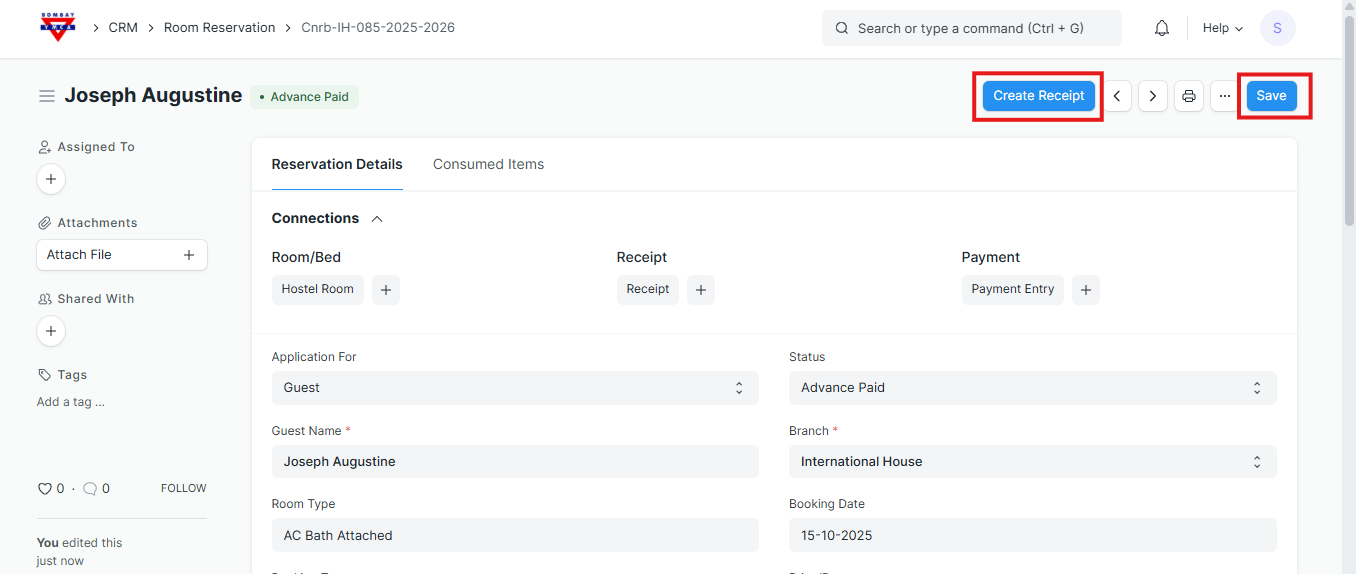
✅ After saving, the receipt will be linked to your Advance Booking / Room Reservation, confirming the payment is received.
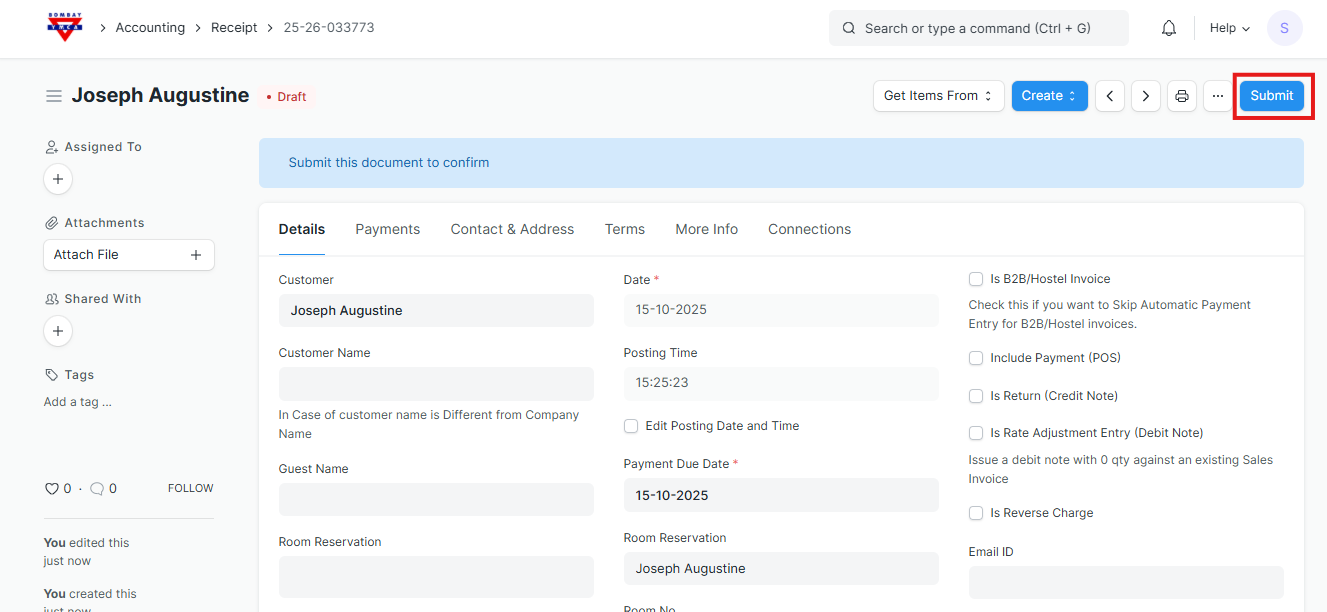
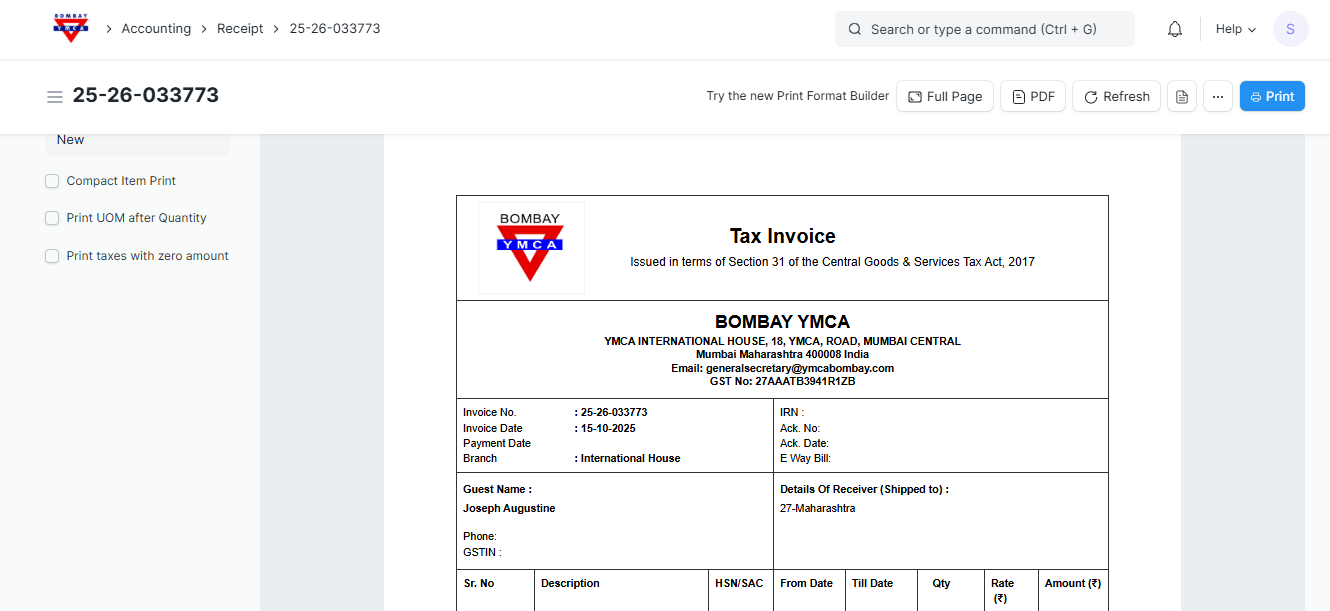
Once you have filled in the Receipt details and saved the document, the system shows the Payment Status as “Paid”.
The customer Joseph Augustine has completed the payment.
The receipt is saved and submitted successfully.
You can now print.
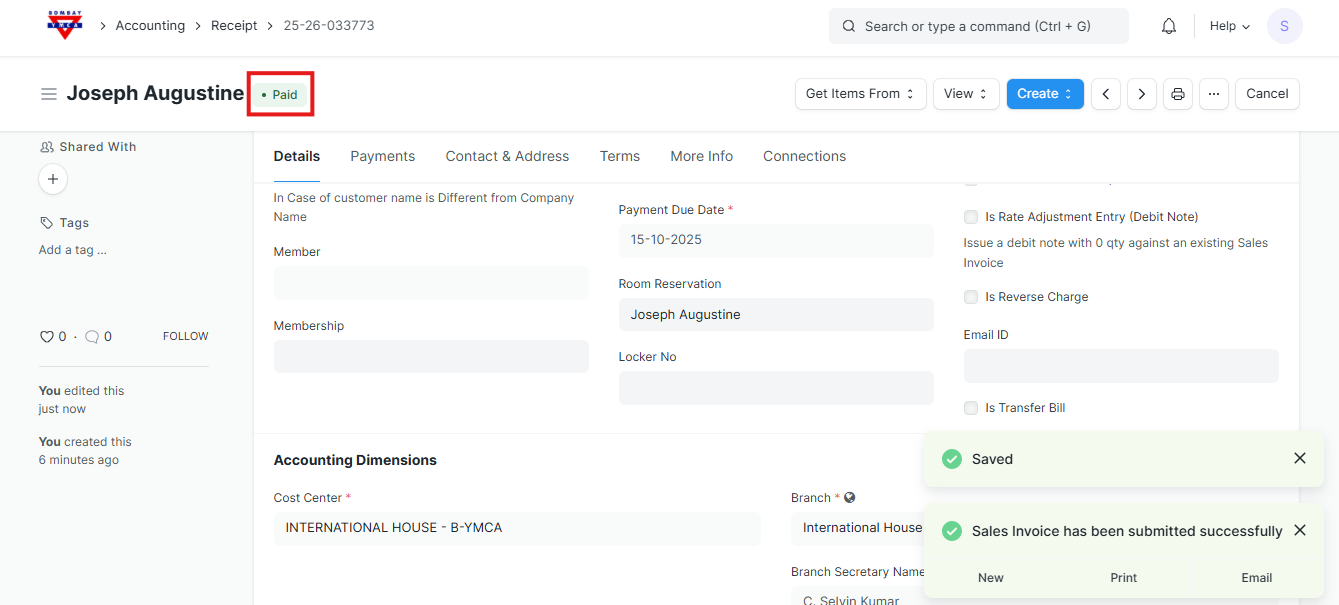
The Receipt is successfully created.
This completes the full process — the end of this process.
More articles on IH Guest Booking