Bombay YMCA - VDA Component in salary Slip
By Reshma Chaure on September 13, 2023
IntermediateVariable Dearness Allowance (VDA)
Prerequisites:
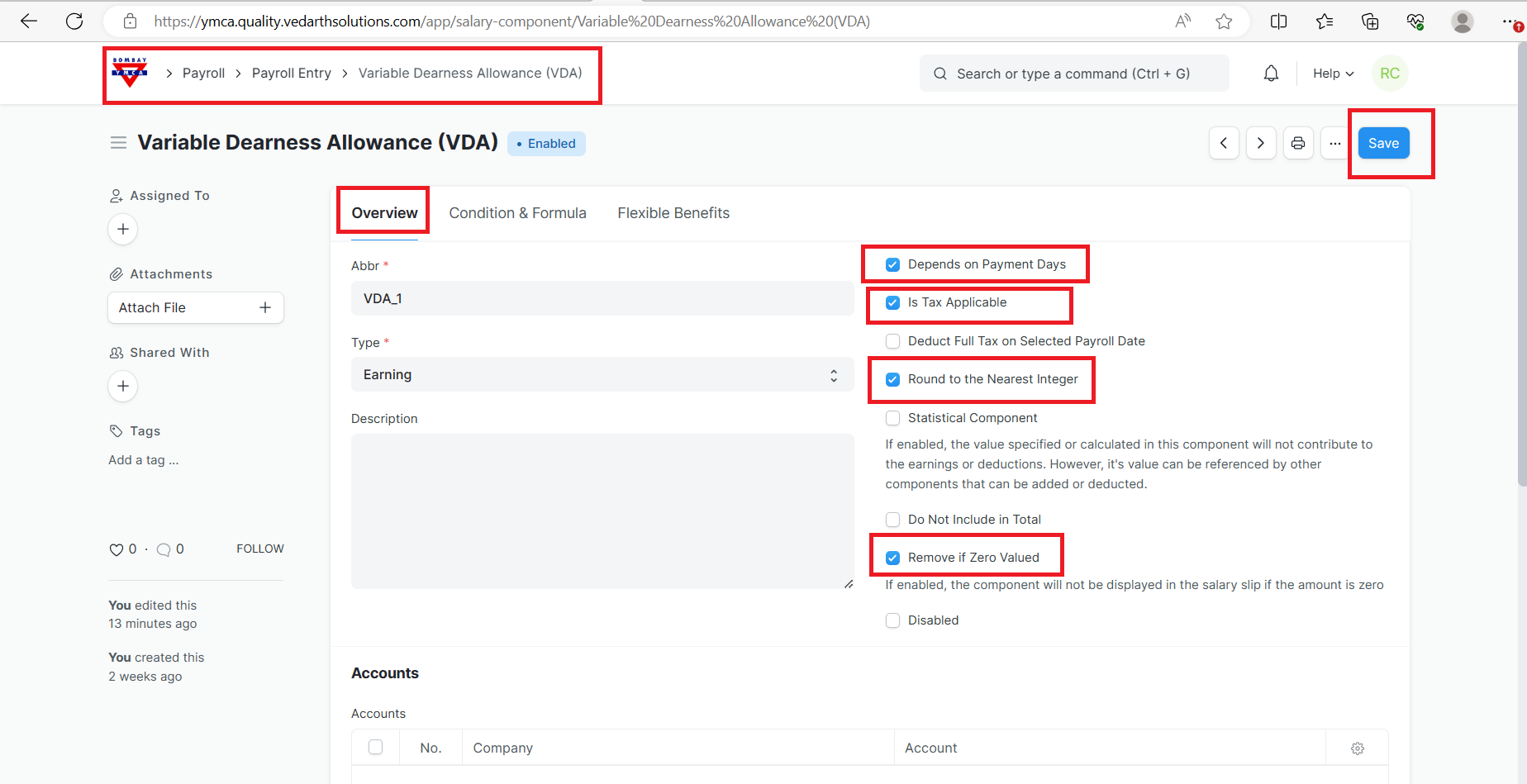
A] Salary component:
Make sure (VDA)salary component is created in the salary Component list.
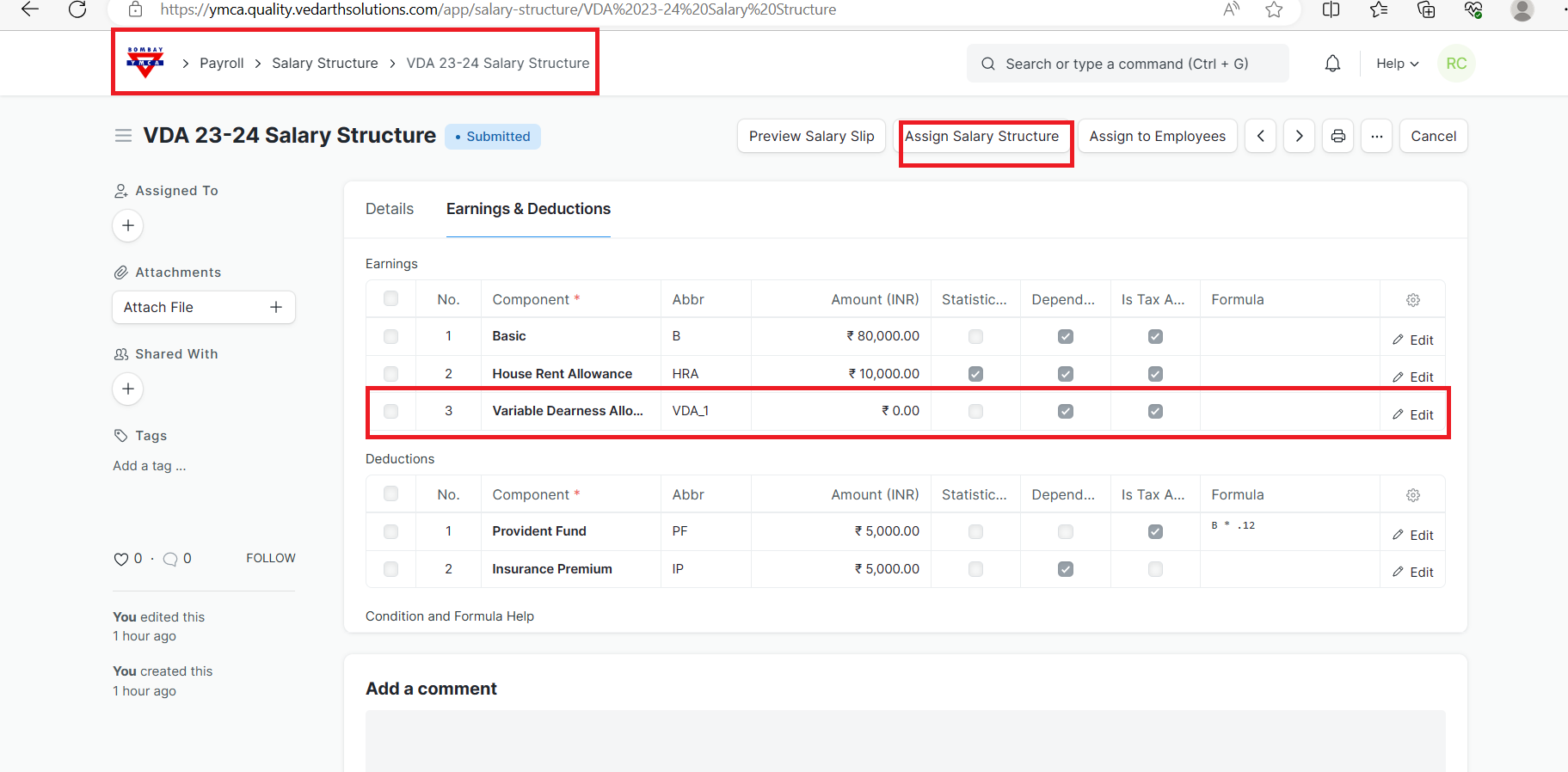
B] Salary structure should be assigned that particular employee. Save & submit.
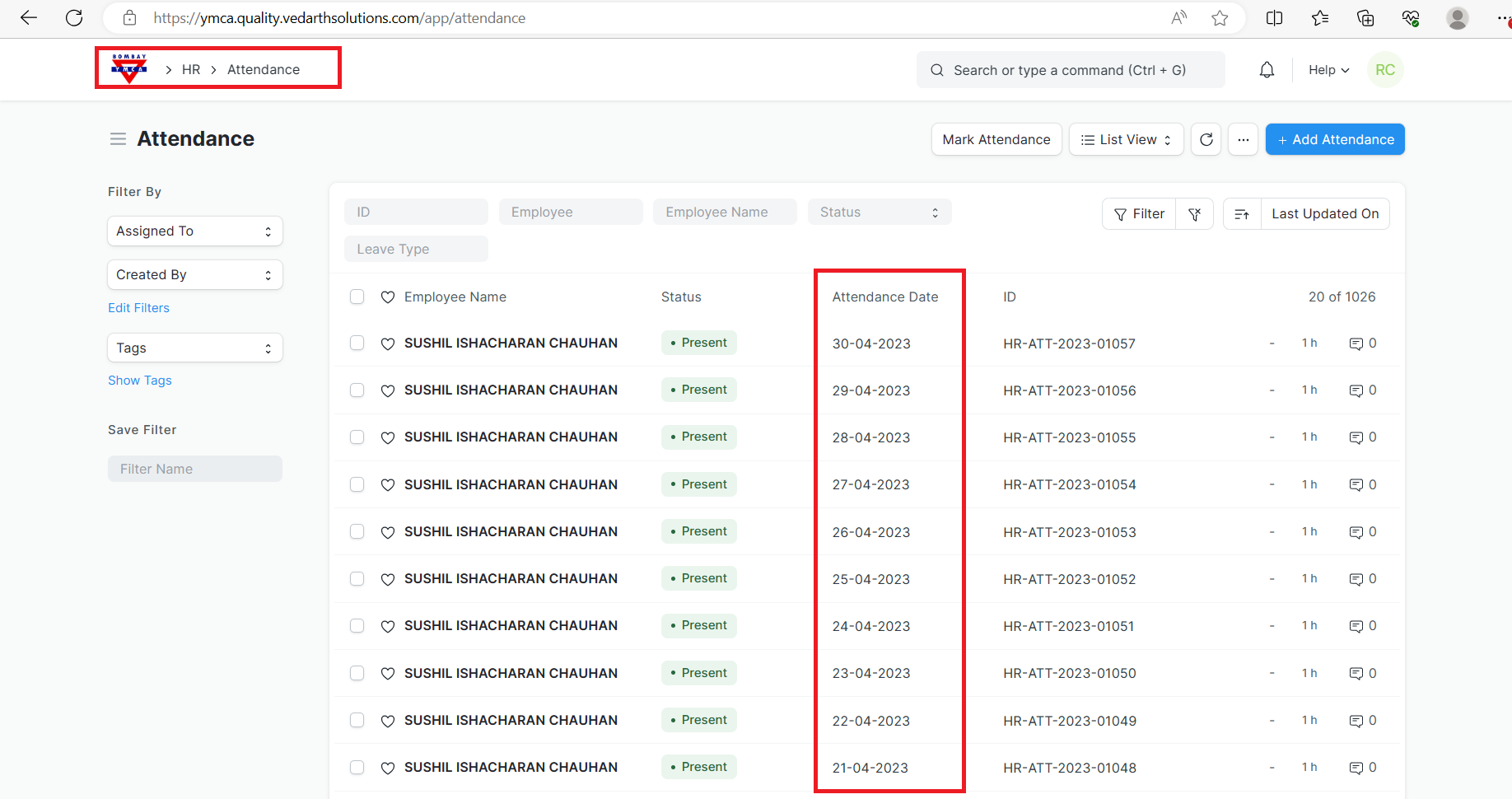
c] Attendance should be marked of an employee.
How to create VDA:
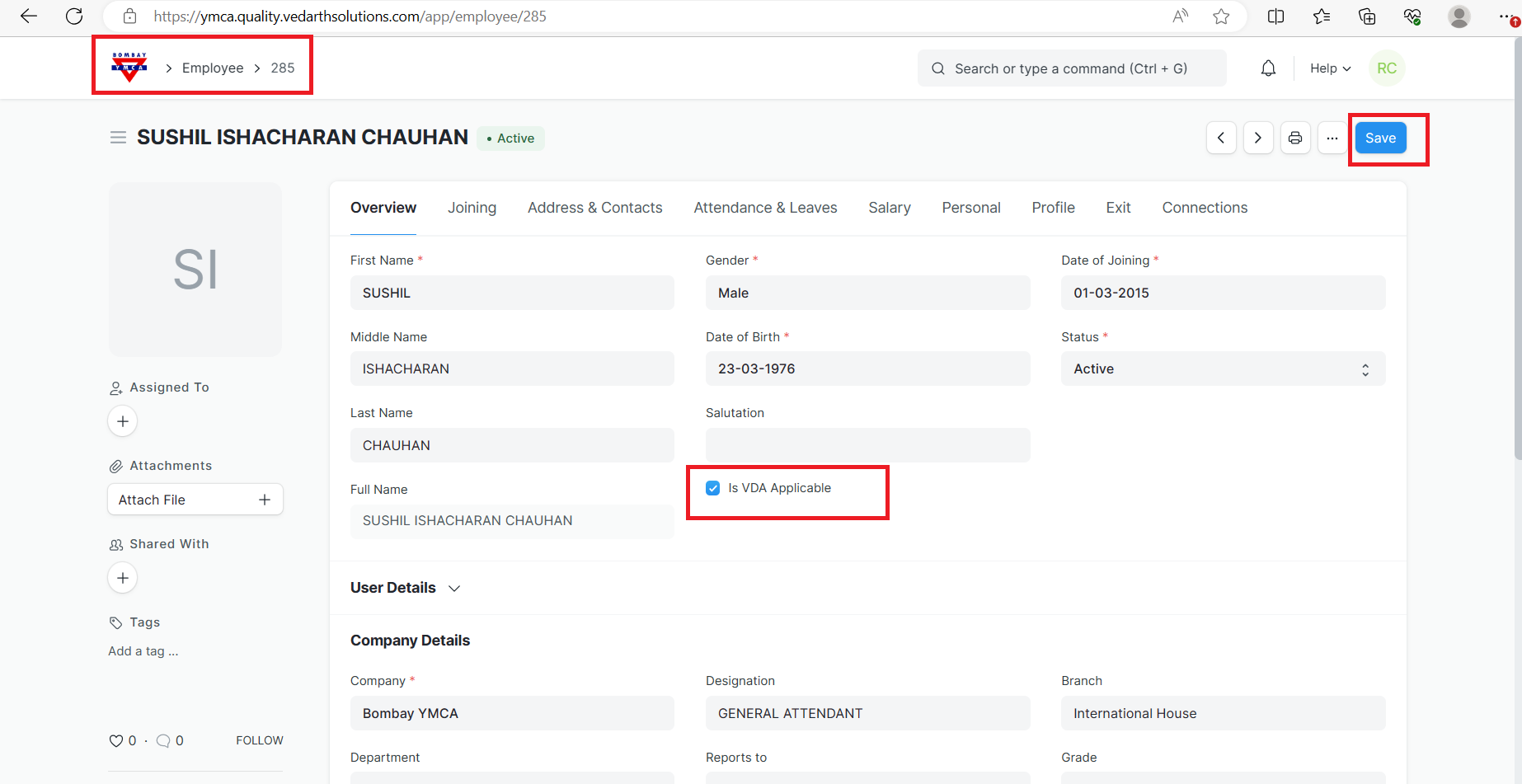
1] First, check if VDA is applicable (checkbox is tick) for that particular employee.
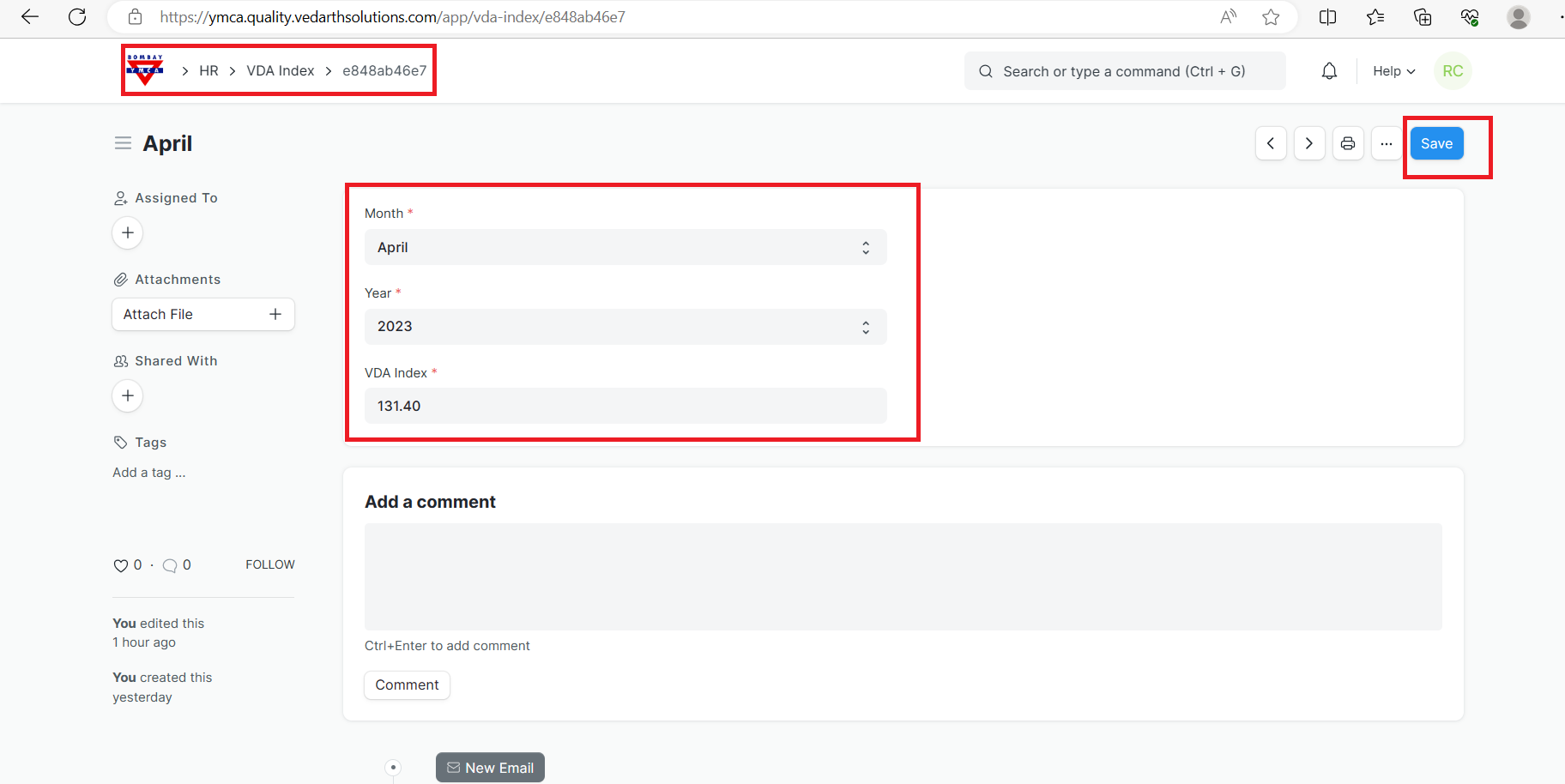
2] Go to the VDA index list > Add a month and year (from start date-salary slip) and add VDA index no. of that month and save it.
How to run the Payroll Entry:
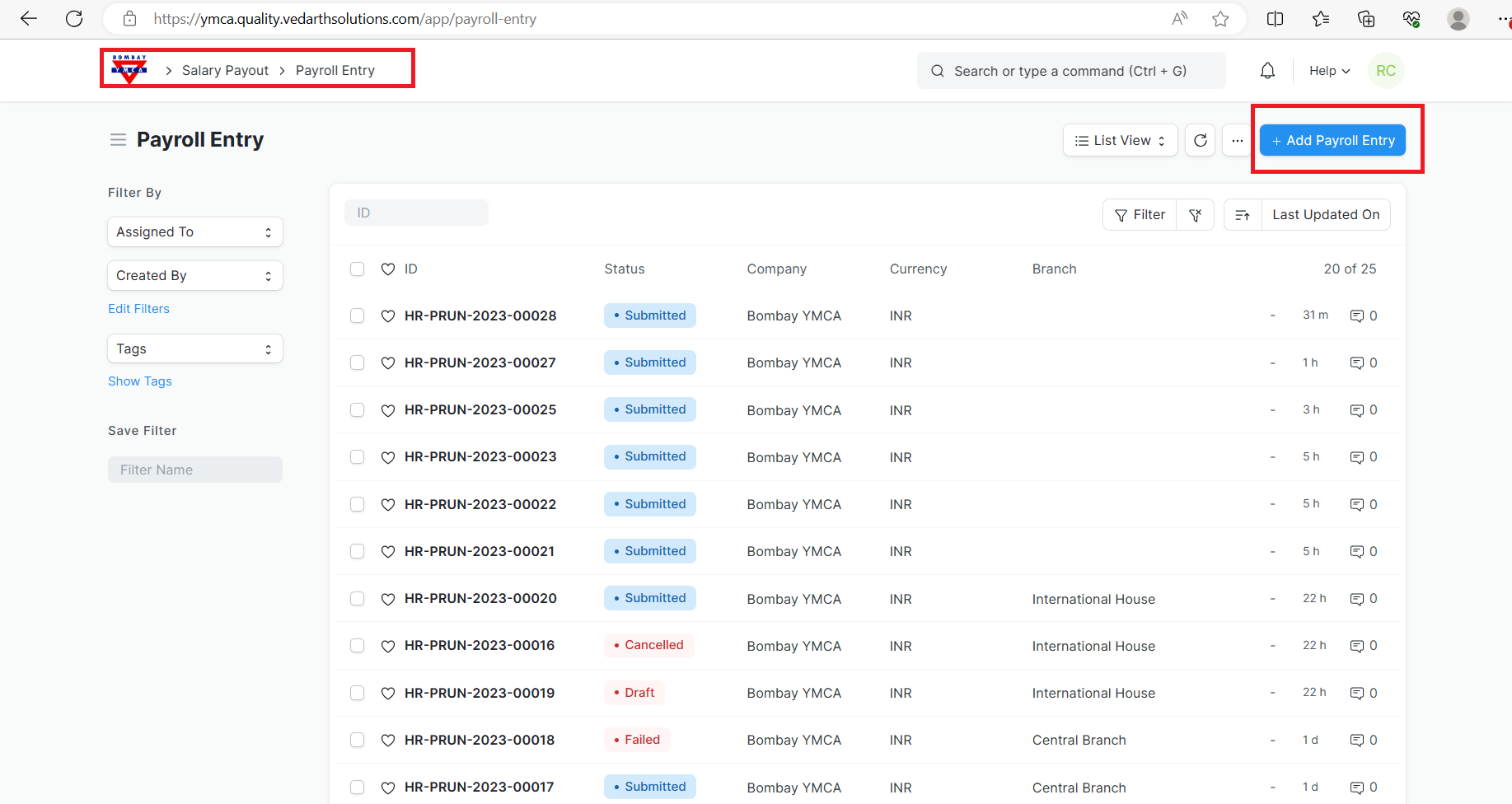
To access Payroll Entry, go to:
- Go to to Payroll Entry list, click on New.
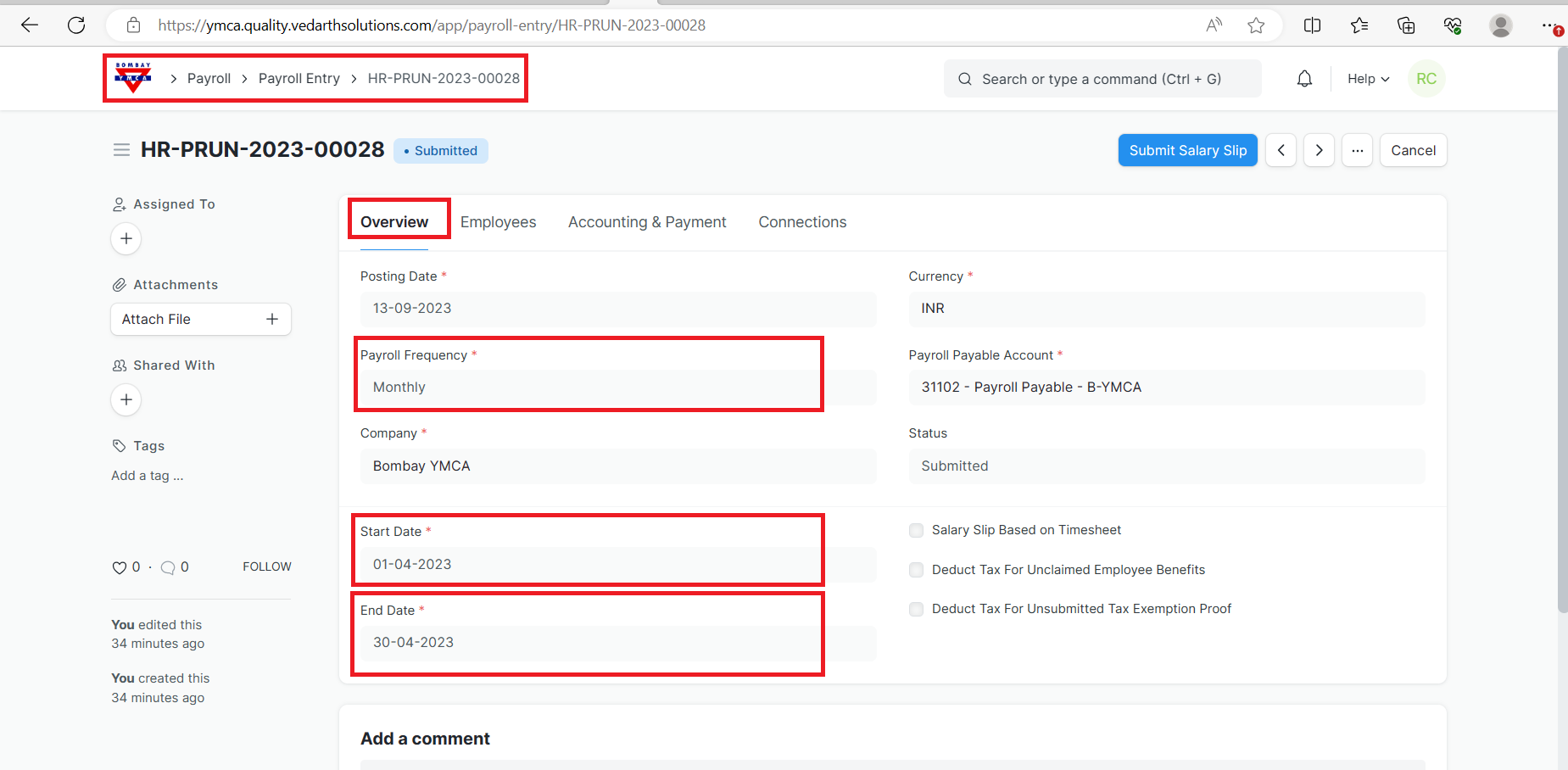
2.Select the Payroll Frequency, Start date and End Date.
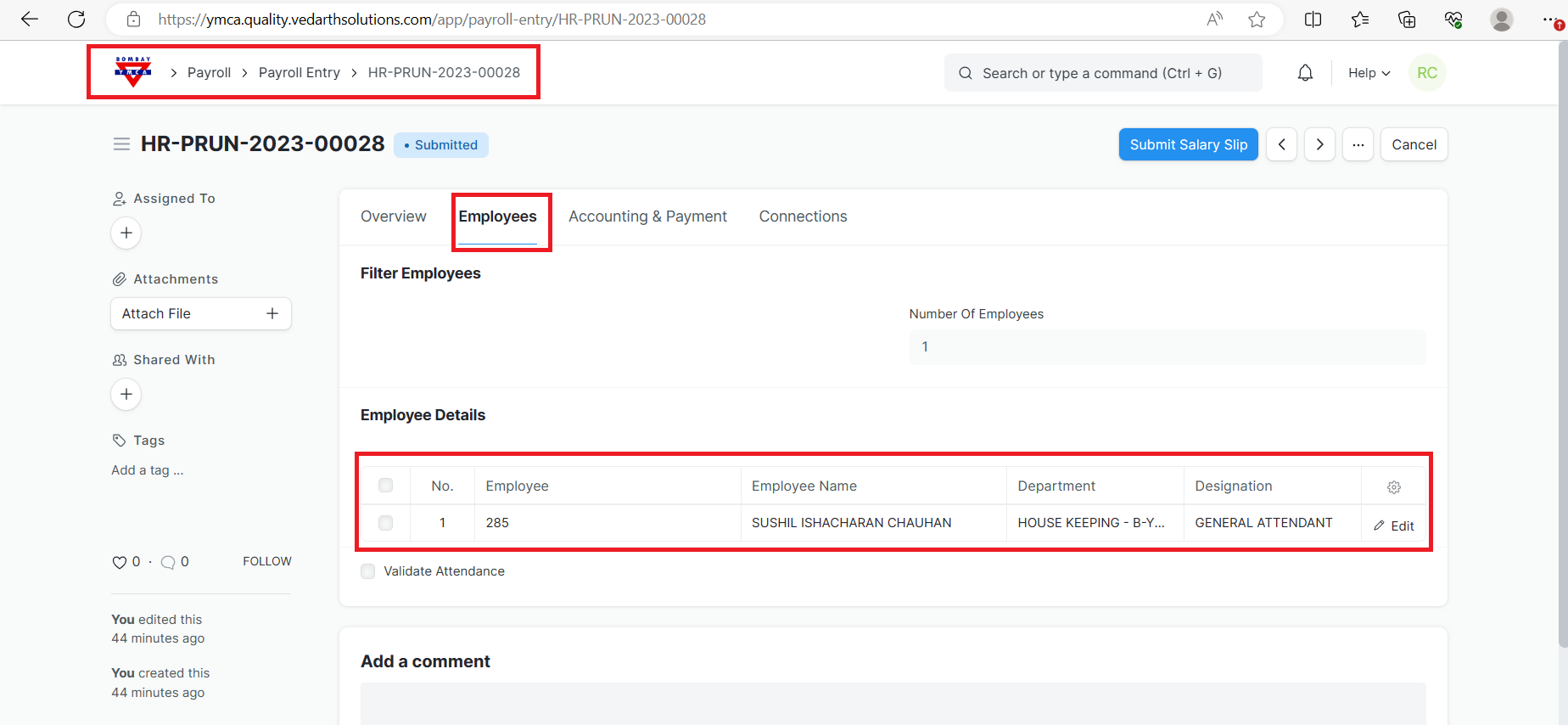
3.In the employee section you can add employee from get "Get employee" or you can add that particular employee and Save it.
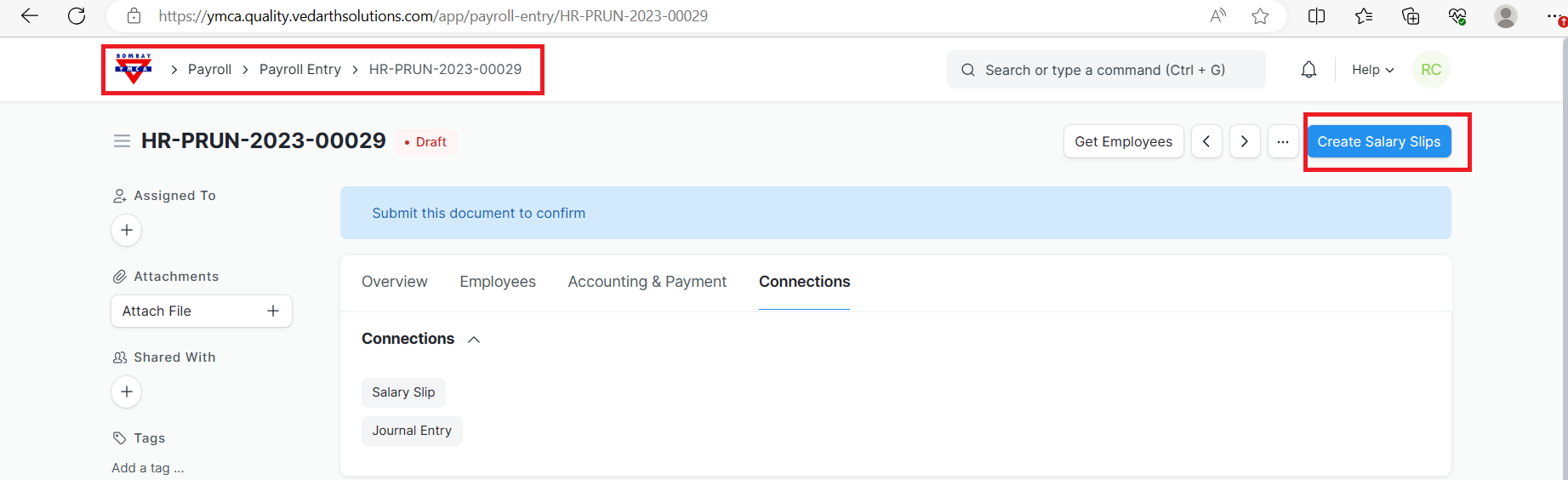
4.Now, you can easily create Salary Slip
5.Once the list of Employees is fetched, click on the Create Salary Slips button to generate Salary Slips.
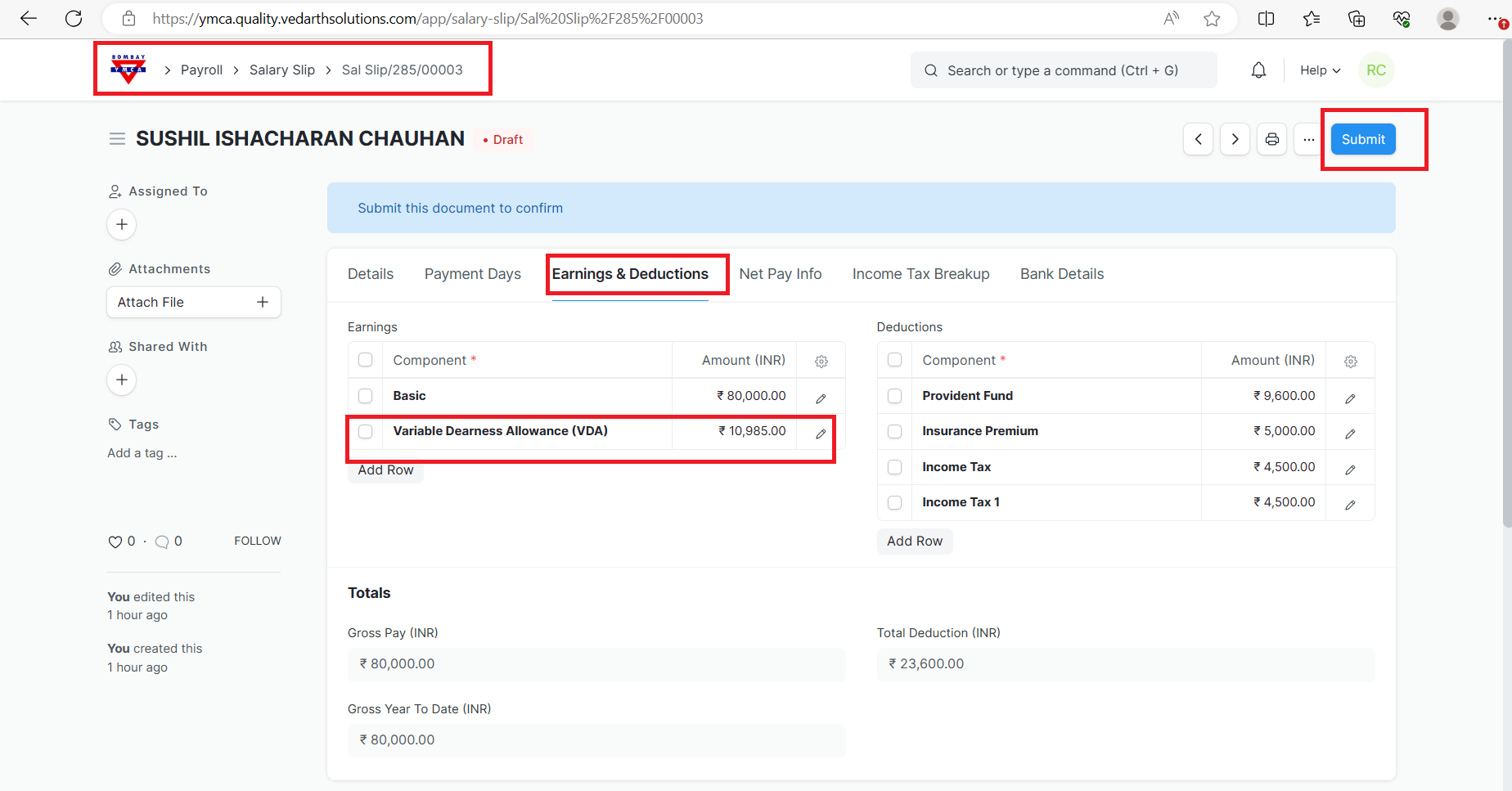
***End of the document ***
More articles on HR- Salary Slip