Bombay YMCA - Rate should be editable for specific Counselling items
By Balaji Shinde on June 6, 2023
IntermediateGo to Receipt and create new receipt.
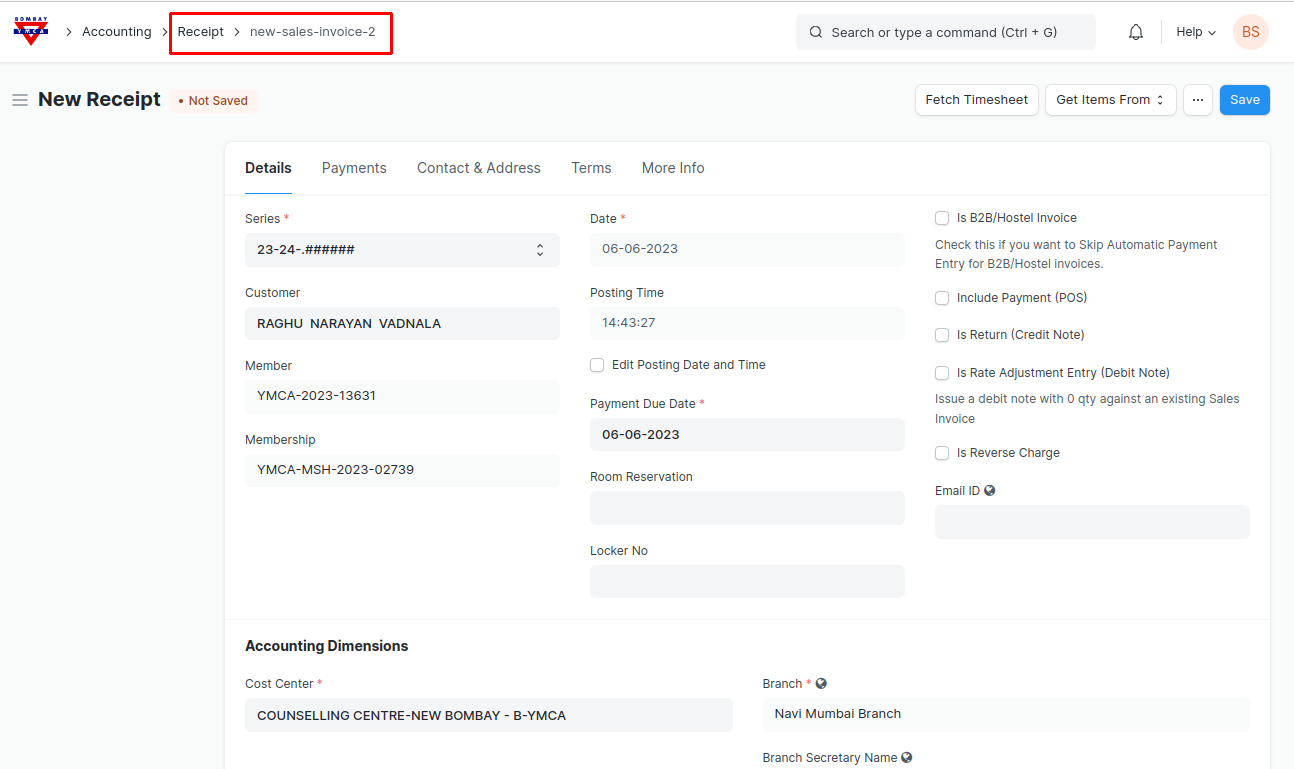
Select any Counselling item. Rate is editable for the counselling items
Note: Rate will be editable only for those items, the Items which includes "Counsell" word in the item name.
- You can add multiple items in the items table in which if added items includes "Counsell" word in it then added all items Rate will be editable and if among the added items if one of the item will does not includes "Counsell" word in it then Rate will not be editable for all the added items.
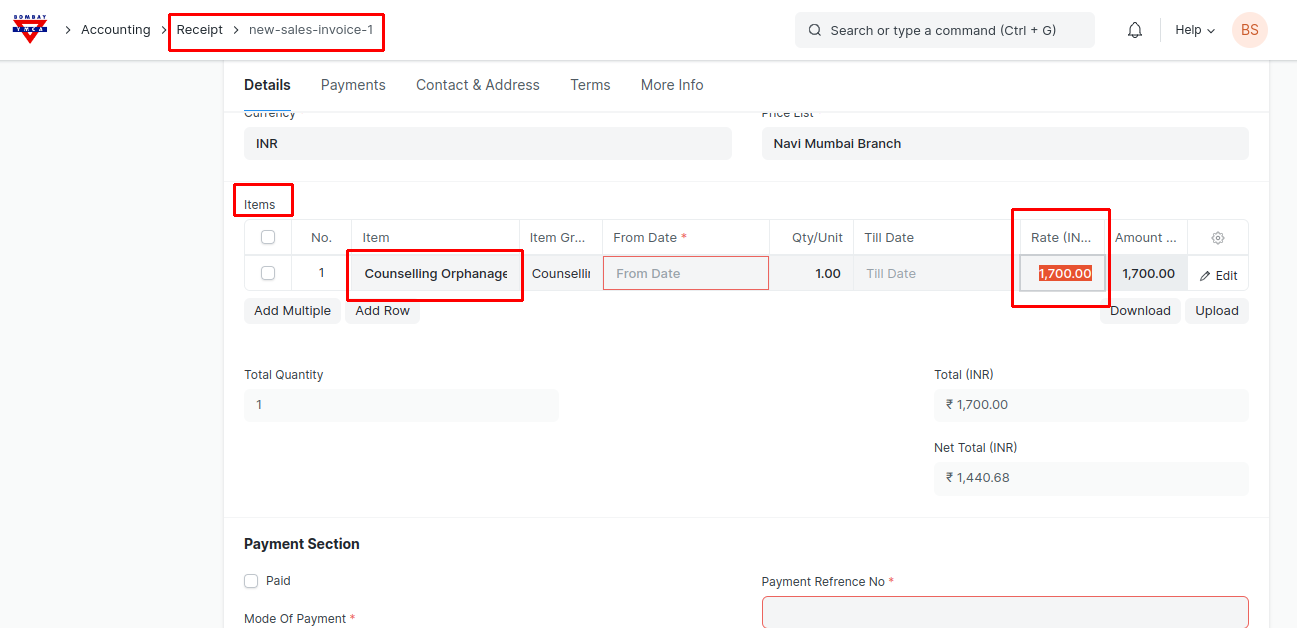
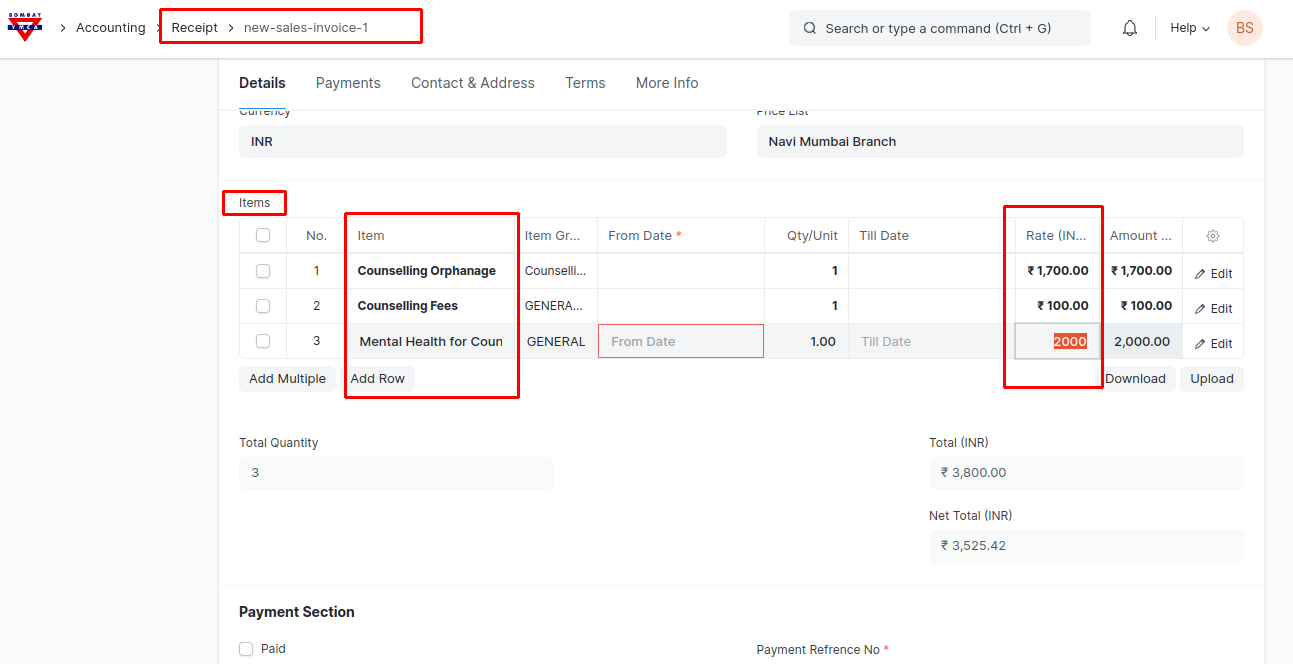
You can change the Rates and save & submit.
***End of The Document***
Was this article helpful?
More articles on ERP Documentation