Bombay YMCA - Expense Claim
By Reshma TW on June 26, 2023
BeginnerExpense Claim
Human Resources > Expense Claims > Expense Claim
1.Go to: Expense Claim > New.
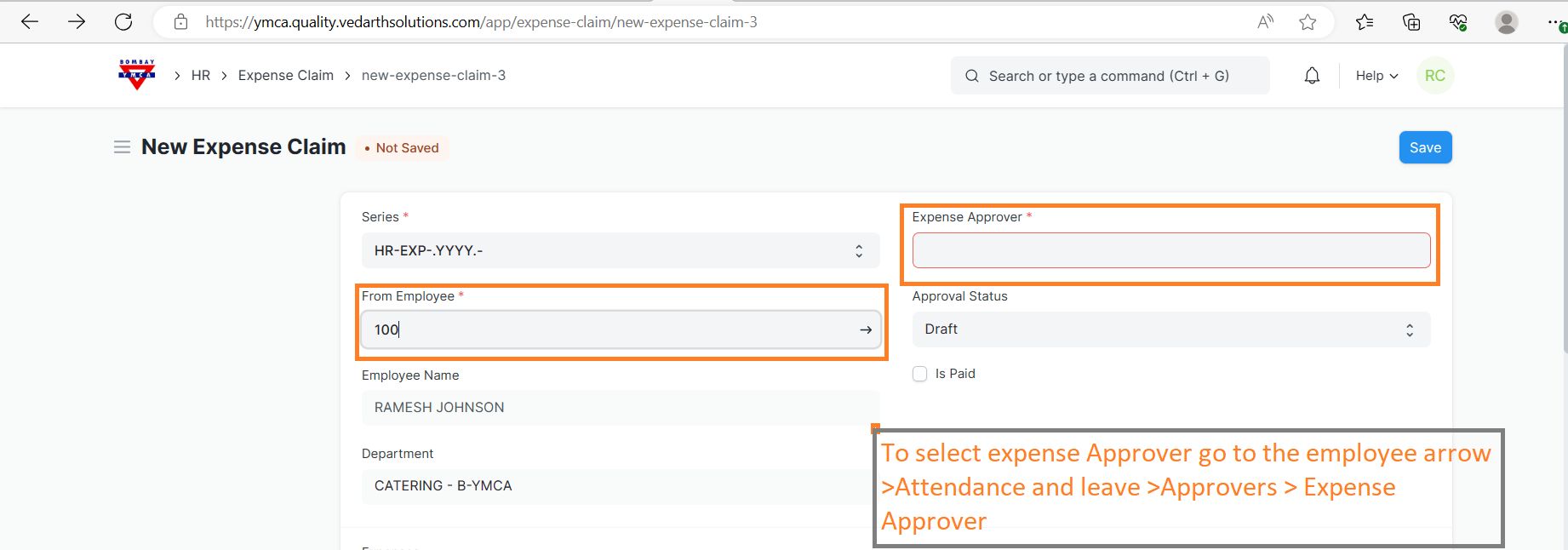
2.Select the Employee Name in the 'From Employee' field.
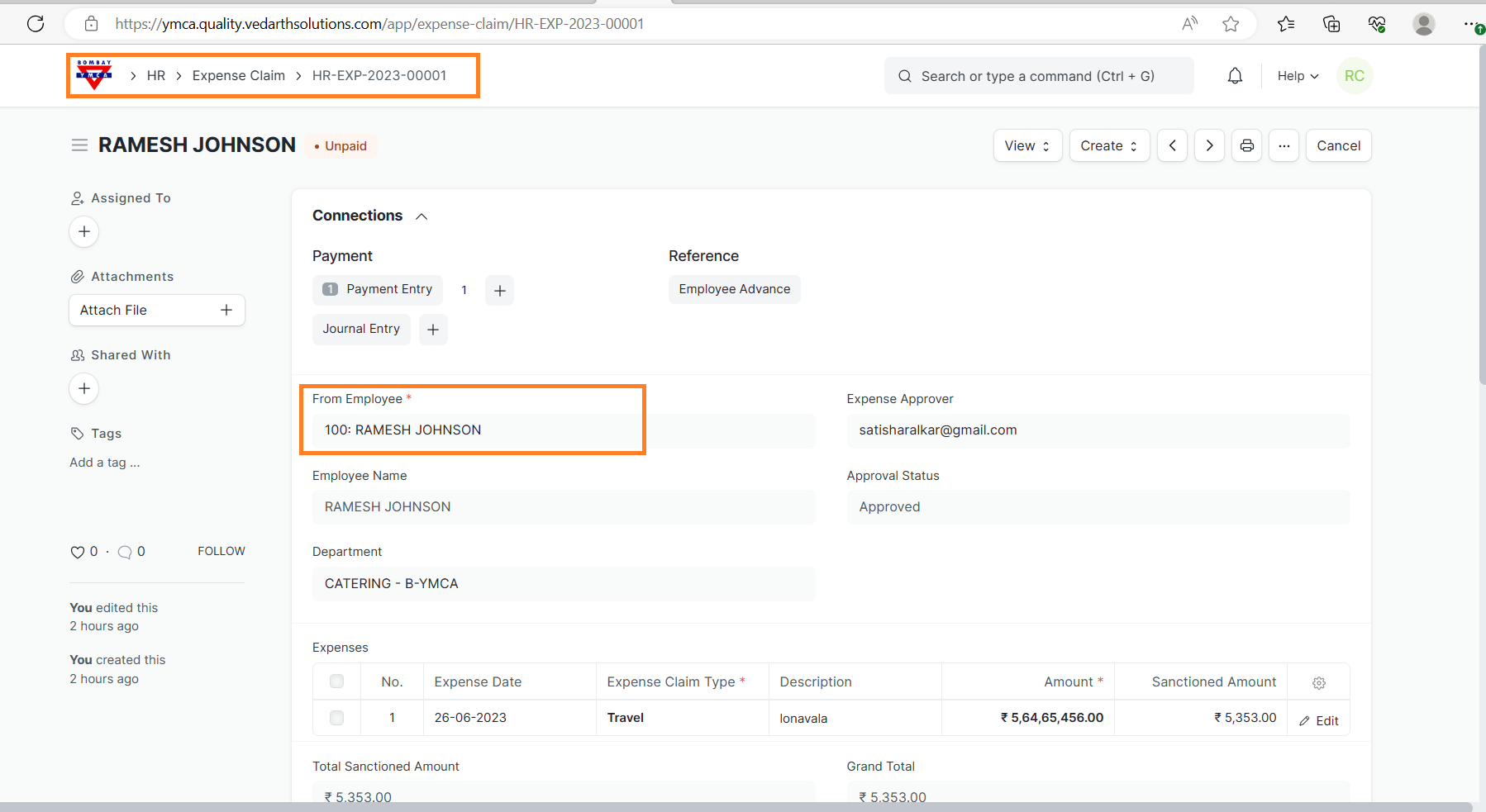
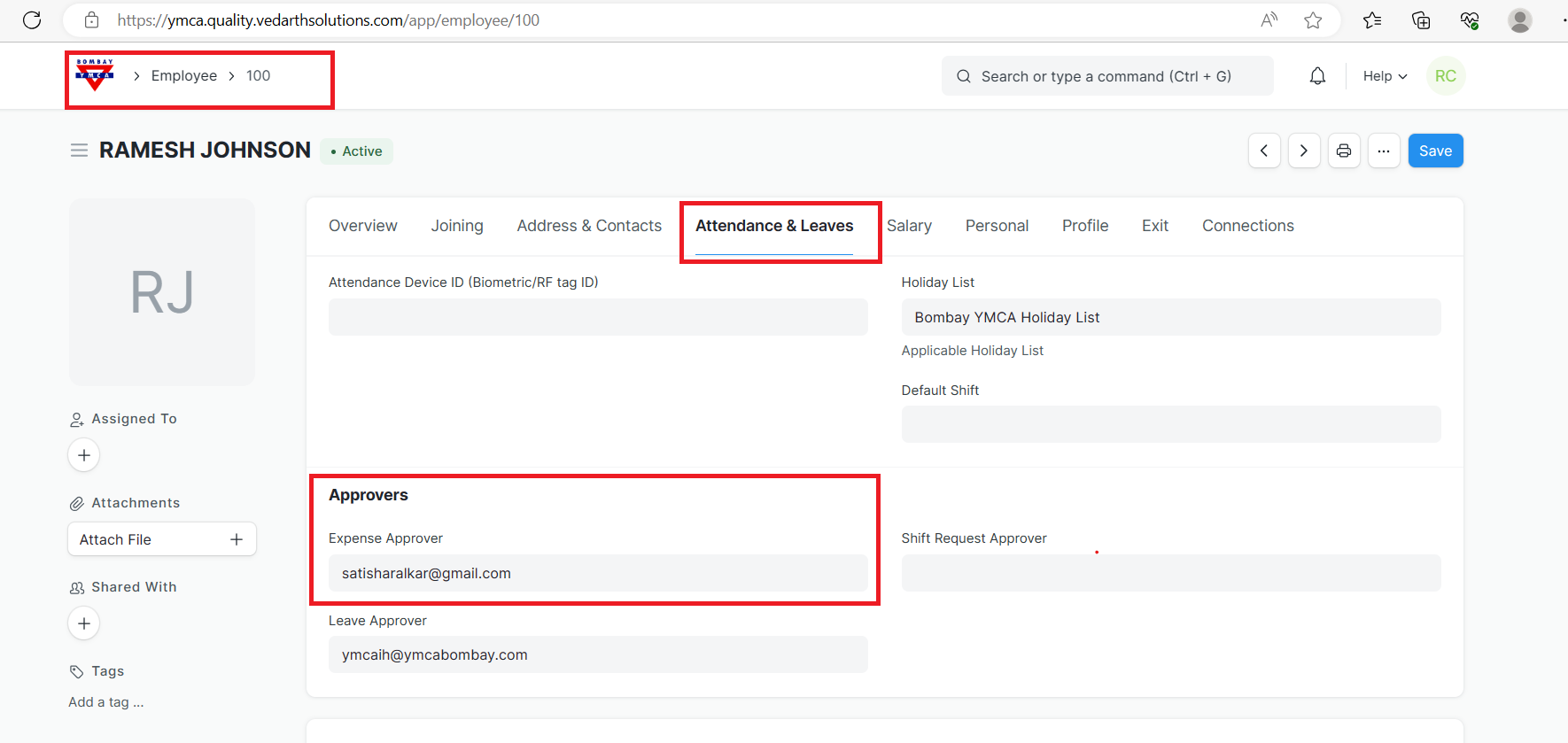
3.Select the Expense Approver field and also from Employee >Attendance & leaves >Approvers >Expense Approver.
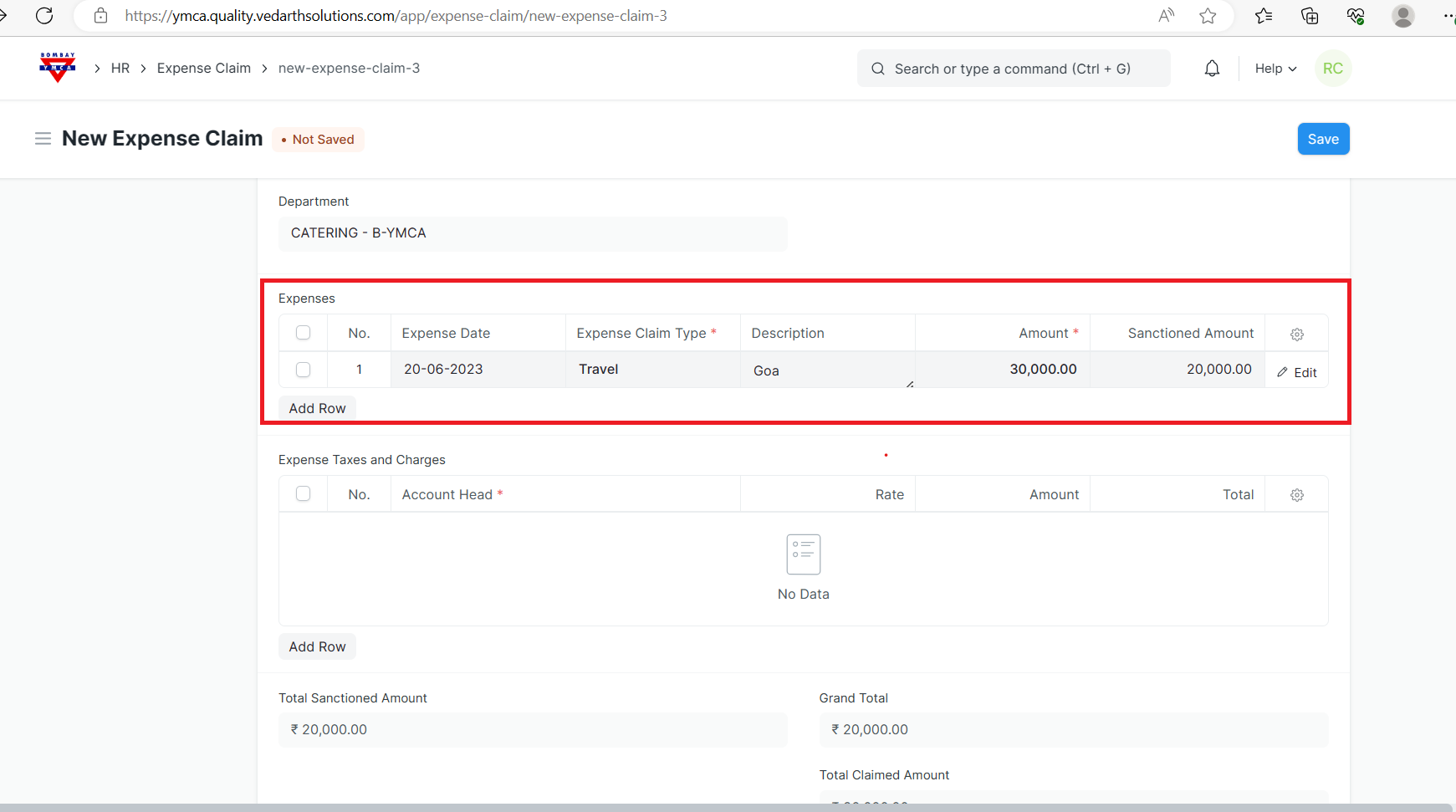
4.Enter the Expense Date, Expense Claim Type and the Amount. Additionally, you can also enter the Expense Taxes and Charges.
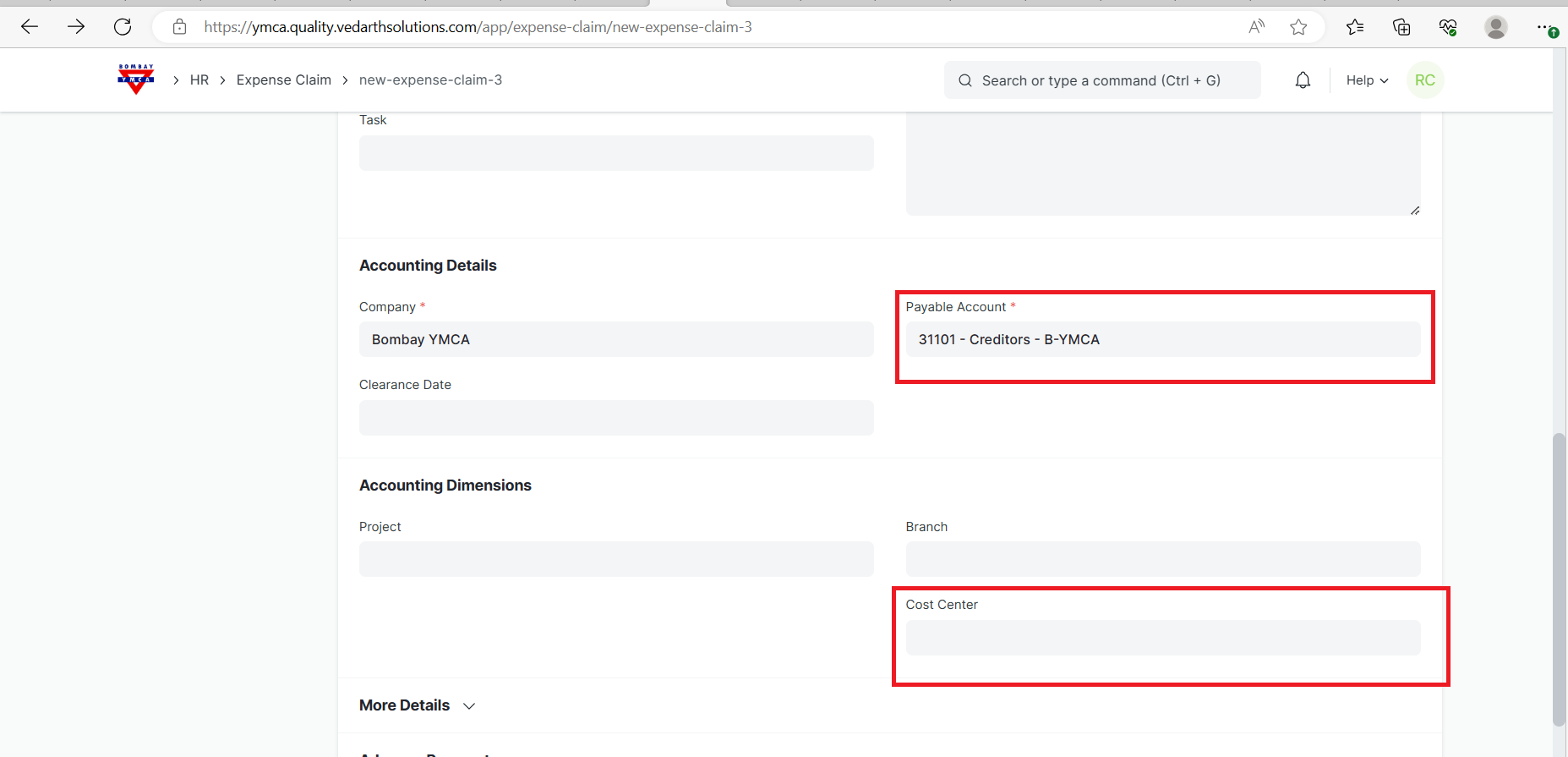
5.In Accounting Details, select the Company's Default Payable Account.
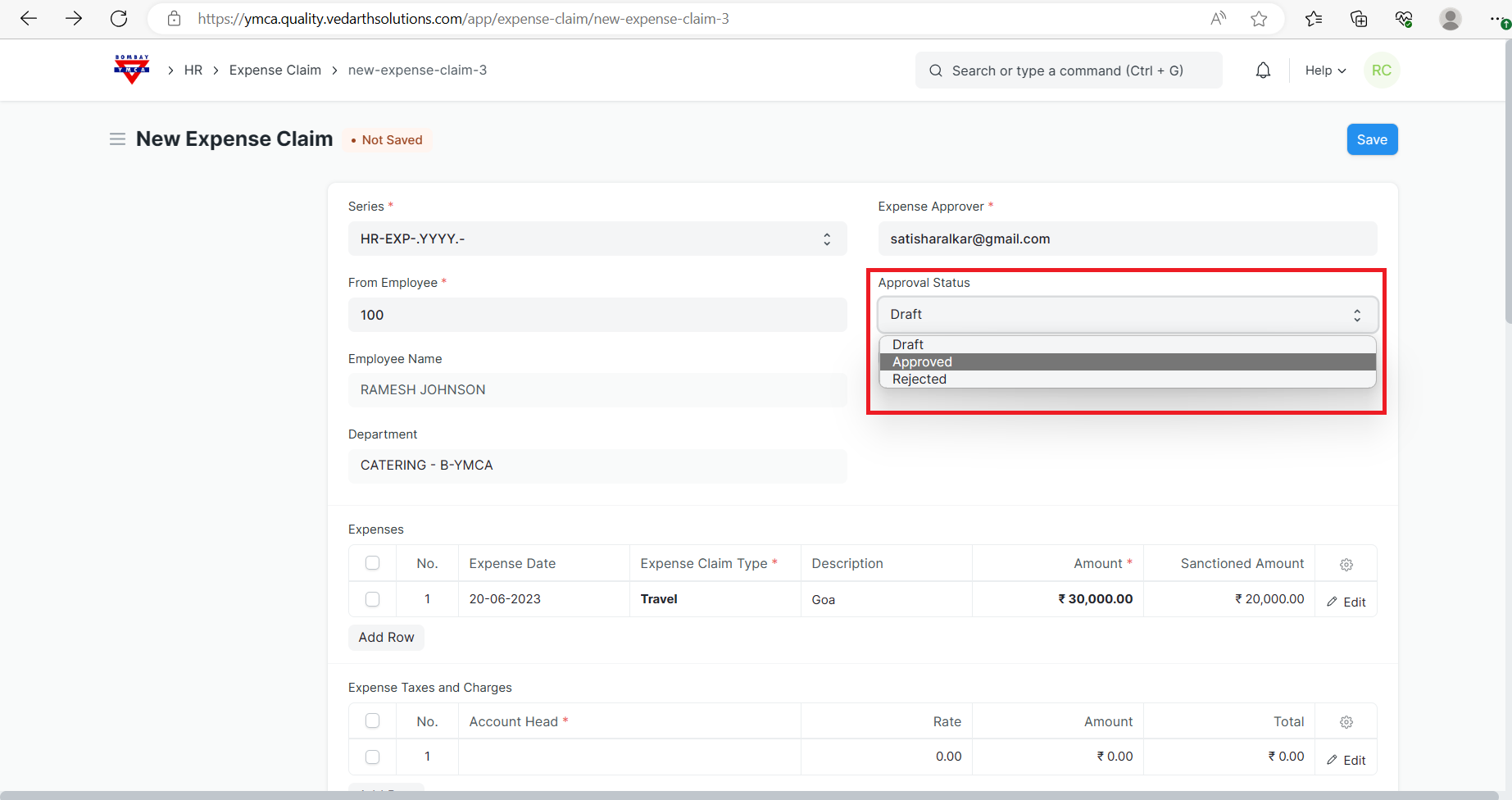
6.Status should be Approved.
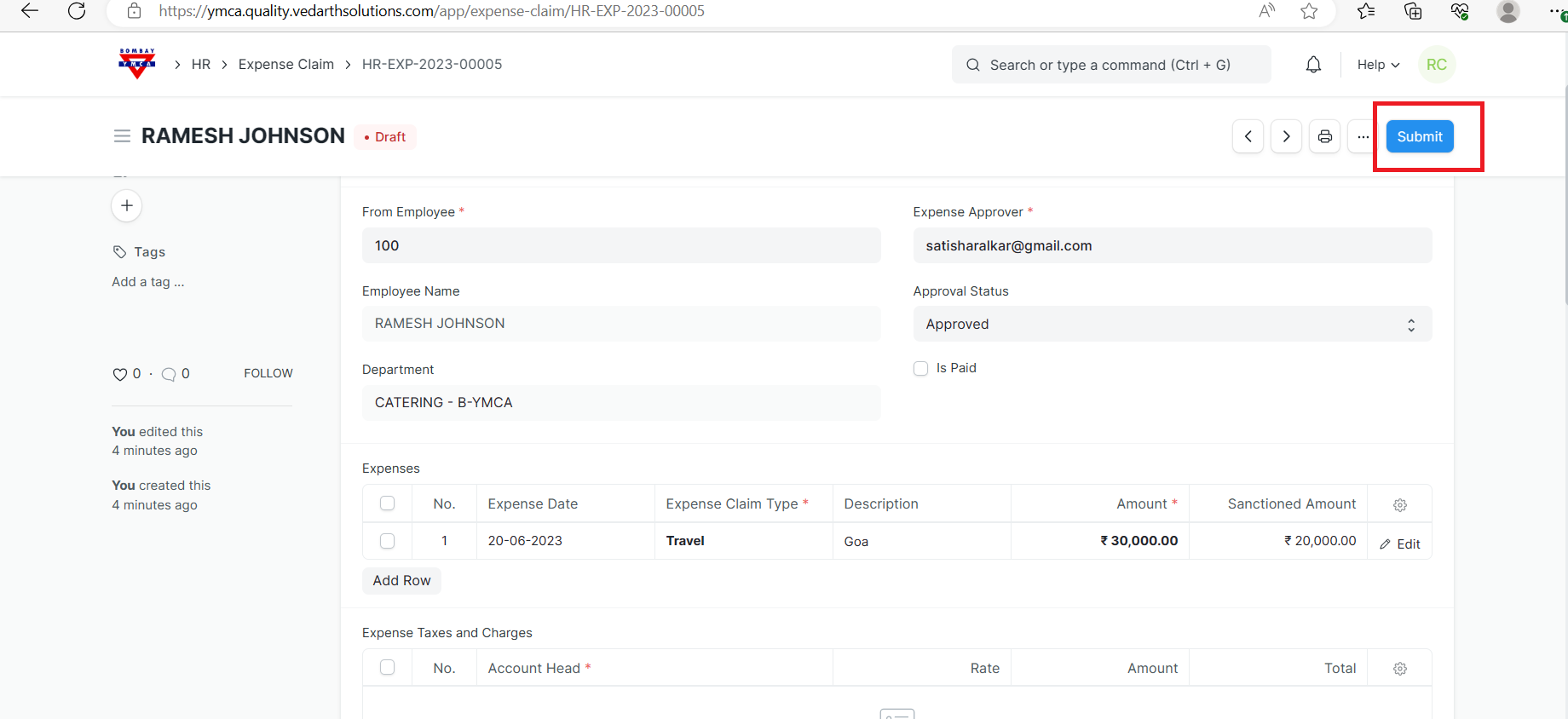
7.Save and Submit.
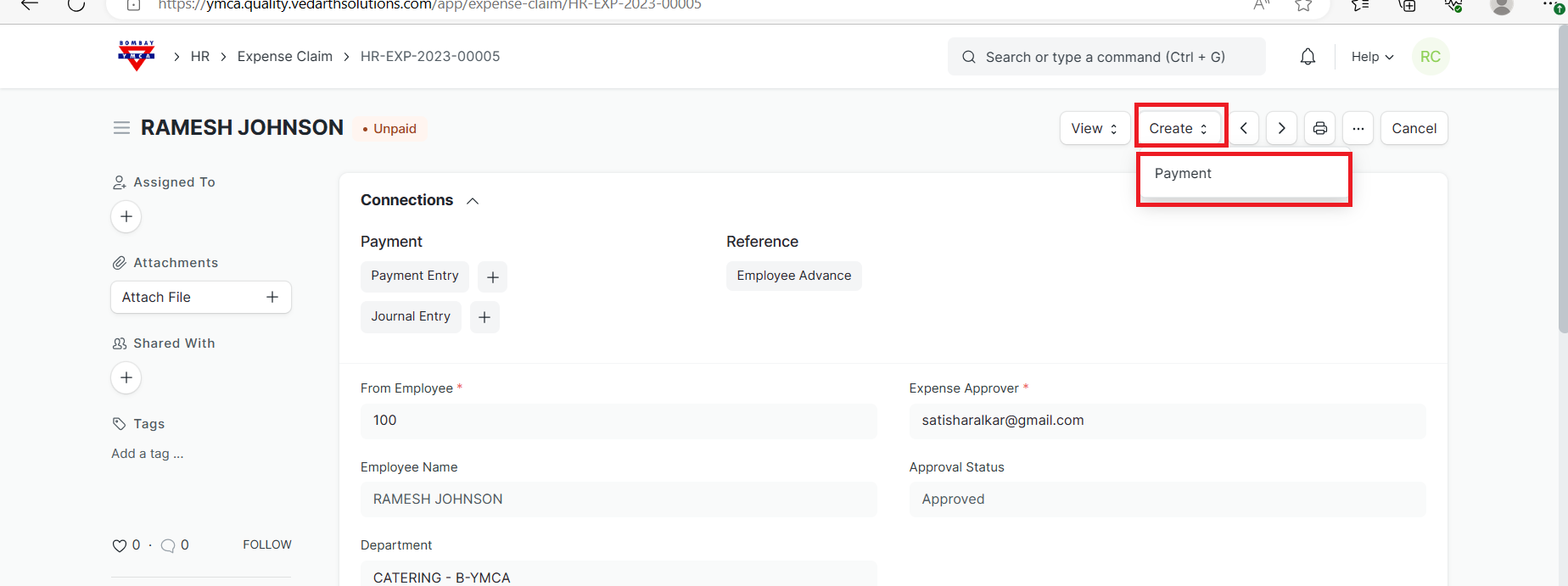
Payment for Expense Claim
A] To make payment against the expense claim, user has to click on Create > Payment.
Expense Claim
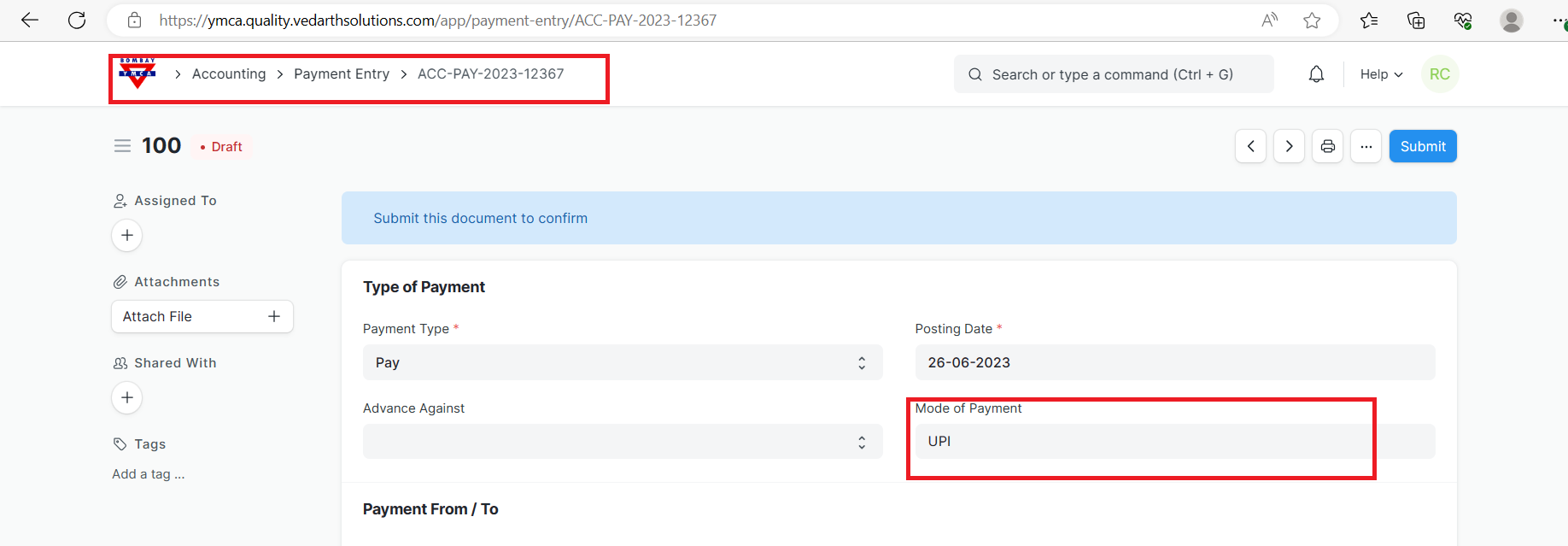
B] Select the mode of payment.
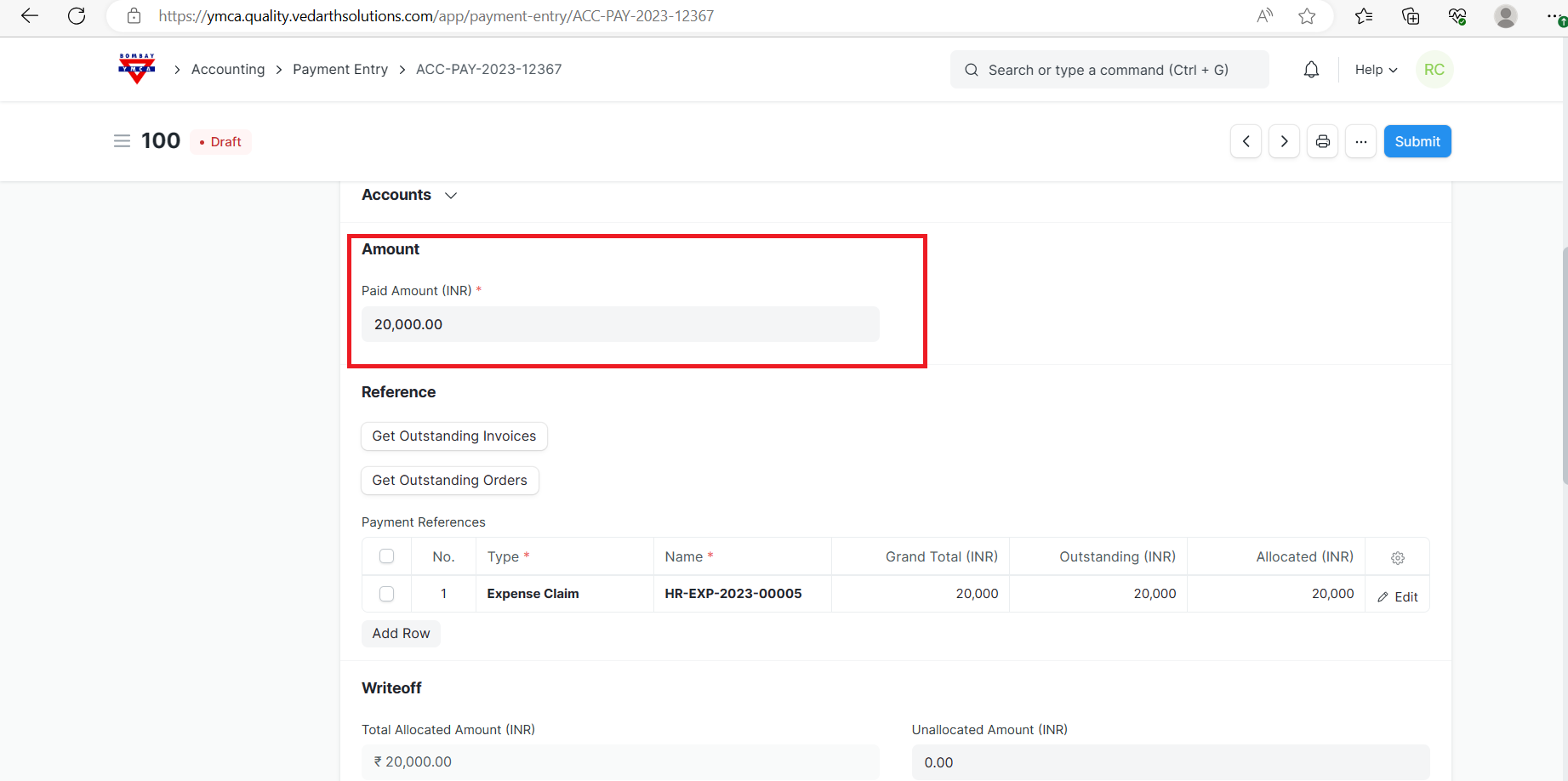
c]You can see the Paid Amount. This has to be Save and Submit.
***END OF THE DOCUMENT***
Was this article helpful?
More articles on HR-EXPENSE CLAIM