Bombay YMCA - Purchase Invoice and Payment to supplier
By Reshma TW on July 6, 2023
BeginnerPurchase Invoice:
A Purchase Invoice is a bill you receive from your Suppliers against which you need to make the payment.
To access the Purchase Invoice list, go to:
Home > Accounting > Accounts Payable > Purchase Invoice
Before creating and using a Purchase Invoice, it is advised to create the following things:
- Item
- Supplier
- Purchase Order
- Purchase Receipt (optional)
Go to the Purchase Invoice list, click on New.
- Select the Supplier.
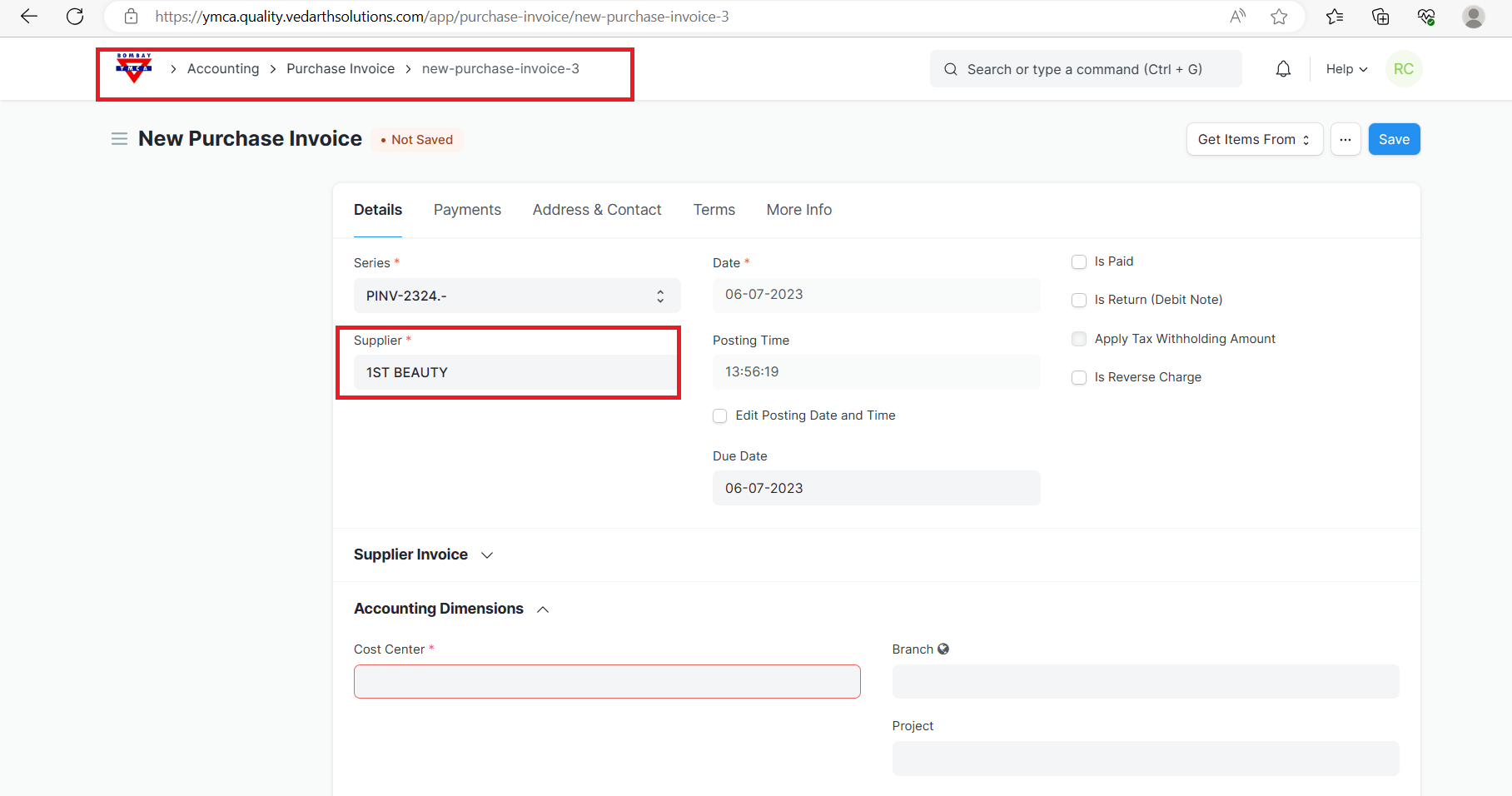
2.The posting date and time will be set to current, you can edit after you tick the checkbox below Posting Time.
3.Set the Due Date for payment. 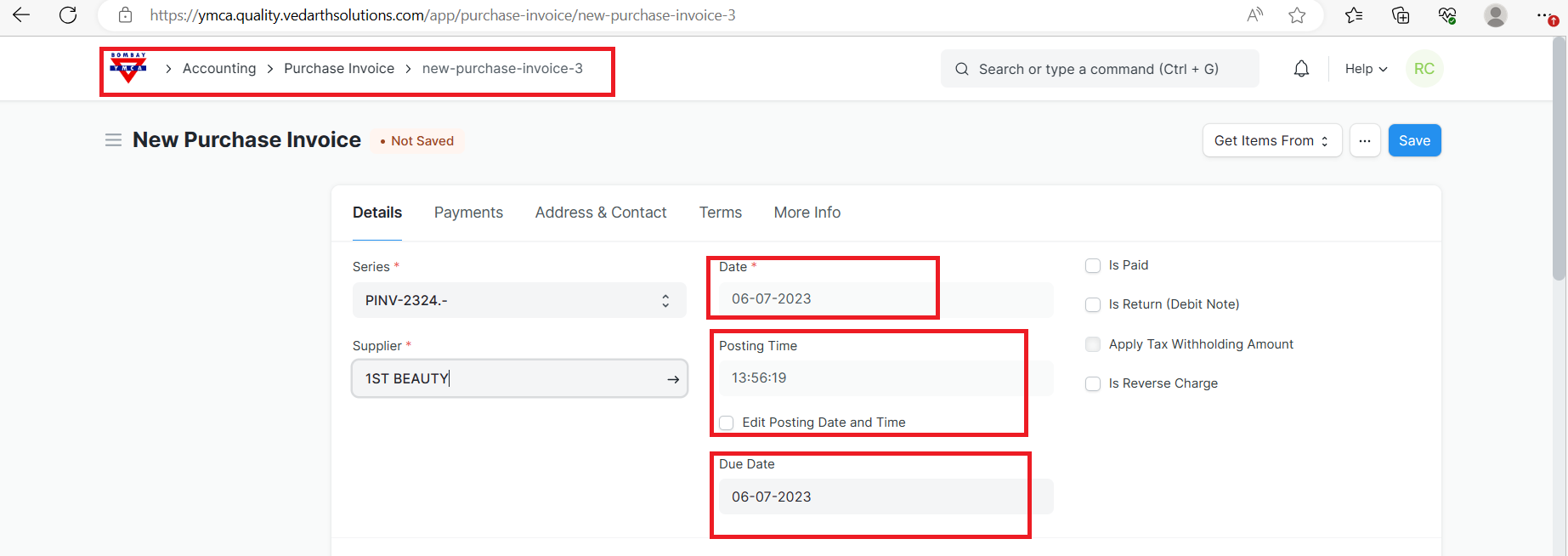
4.Add Items and quantities in the Items table.
5.The Rate and Amount will be fetched.
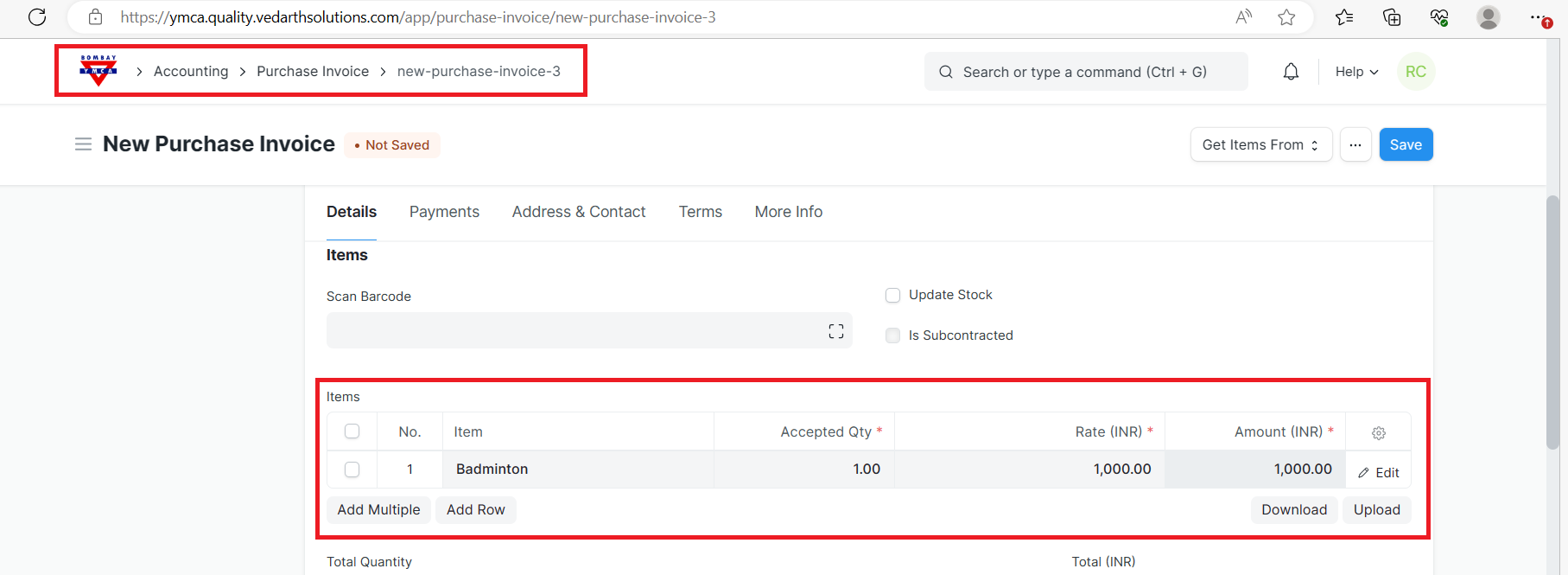
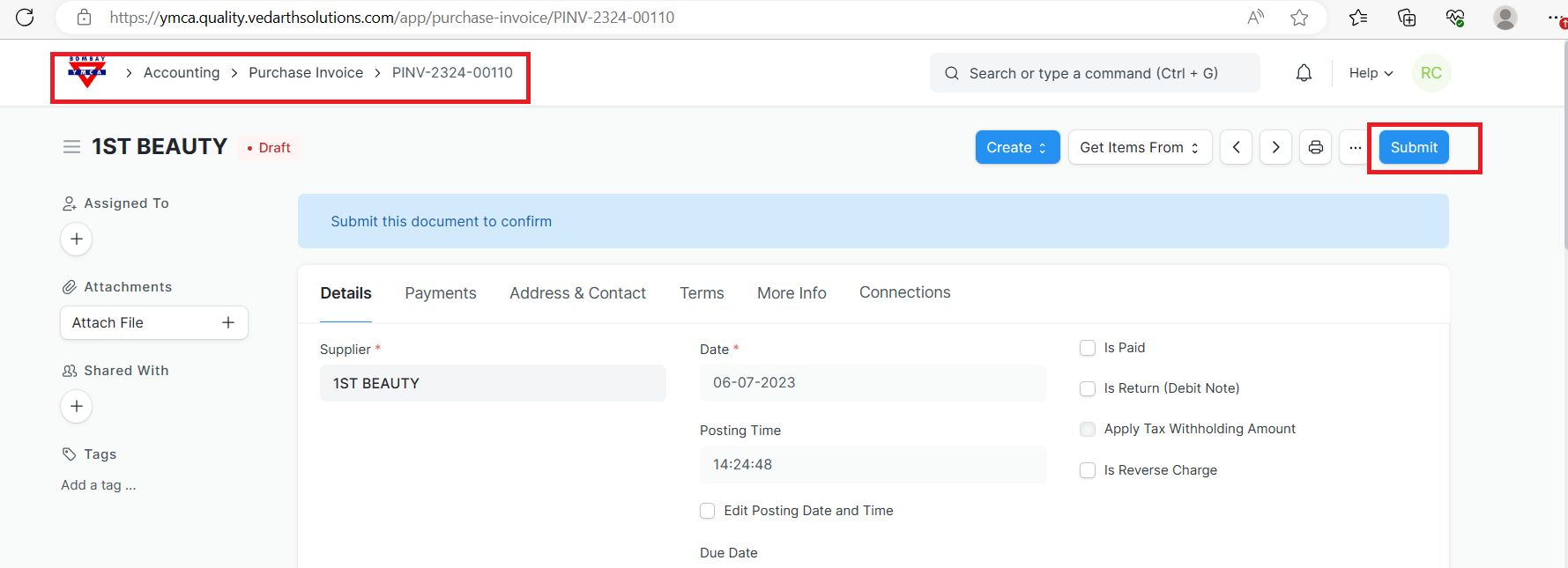
6.Save and submit.
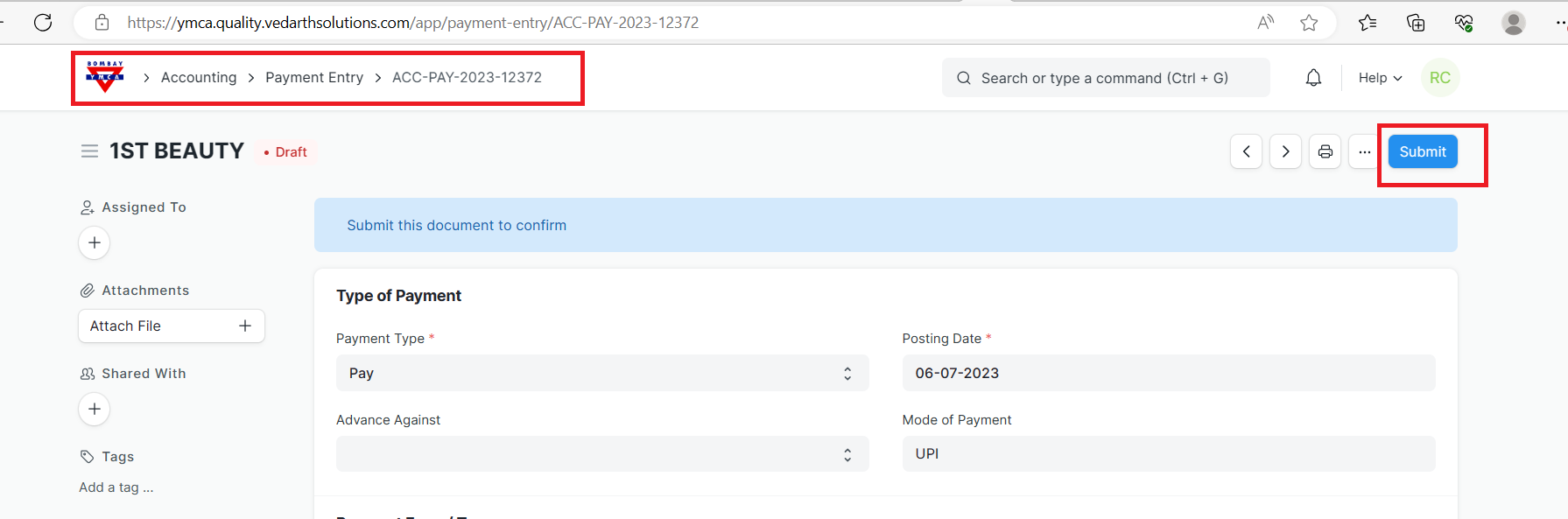
How to create Payment Entry :
Payment done by the Customer/Supplier before the invoice is sent is an Advance Payment.
you can directly create a Payment Entry for the advance amount. Same way, you can also create advance Payment Entry for Supplier, via Purchase Invoice.
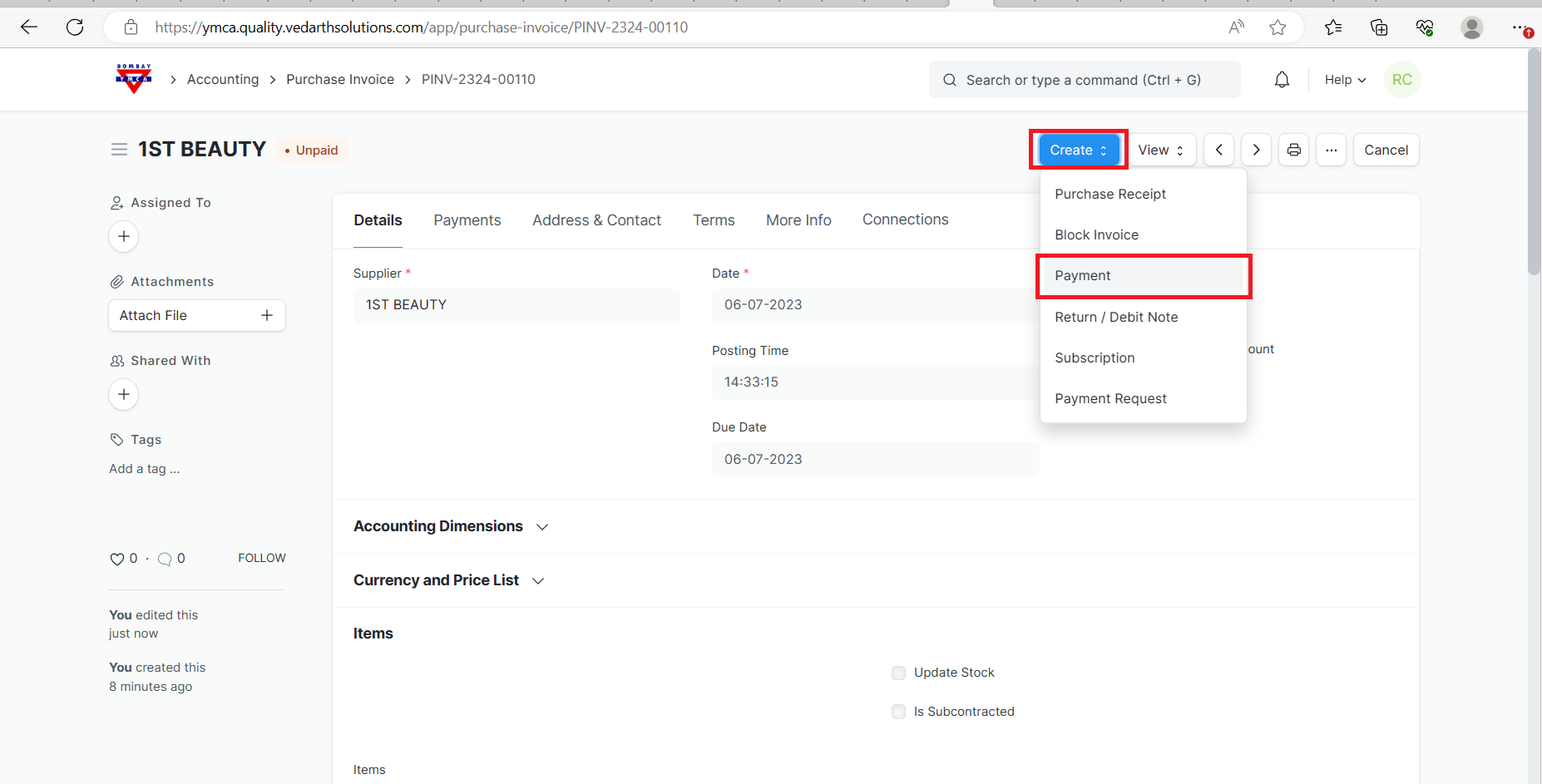
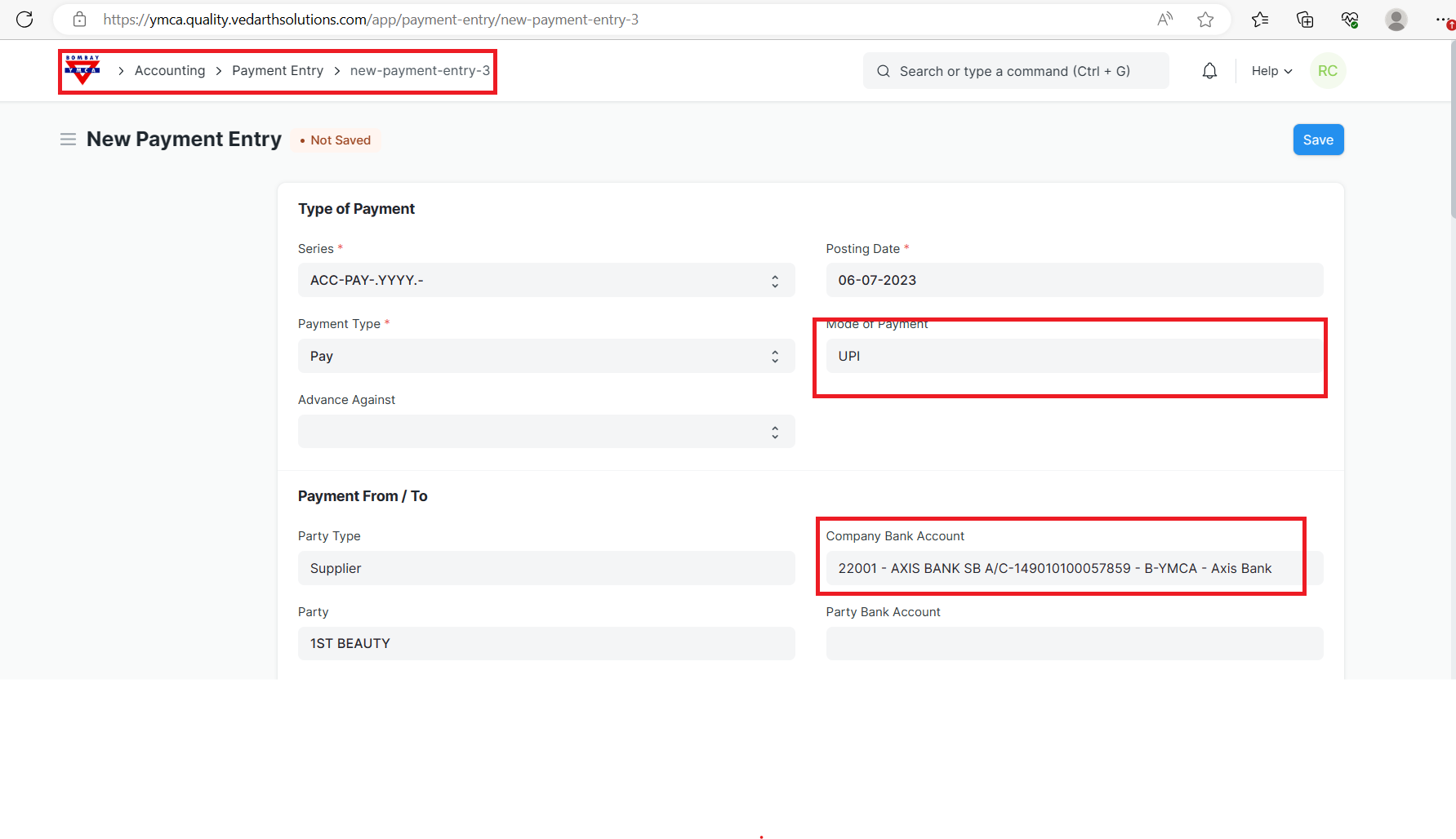
2.Select Mode of payment & company bank account.
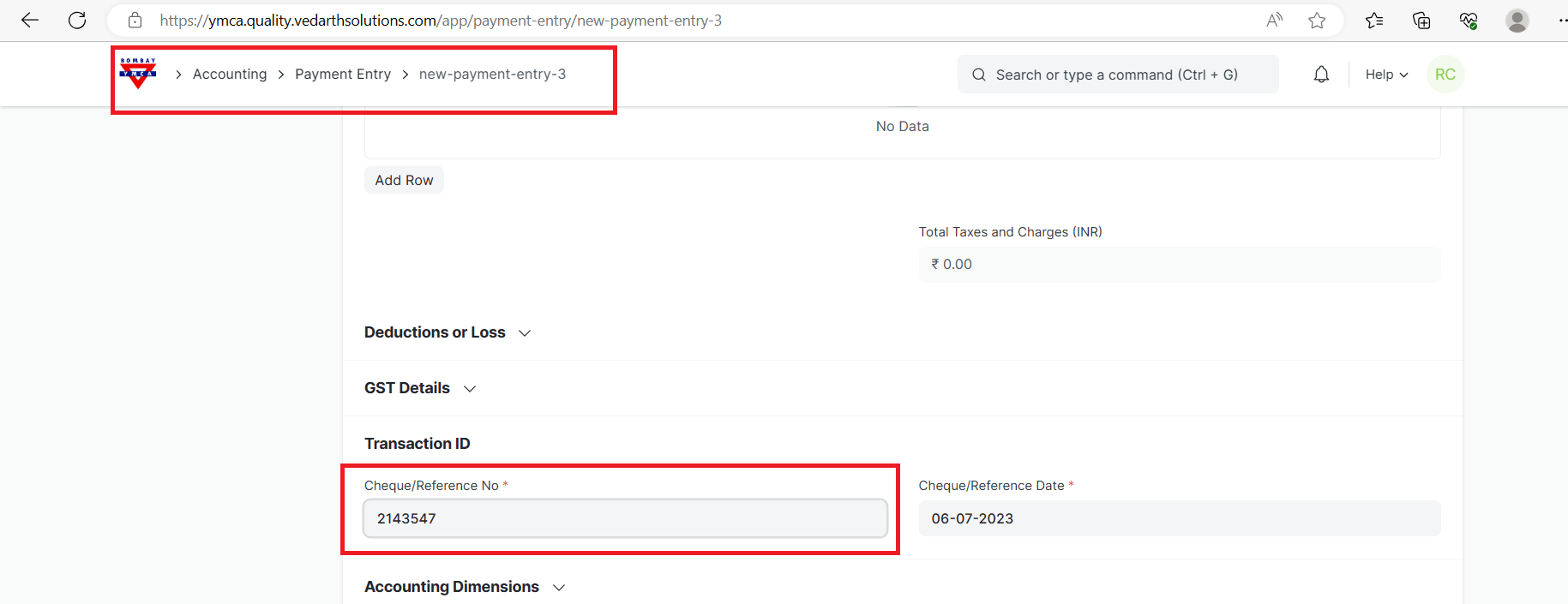
2.Add cheque/ Reference no
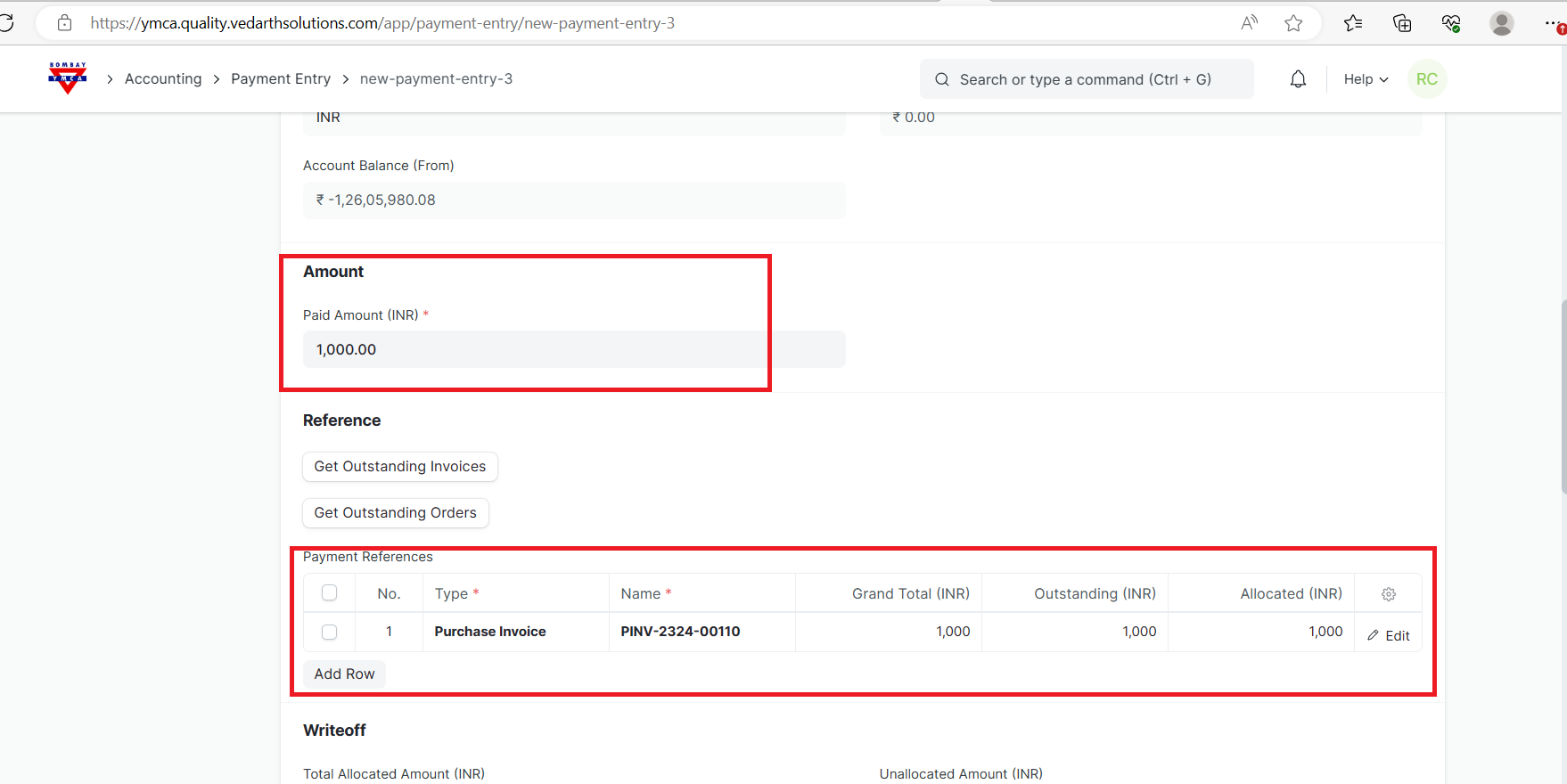
3.You can see the Amount and Payment reference.
4.Save and submit.
***End of the Document ***
More articles on Accounting