Bombay YMCA - How to Change Wrong bank in Receipt
By Satish Aralkar on December 18, 2023
IntermediateOpen and check the bank entered in Receipt.
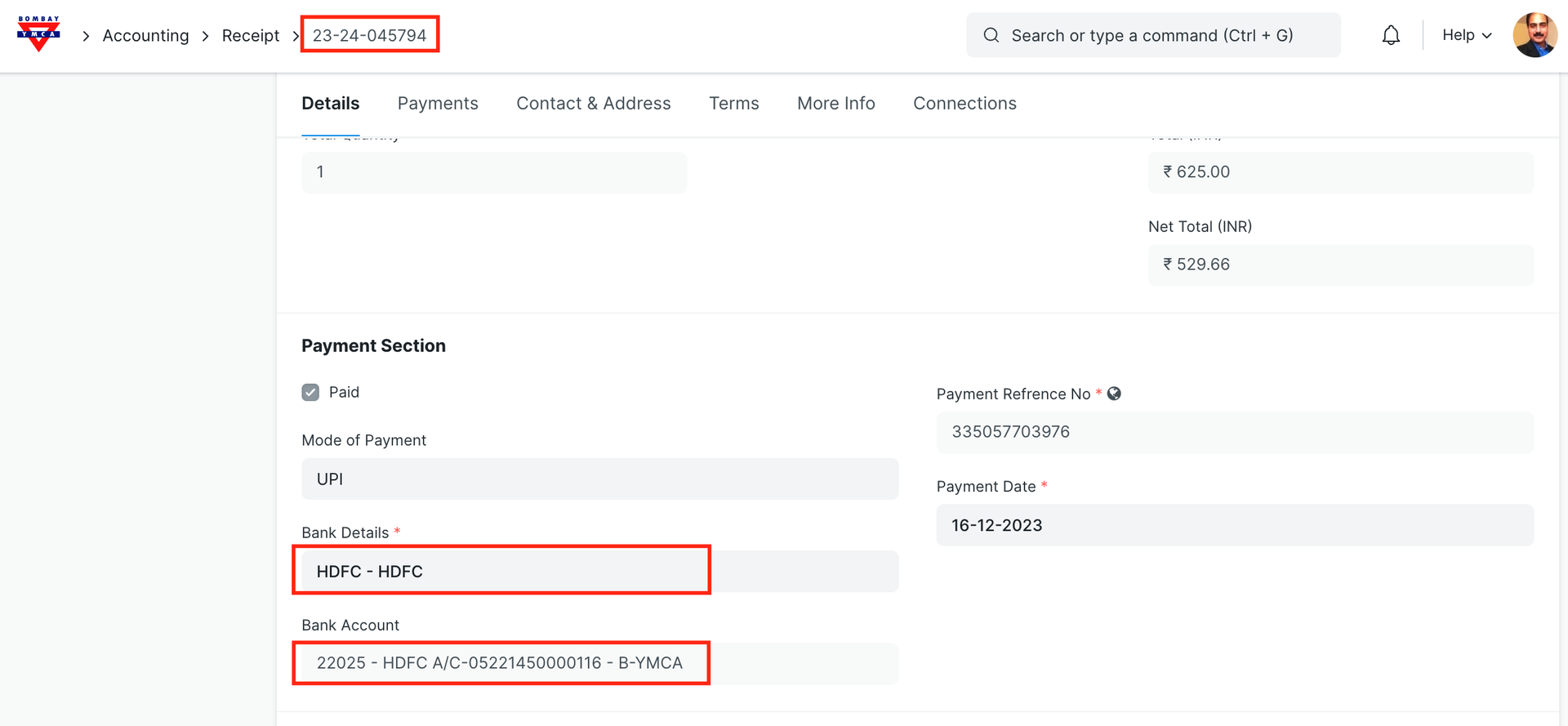
After submit of receipt, Payment entry is created in background. Now check the payment entry.
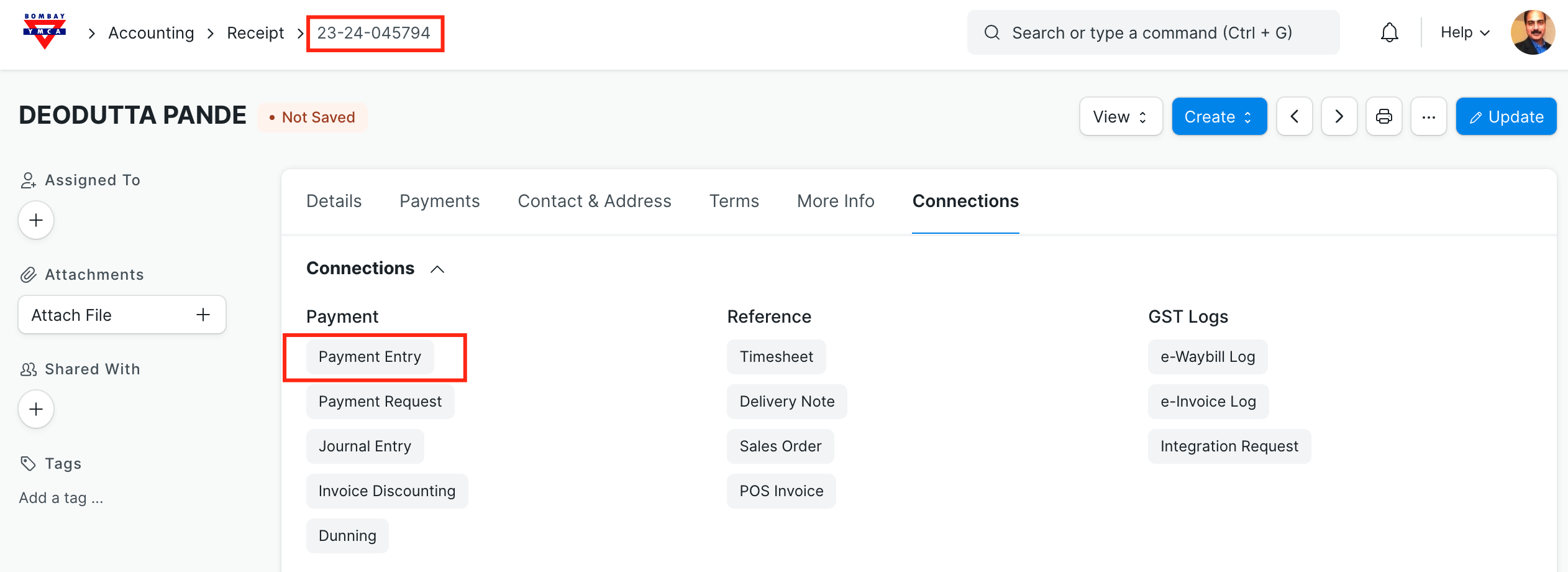
Click on Payment Entry
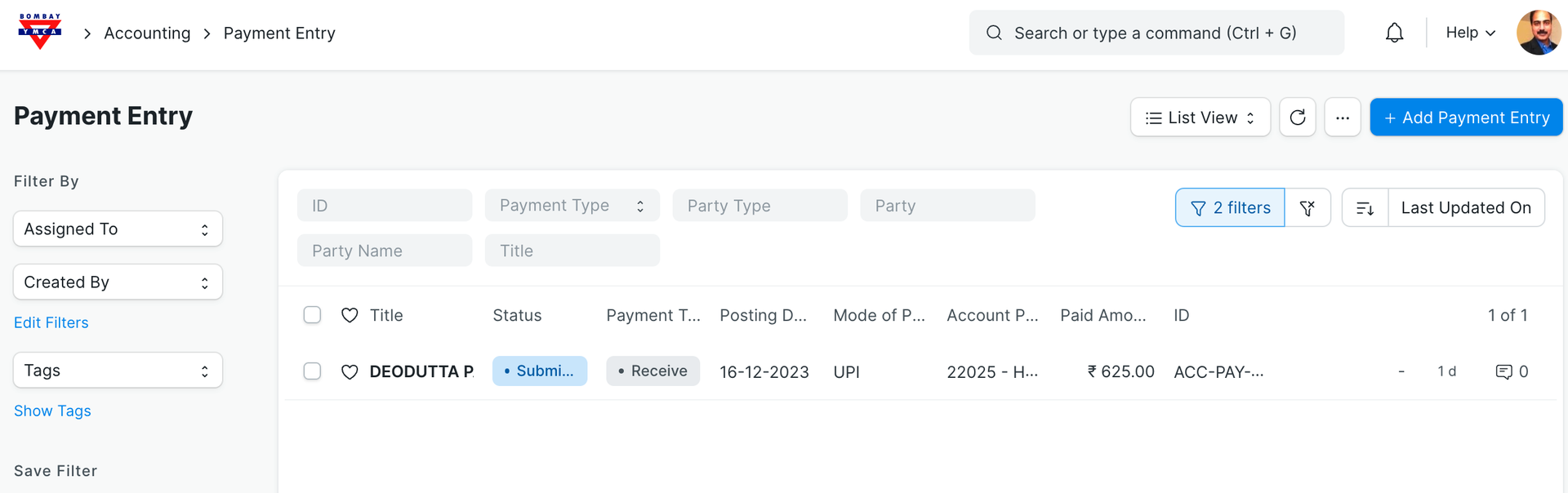
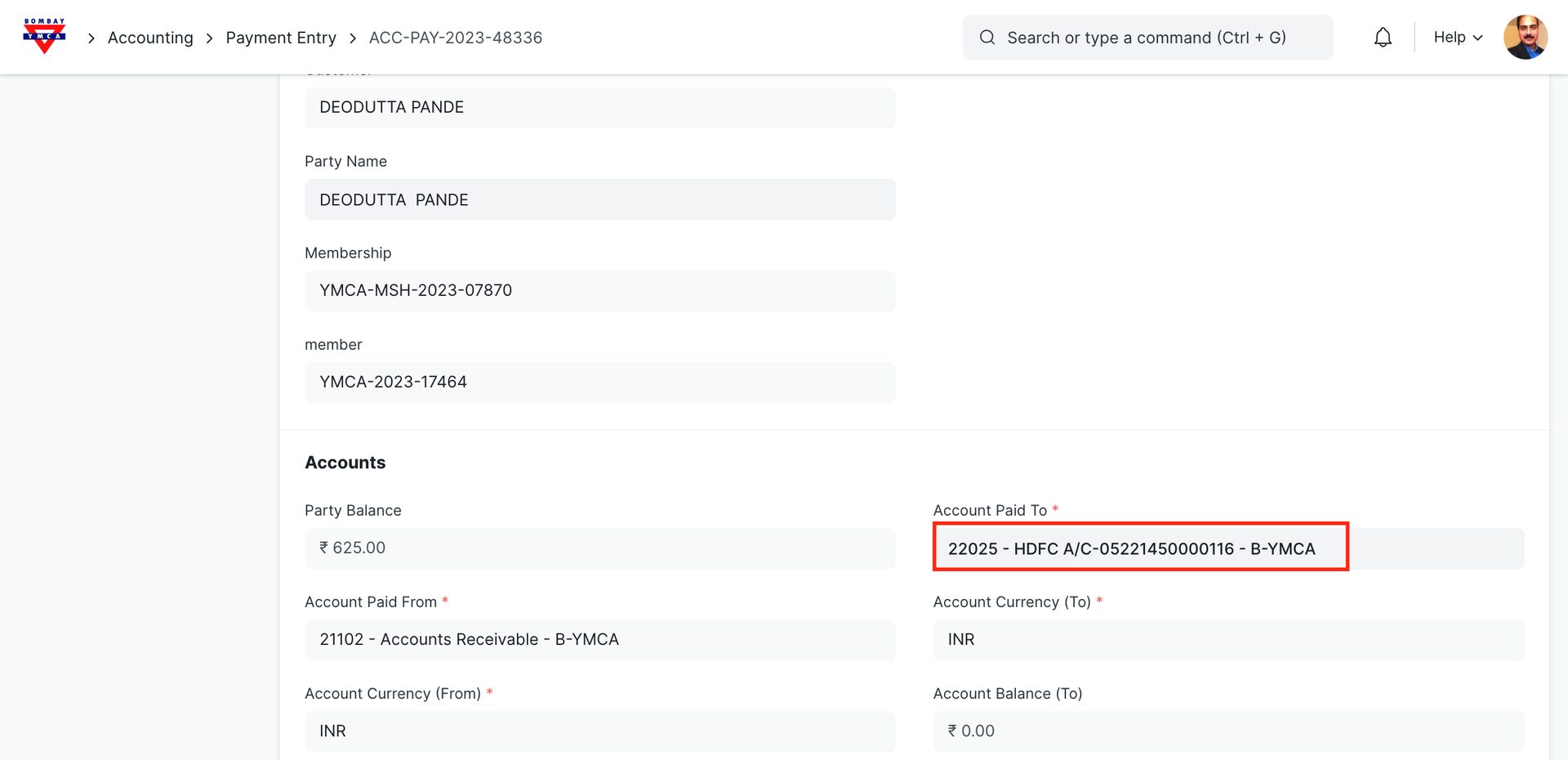
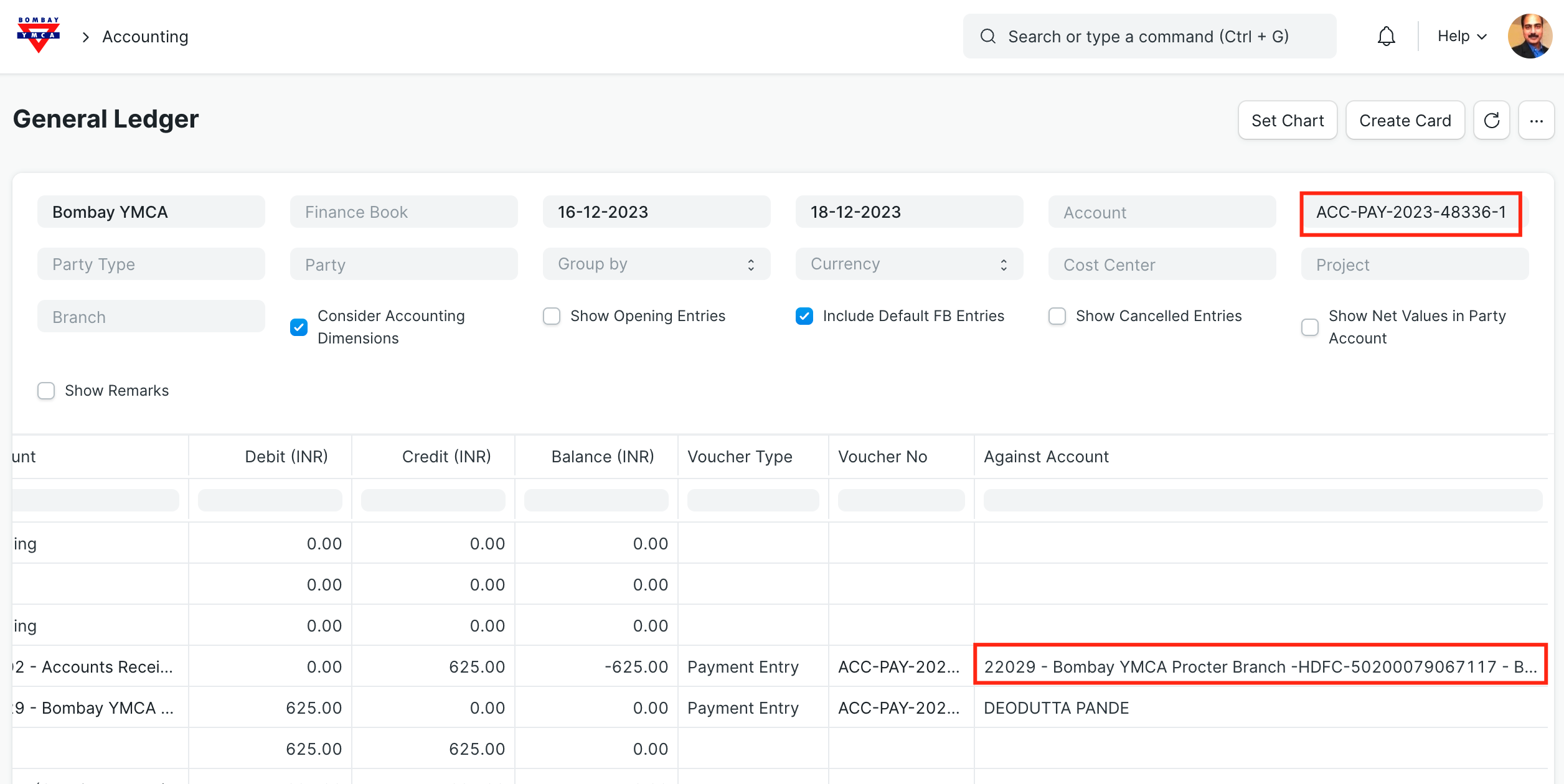
Check the current Ledger entry
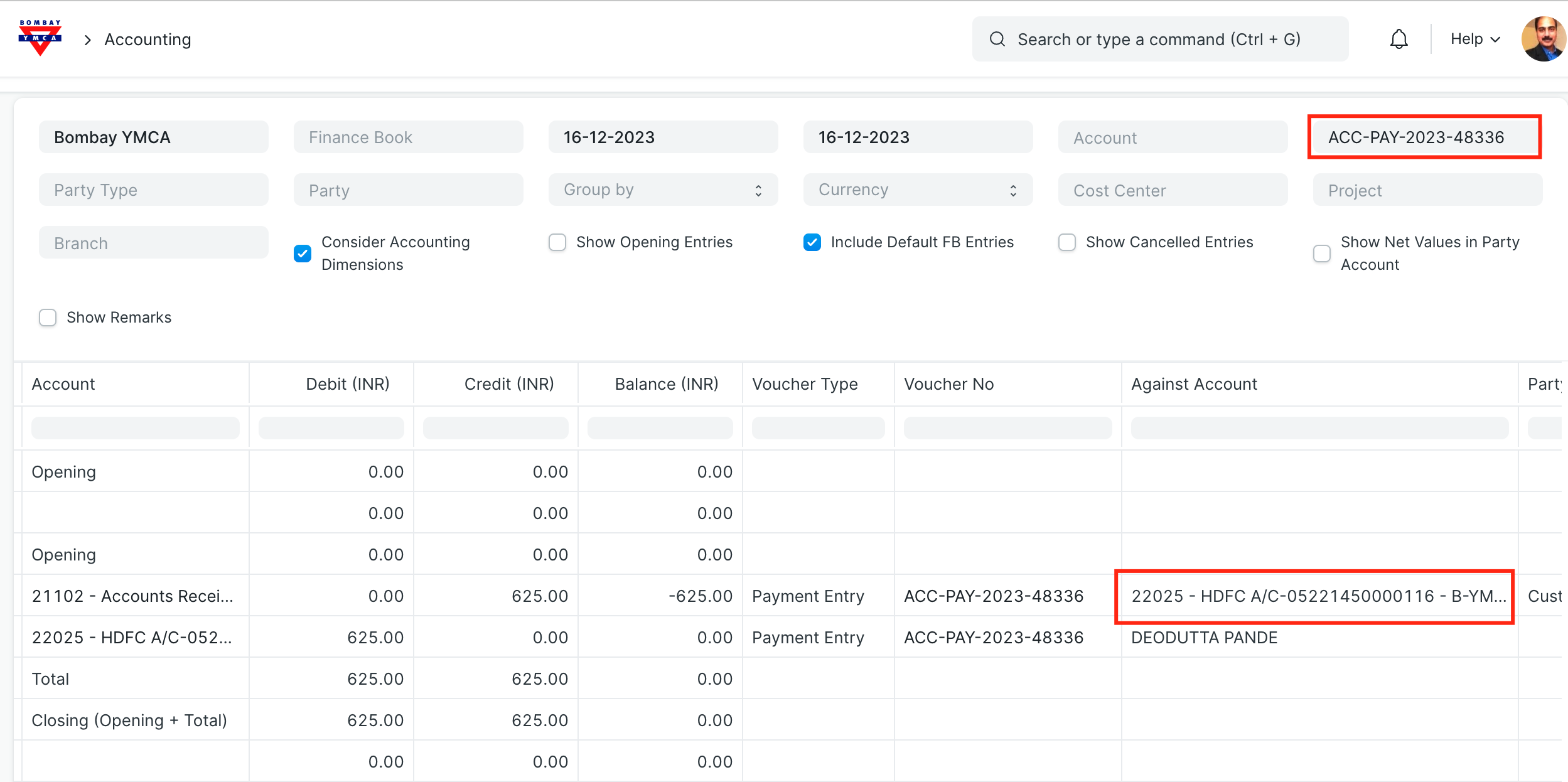
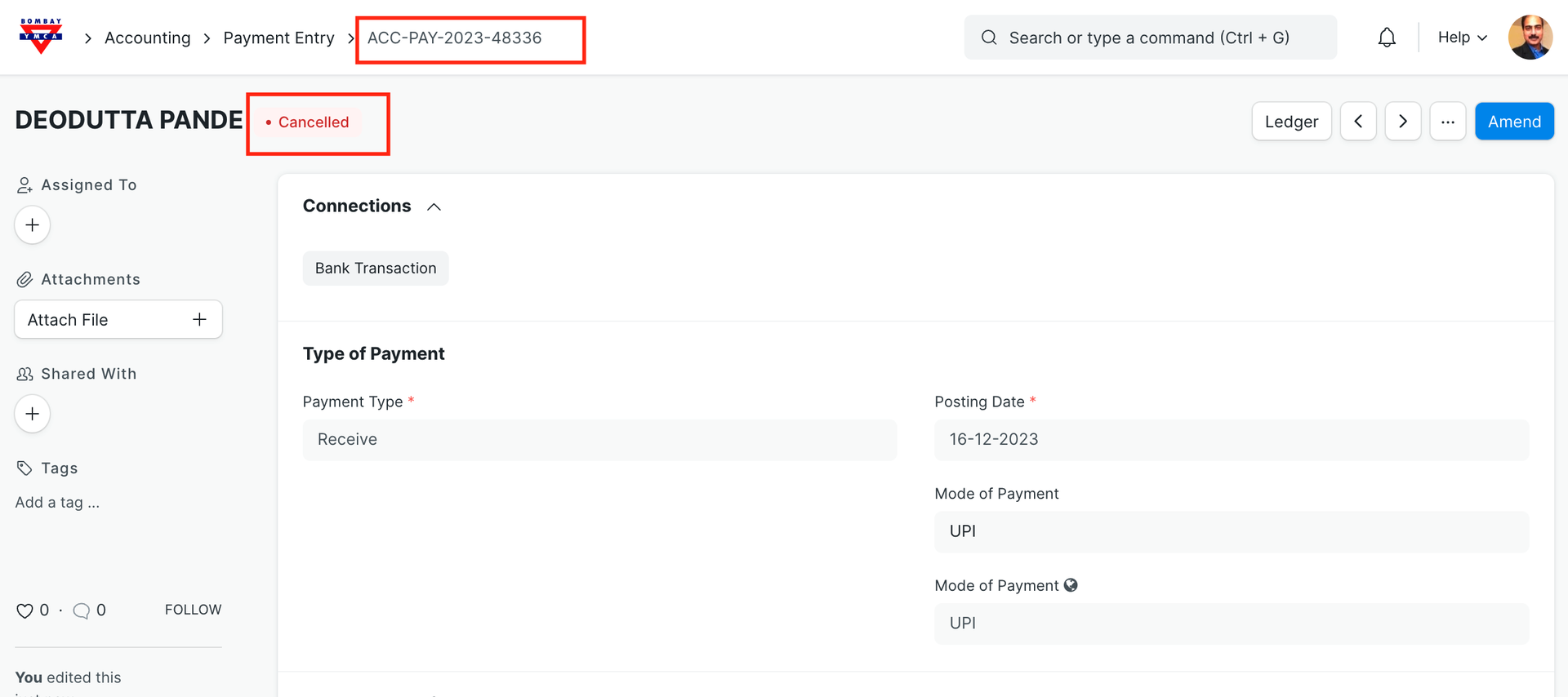
To change this bank entry, we need to cancel first "Payment Entry"
Amend payment entry - Change Bank
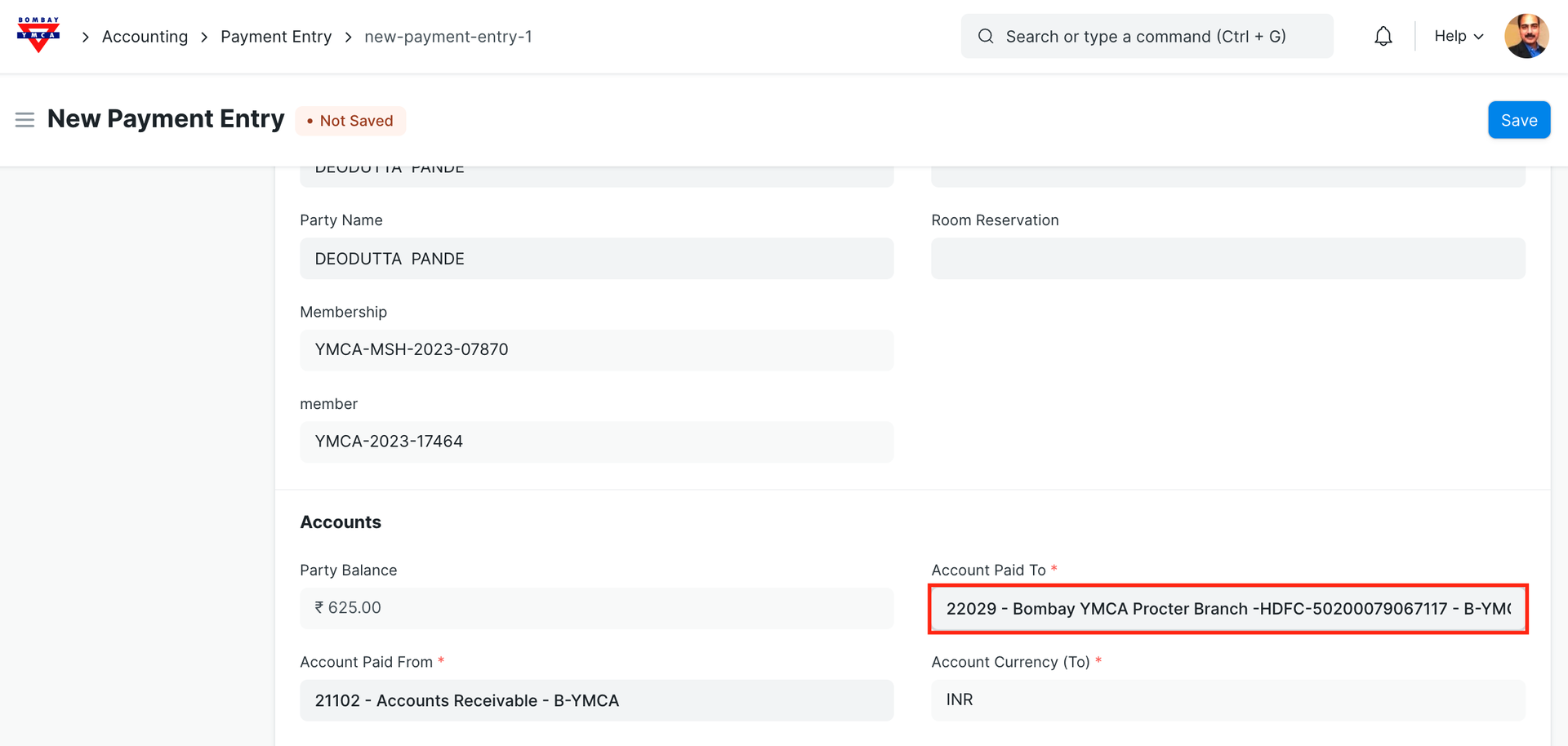
Save and Submit.
Update Bank in Receipt
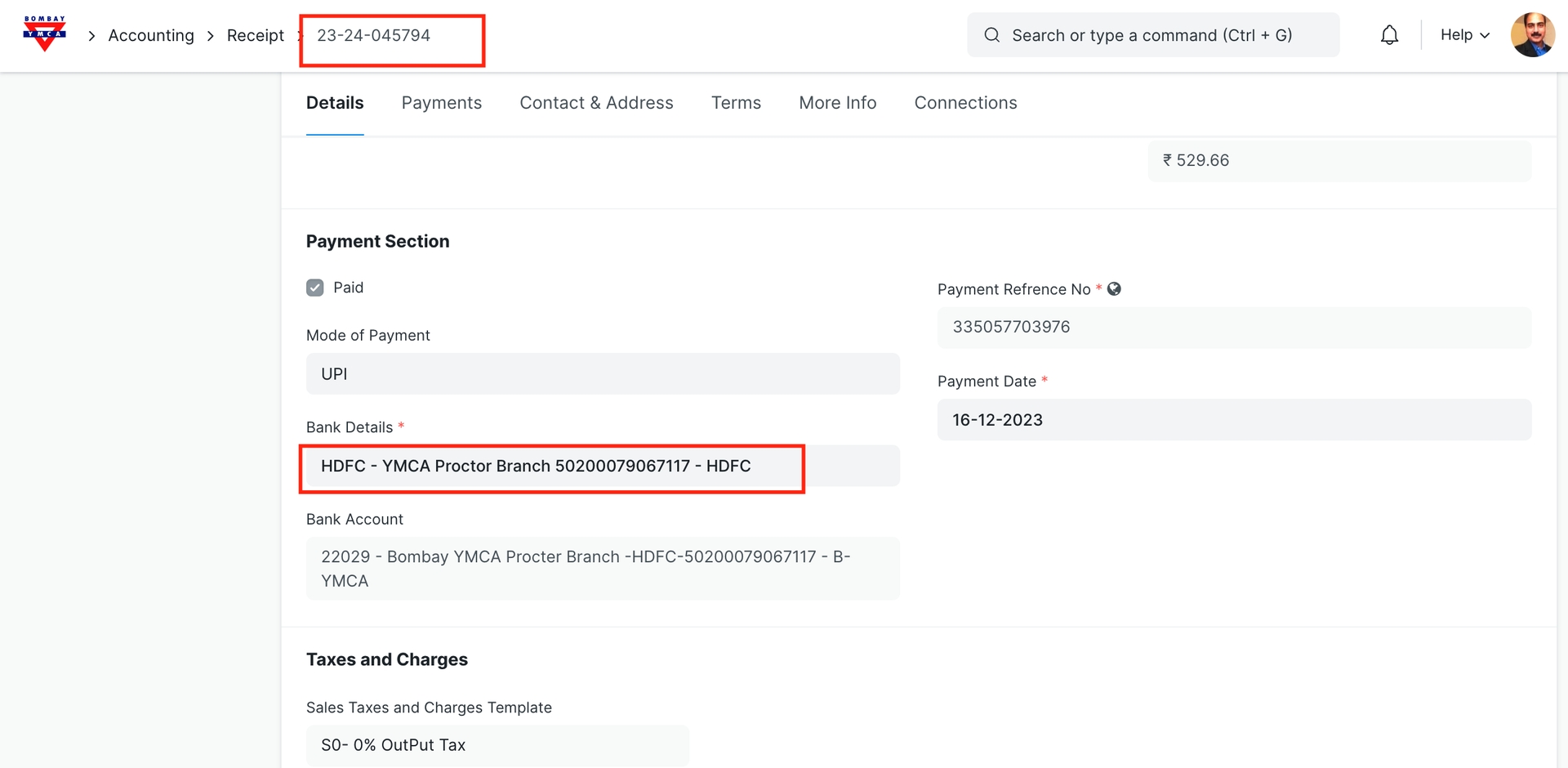
Check the Bank Ledger entry
Corrected Bank name updated in Ledger and Receipt.
*** End of Document ***
Was this article helpful?
More articles on Accounting