Bombay YMCA - GST complince Report "Advance received and adjusted reporting"
By Abhijeet Sutar on November 2, 2023
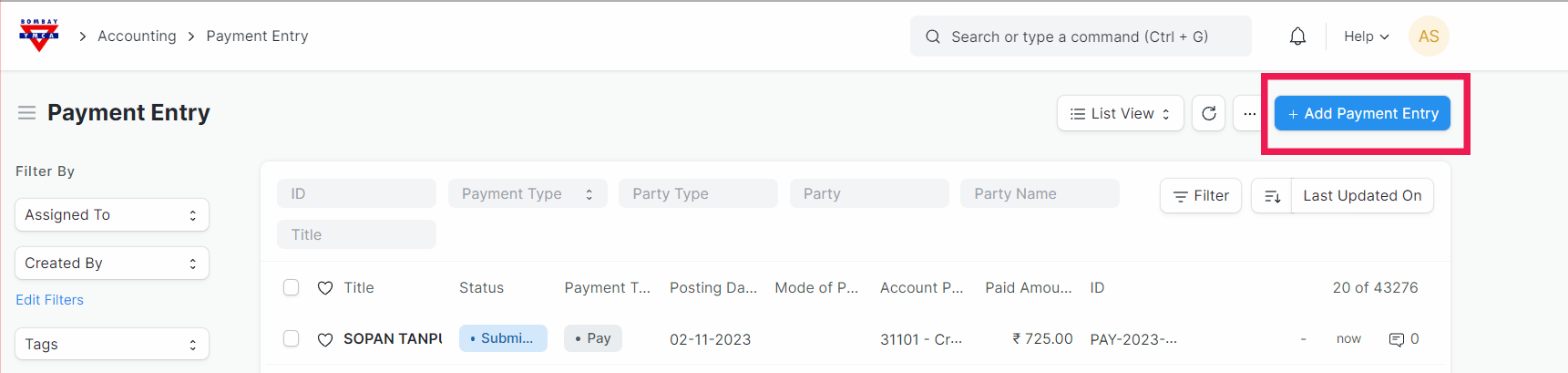
IntermediateGo to payment entry and create new payment entry.
Select the fields from bellow options for advance payment entry as bellow..
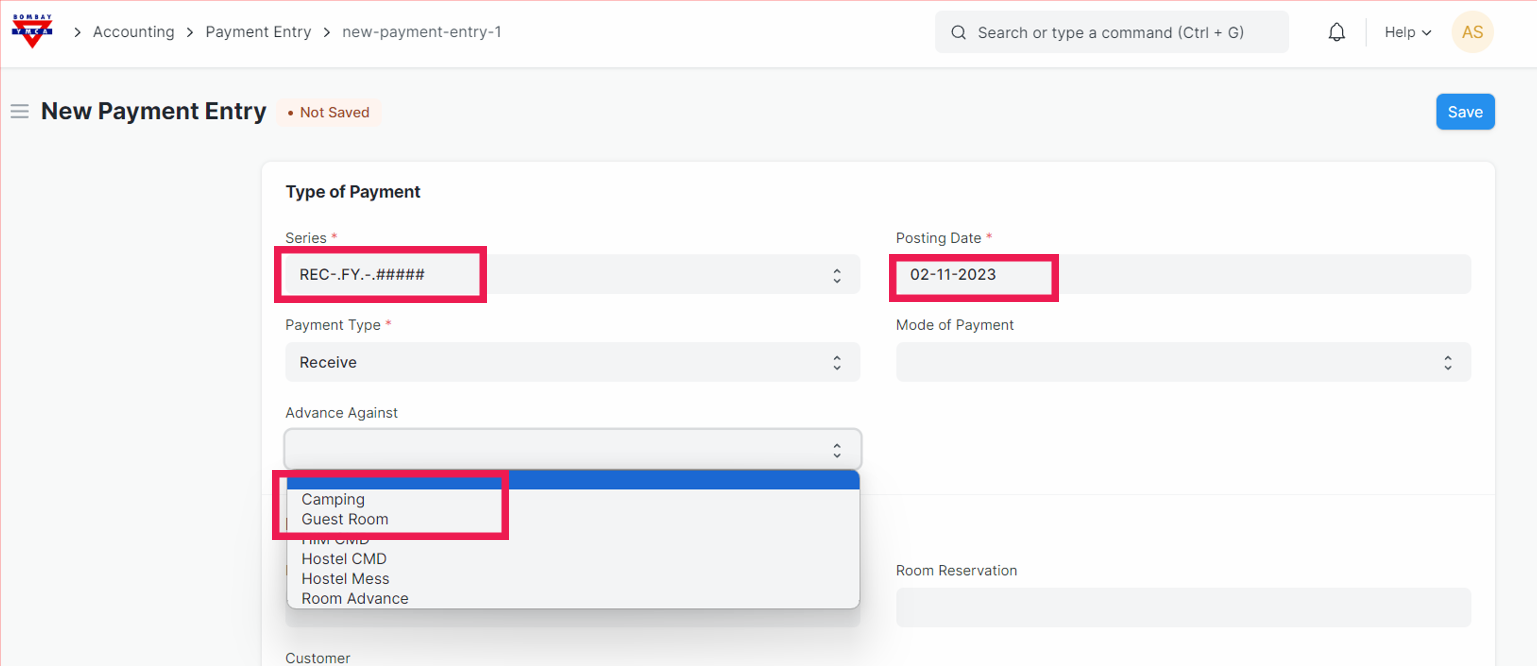
After this step, fill all the required fields and save and submit the payment entry.
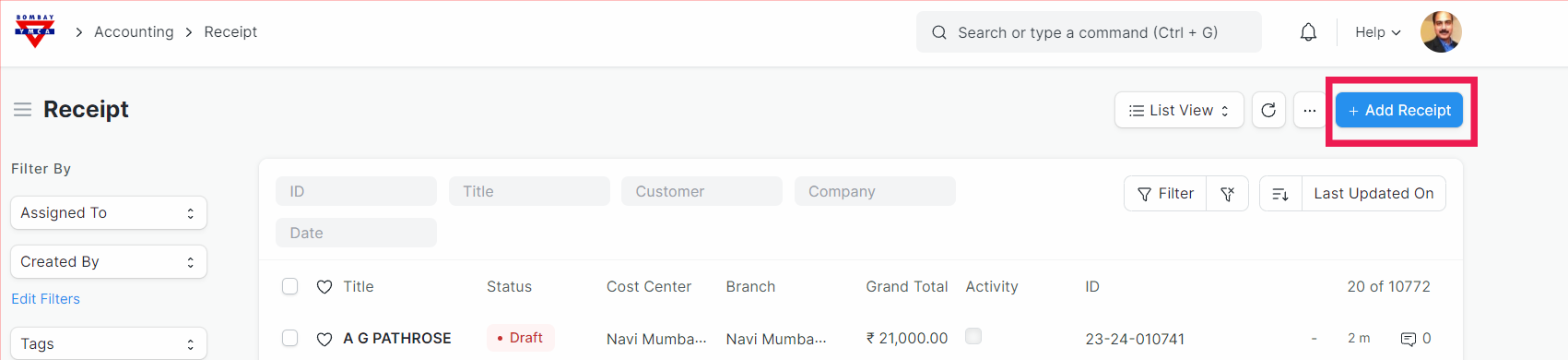
Next, go the Receipt, create a new receipt for same member or customer.
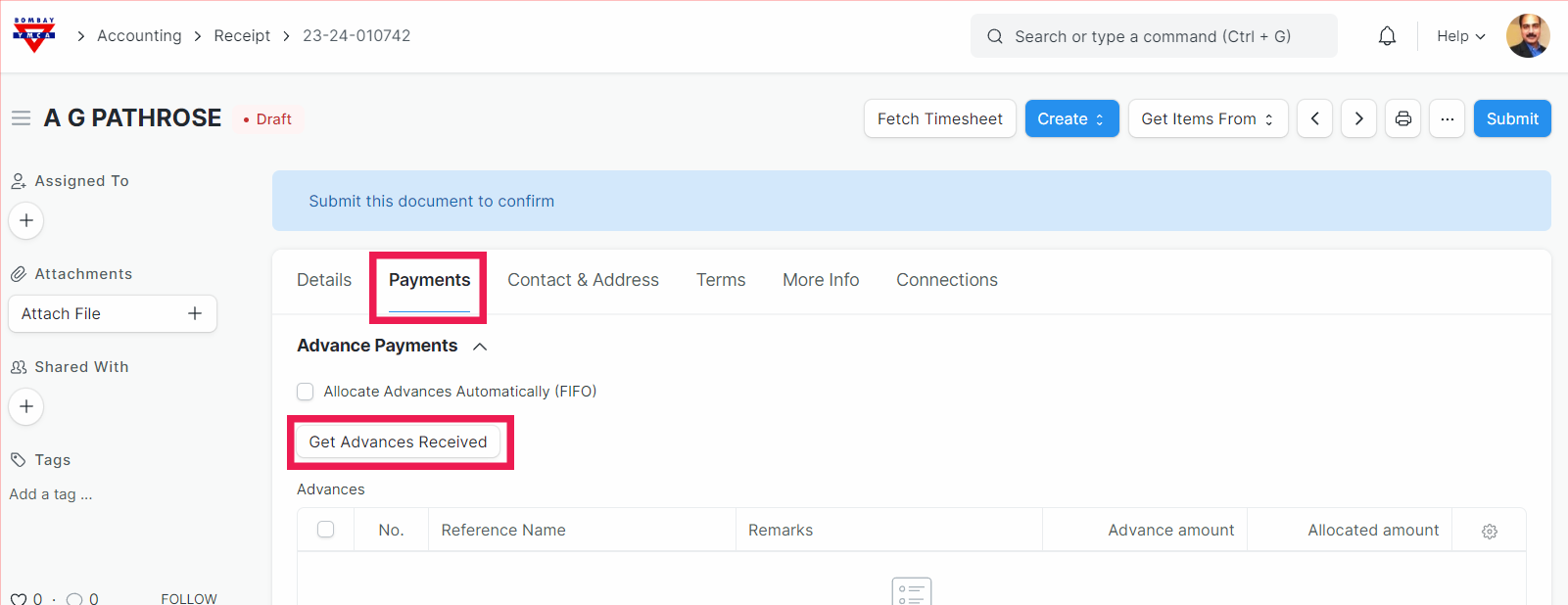
After creating a receipt go to "Payments" tab and click on the "Get Advances Received".
Now select all the other payment entries and delete them. Keep only one which we have just created..
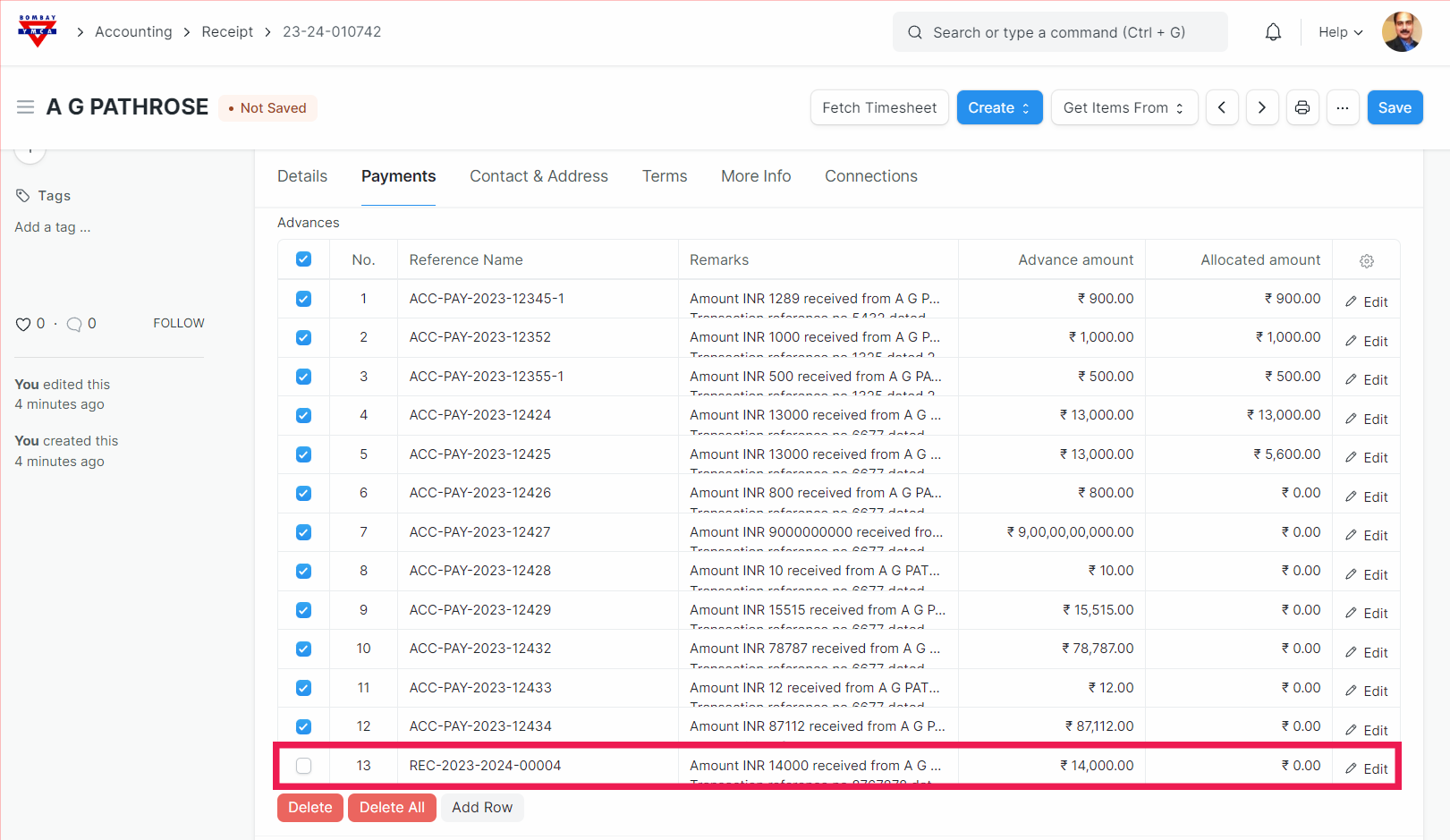
After above step your screen should look like this..
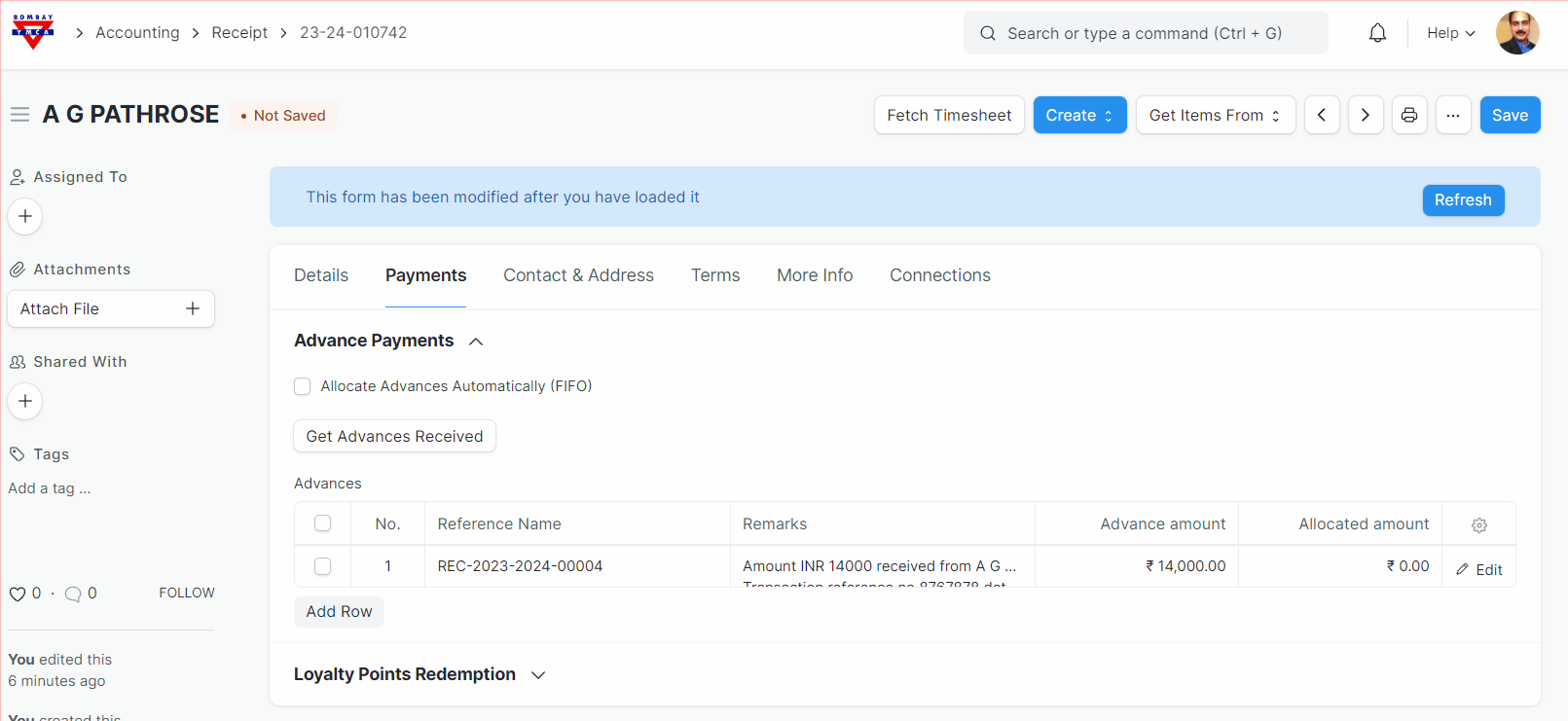
After above step, save and submit the receipt.
Now, click on the "bombay YMCA" logo in the top left corner and go to home.
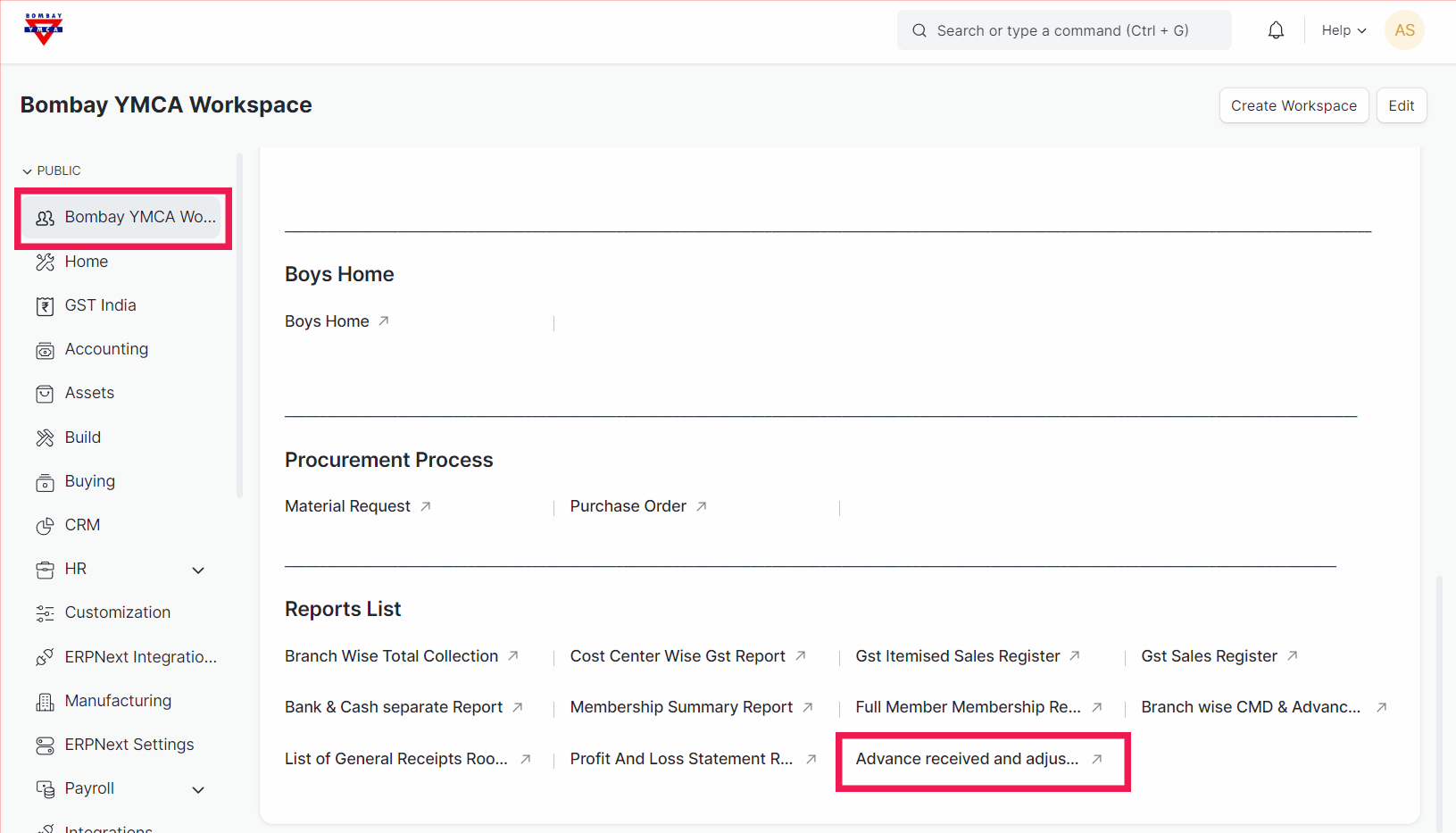
Now click on the "Bombay YMCA Worksapce" and scroll down. You will se a sectin calld "Report List". s
Select "Advance received and adjusted reporting" report.
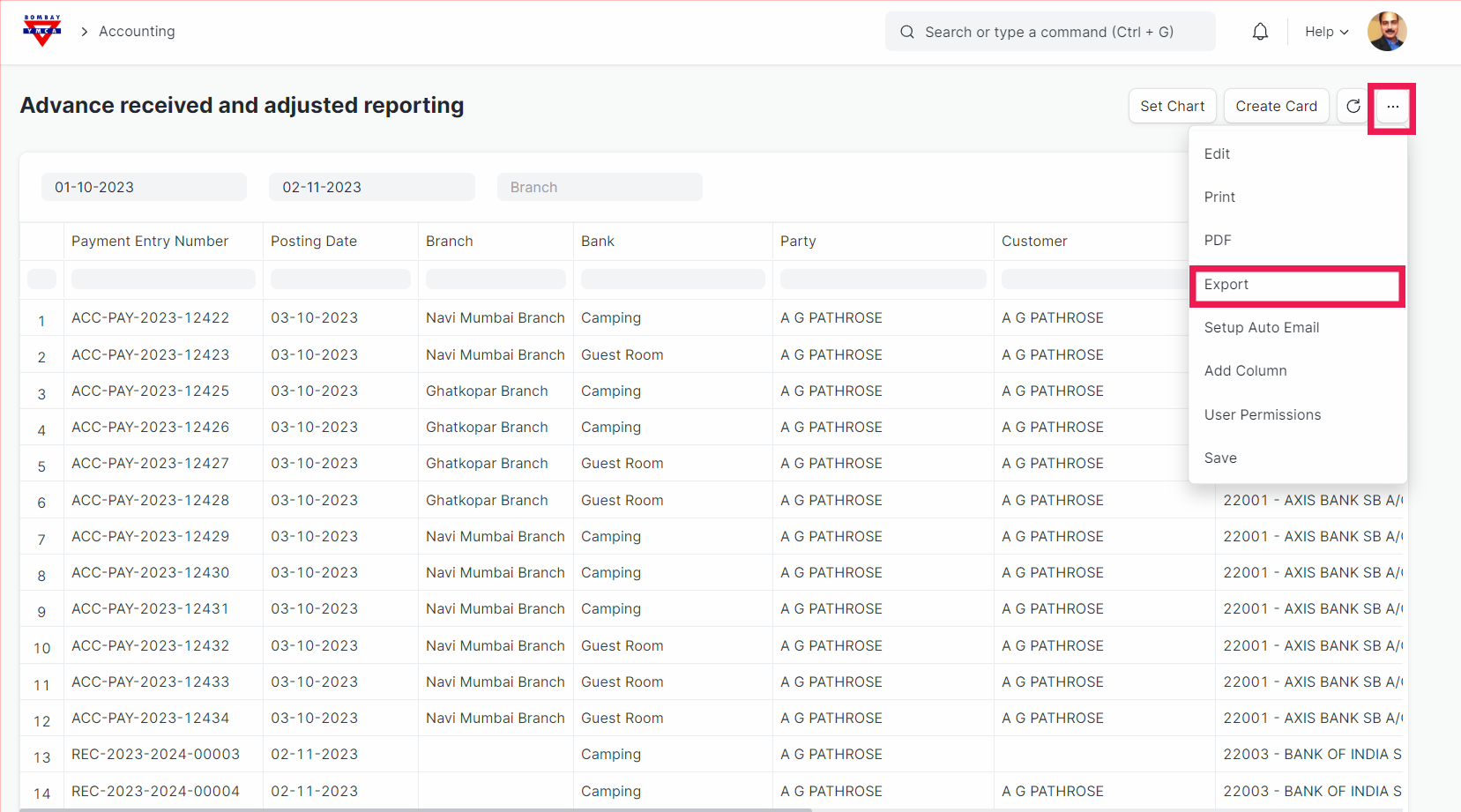
After this you will see a report page and then select a date range and get a report regarding "Advance Payments".
Now you can download in Excel as shown in bellow
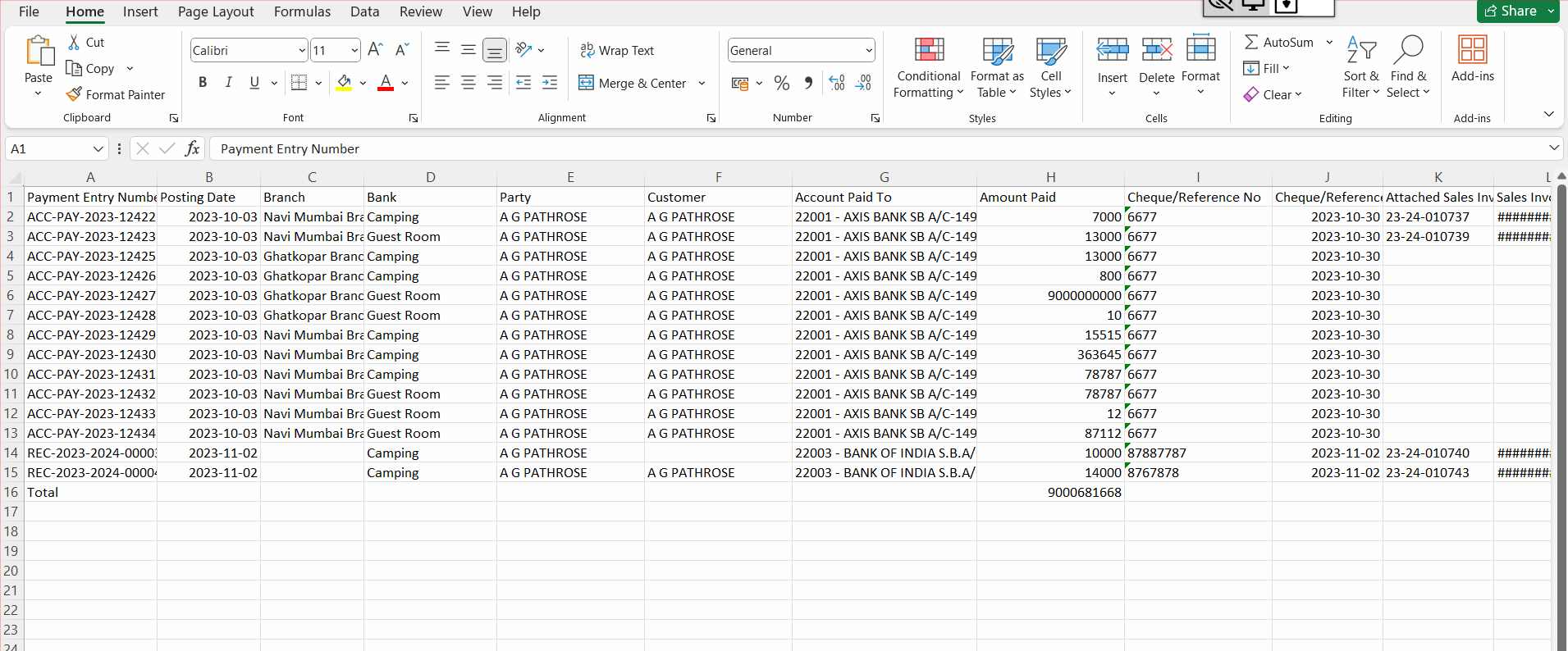
*** End of the Document***
More articles on Accounting